

Remove Unwanted Objects In Seconds
Erase photobombers, power lines, blemishes, text, and any distractions from your photos with AI.
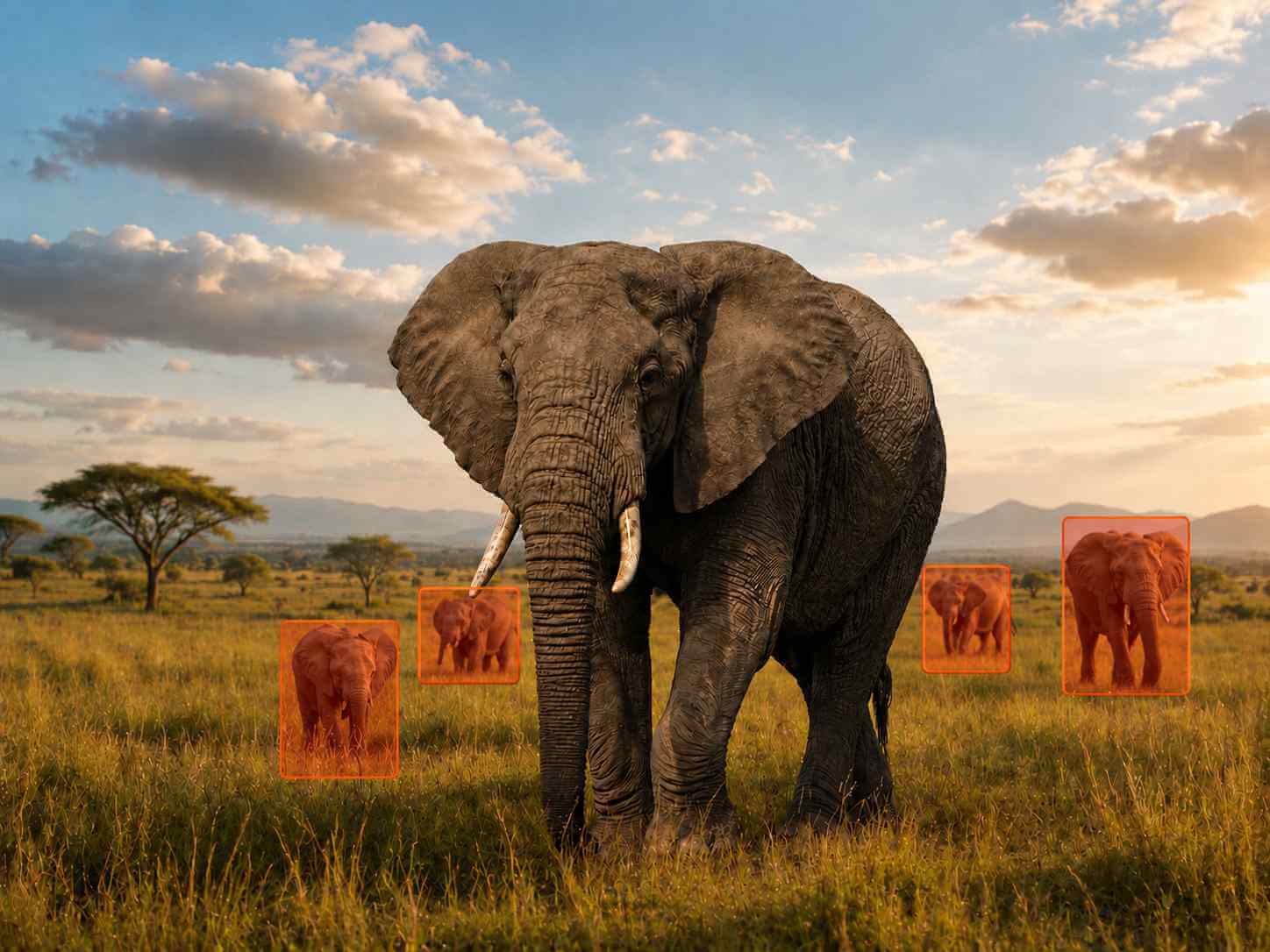
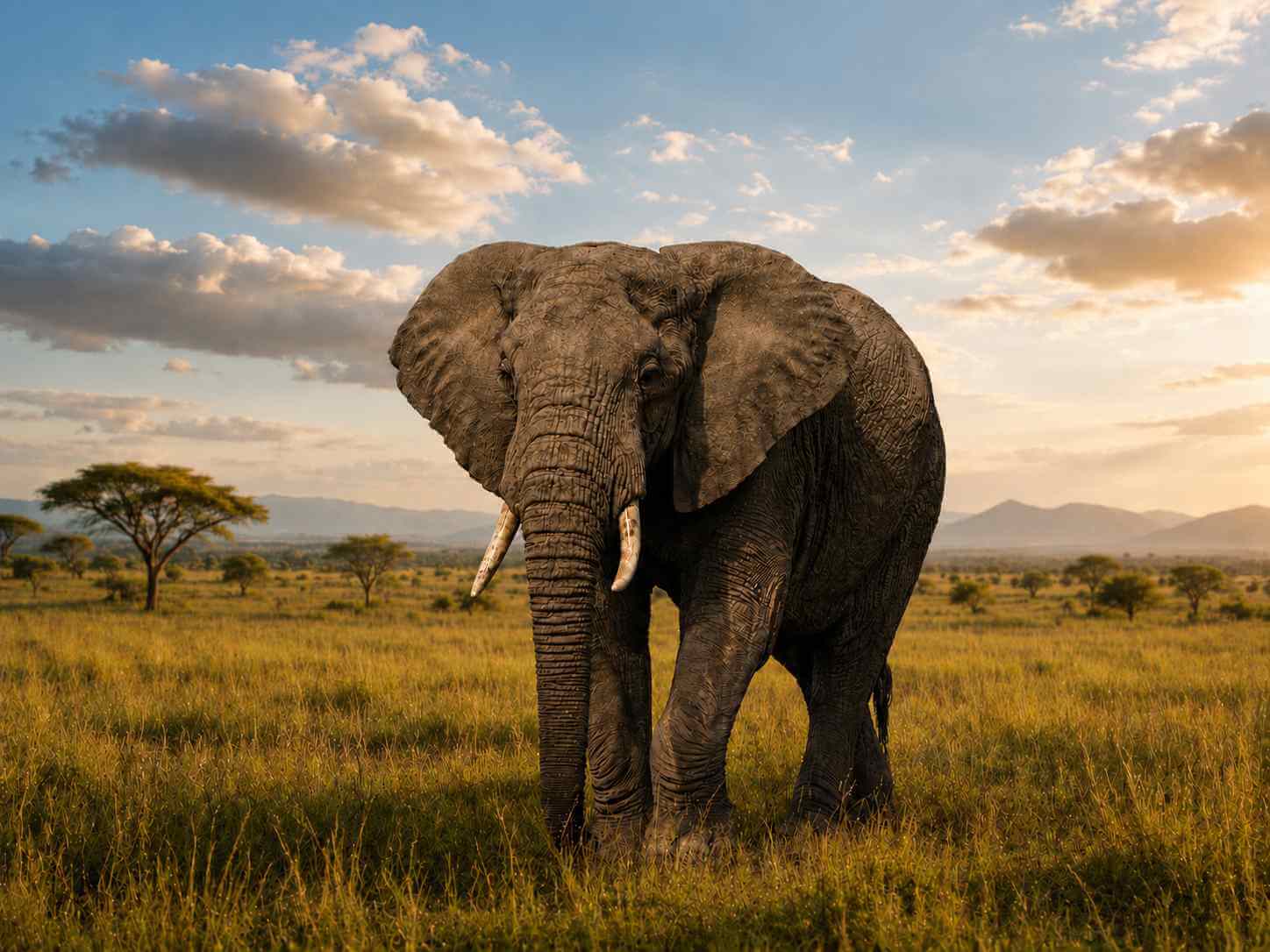
Drop your image here
or click to browse • Ctrl + V to paste
Or try with sample:
Mark only the area to remove
Blend texture and lighting
Edit photos you own or can modify
Upload, brush, preview, export
How It Works
Remove unwanted objects in 4 simple steps. No experience needed.
Upload Your Photo
Drag and drop or click to upload any photo from your device. Supports JPG, PNG, and HEIC formats.
Mark Objects to Remove
Simply brush over the unwanted objects, people, or text you want to erase. Our AI detects the area automatically.
AI Magic Happens
Our advanced AI analyzes the surrounding pixels and intelligently fills the removed area for seamless results.
Download & Share
Get your edited photo in high resolution. Download instantly and share on social media or use for your projects.
Clean up everyday photos
Remove people, objects, and text while keeping the photo natural.
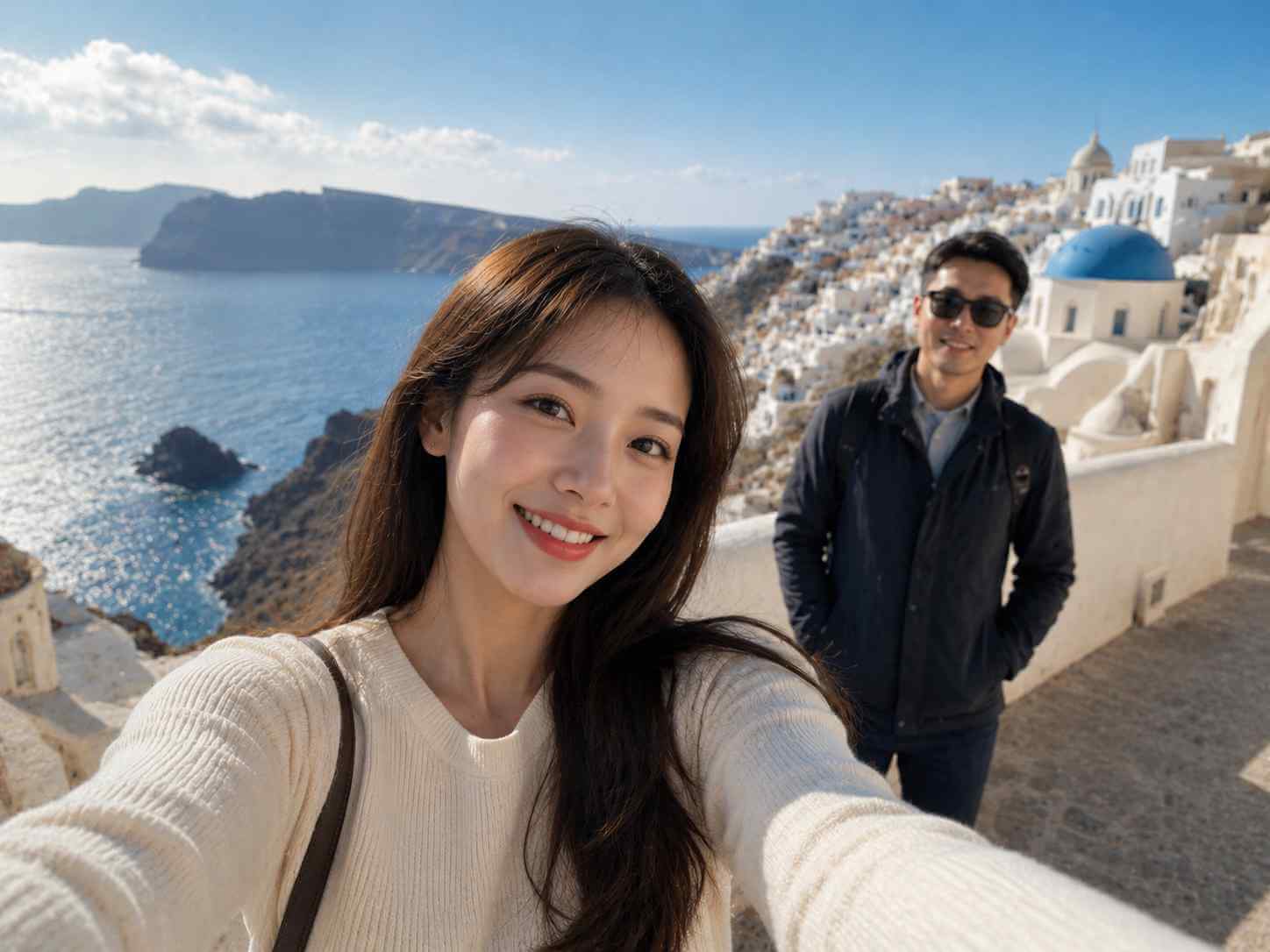
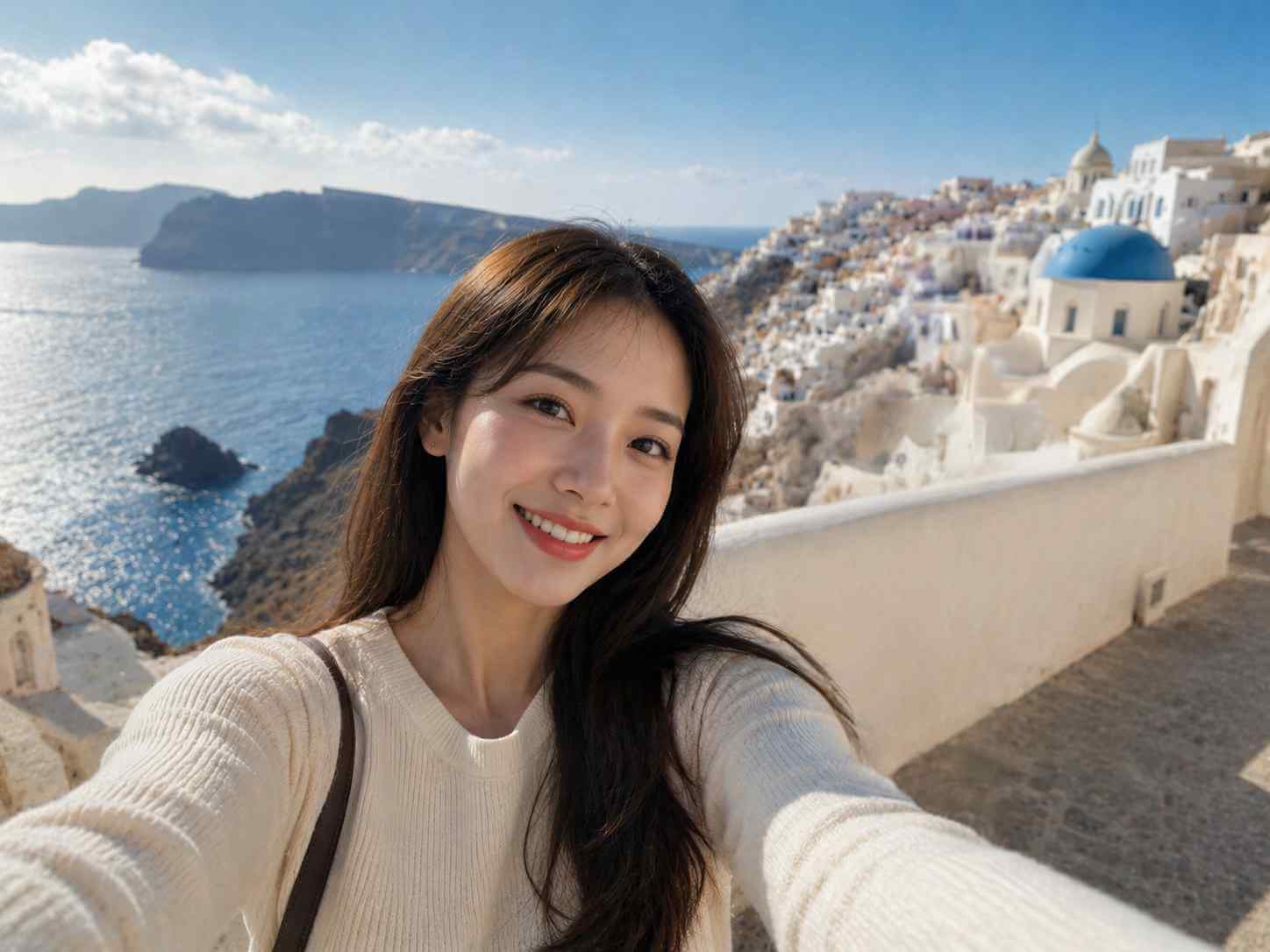
Clear out distractions
Common edits

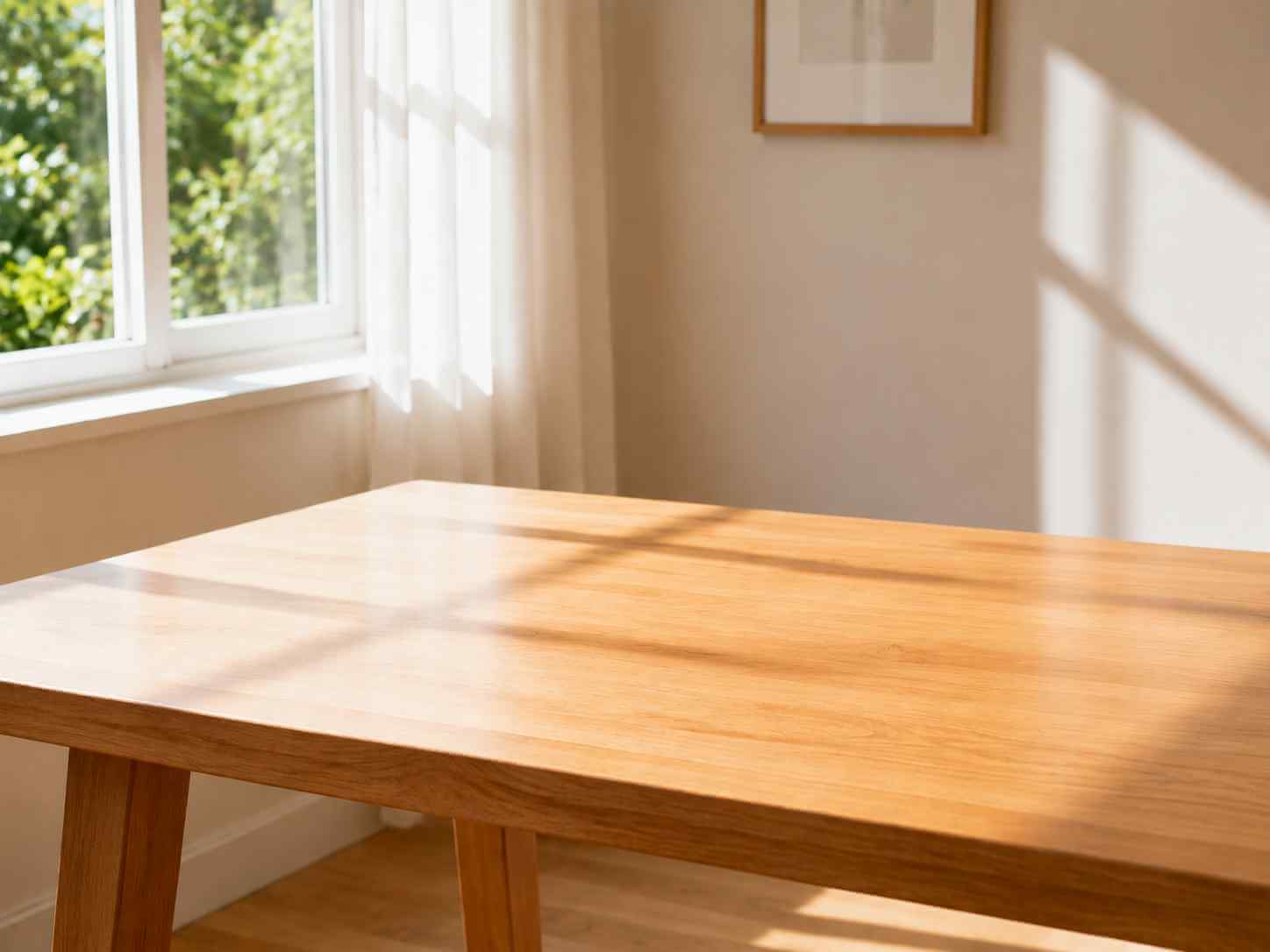
Clean up the scene
Common edits
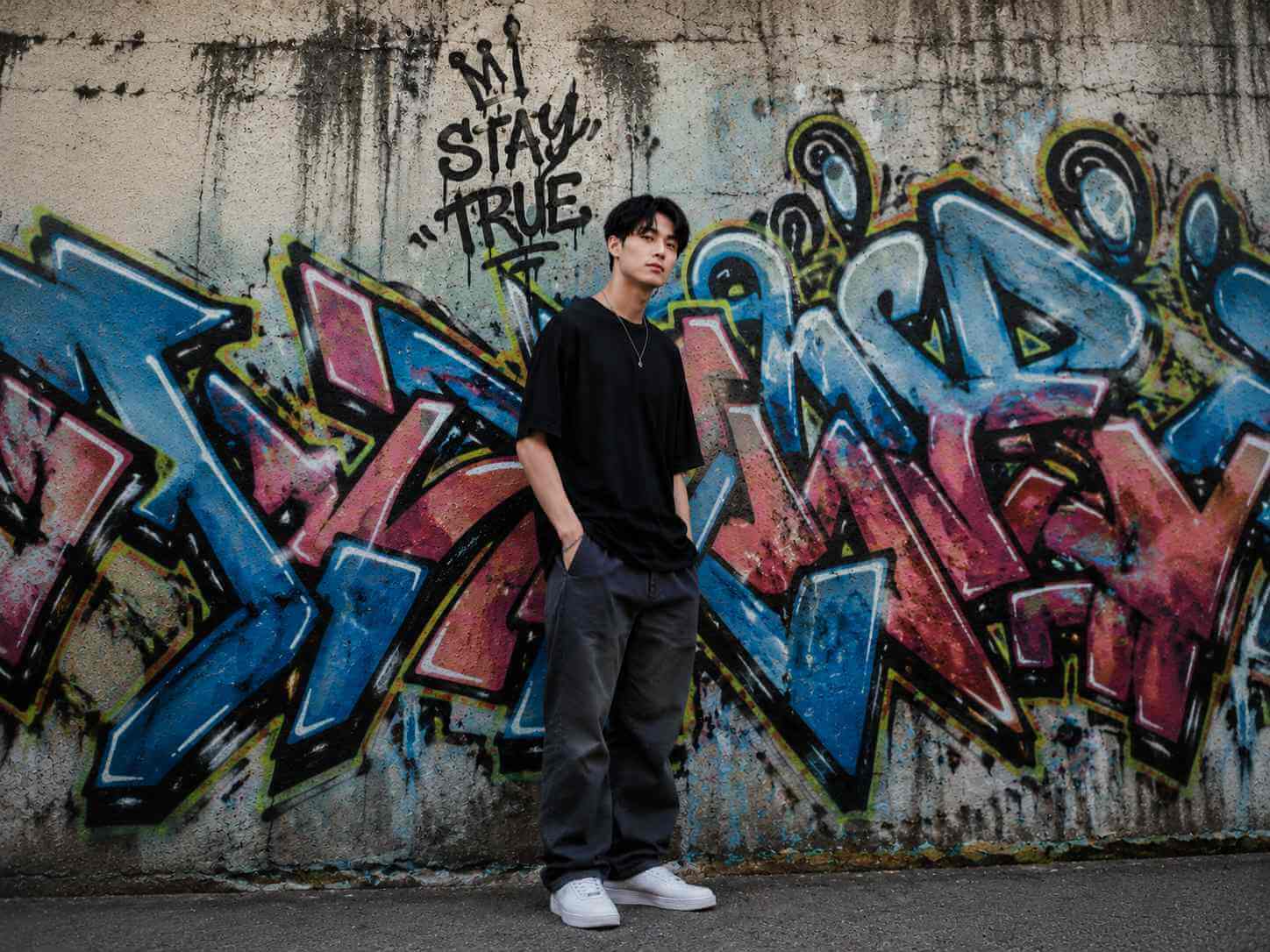
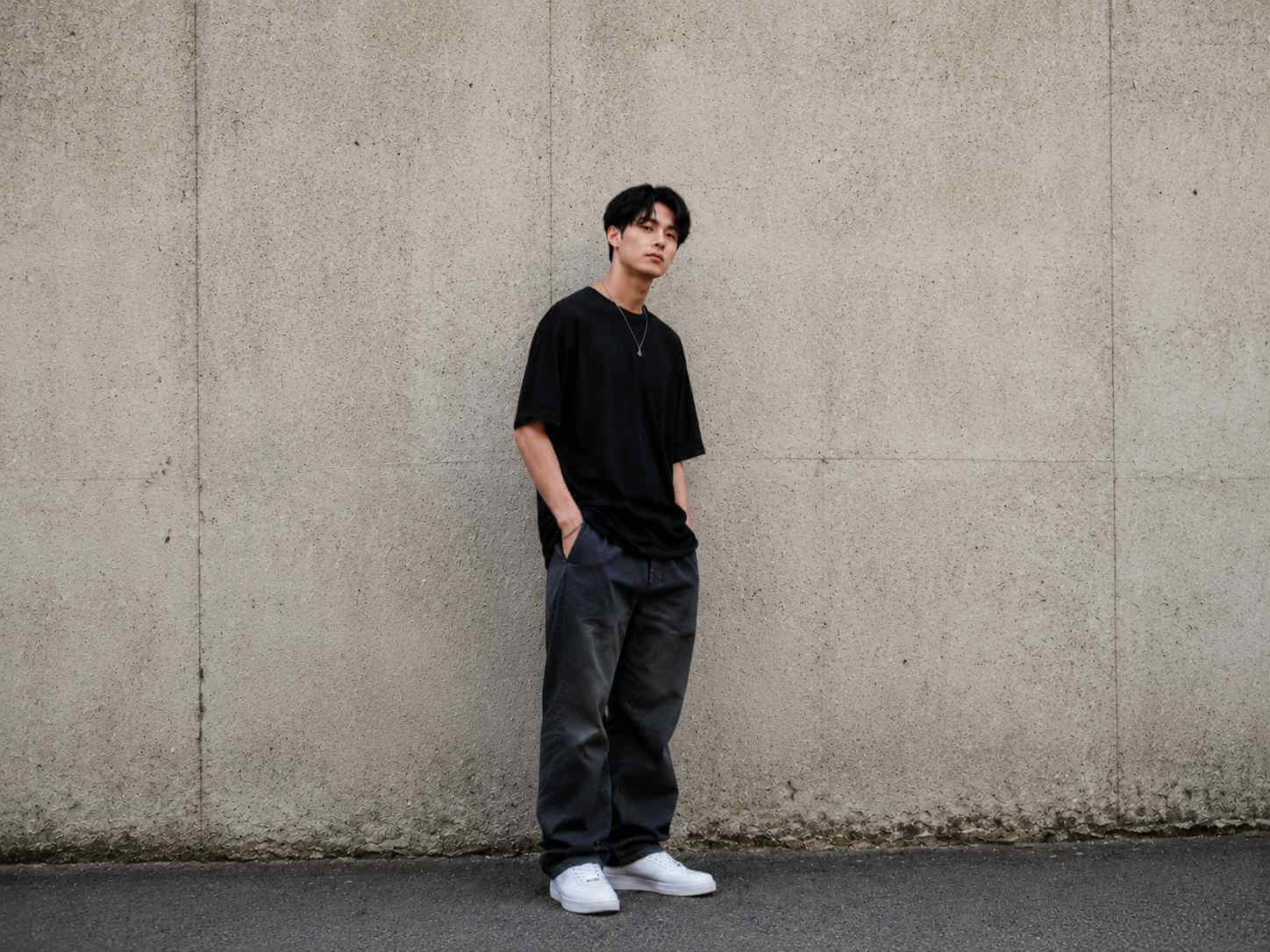
Remove visual noise
Common edits
Remove Unwanted Objects from Any Photo
Erase photobombers, power lines, blemishes, text, and any distractions from your photos with AI.


Travel & Vacation Photography
Remove tourists, strangers, and photobombers from your travel photos. Get clean landmark shots without crowds ruining your perfect memories.
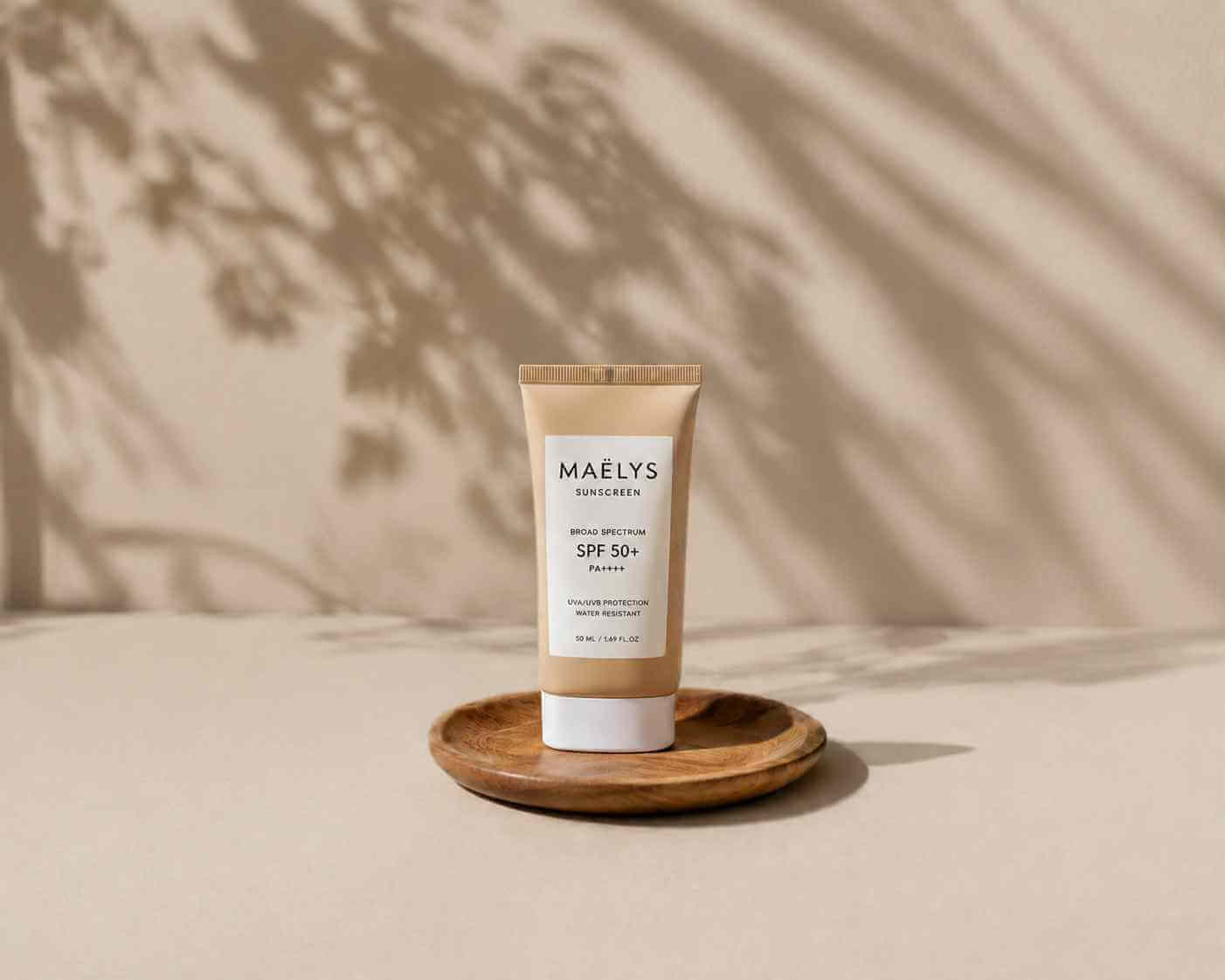

E-commerce & Product Photos
Remove unwanted reflections, scratches, dust, and background distractions from product images. Create professional catalog-ready photos instantly.


Real Estate & Property Listings
Remove unwanted furniture, power lines, trash bins, and clutter from property photos. Make homes look more spacious and appealing to buyers.
Why creators choose PixEdit
Clean up photos faster with AI object removal built for daily creative work.
Fast Object Cleanup
Brush over the distraction, preview the result, and export a cleaner image without rebuilding the photo by hand.
AI-Powered Precision
AI analyzes nearby texture, color, lighting, and context to create a natural-looking fill.
Free To Use
Start with PixEdit's online editor and use focused cleanup tools without a complex manual editing workflow.
Privacy Protected
Images are processed securely and temporarily stored only as needed for editing. Temporary files are automatically deleted after 24 hours unless you save them to your account.
Easy To Use
Simple 3-step process: Upload, brush over objects, download. No learning curve required.
Professional Results
Create polished cleanup results for everyday product, travel, real estate, and social photos without rebuilding the image by hand.
Manual editing vs. PixEdit
Skip tedious clone tools and let AI rebuild the missing pixels for you.
Powerful object removal features
Everything you need to erase distractions and keep photos natural.
Key workflow strengths
Everything you need to erase distractions and keep photos natural.
Lightning Fast
Use a focused upload, brush, preview, and export workflow for common cleanup tasks.
AI-Powered Precision
AI uses surrounding texture, color, and lighting cues to create a natural-looking fill.
Privacy First
Images are processed securely and temporary files are automatically deleted after 24 hours unless saved to your account.
Batch Processing
Remove objects from multiple photos at once to save time
High Resolution
Download your edited photos in full resolution without quality loss
Works Everywhere
Use on desktop, mobile, or tablet - no app download needed
No Signup Required
Start removing objects instantly without creating an account
Professional Quality
Create cleaner, more publish-ready images for common product, travel, real estate, and social media cleanup tasks.
Frequently Asked Questions
Everything you need to know about our AI object removal tool
How does the AI object removal work?+
Our AI uses advanced deep learning algorithms to analyze the surrounding pixels and intelligently reconstruct the area where the object was removed. It considers texture, color, lighting, and context to create seamless, natural-looking results.
What types of objects can I remove?+
You can remove common unwanted elements from images you own or have permission to edit: people, text overlays, power lines, blemishes, tourists, furniture, vehicles, and background clutter. The AI works best with objects that have distinct boundaries and surrounding context.
Is there a limit to photo size or resolution?+
You can upload high-resolution photos. If the width or height is over 1920 pixels, PixEdit automatically resizes a copy before processing. Your original file is not changed.
Do I need to create an account?+
No! You can start removing objects from your photos immediately without signing up. However, creating a free account gives you access to batch processing, save history, and other premium features.
What happens to my photos after processing?+
We take your privacy seriously. Your photos are processed securely on our servers and automatically deleted within 24 hours. We never use your photos for training or any other purpose without explicit permission.
Can I remove multiple objects from one photo?+
Yes! You can mark and remove multiple objects in a single session. Simply brush over each object you want to remove, and our AI will process them all together for the best results.
What file formats are supported?+
We support common image formats including JPG, PNG, HEIC, WebP, and BMP. You can download your edited photos in JPG or PNG format.
How accurate is the object removal?+
Object removal quality depends on image quality, object complexity, surrounding texture, and lighting. Simple objects with enough surrounding context usually produce the most natural results, and you can refine the brushed area for better output.
Is the object removal tool really free?+
PixEdit provides online object cleanup tools with export options for common creative workflows. Any account limits or paid features should be checked in the current product UI before you start a larger batch.
Can I use it for commercial projects?+
Absolutely! All photos edited with PixEdit can be used for commercial purposes. You retain full rights to your images. Our service simply provides the editing tools.
Still have questions?
Contact our support teamReady to Clean Up Your Photos?
Upload a photo, brush over distractions, and create a cleaner image with PixEdit AI.