
Cleanup
Background Remover
Cut out subjects instantly
Remove backgrounds, clean up objects, enhance, upscale, and fill images with focused AI tools for ecommerce, social posts, ads, and websites.
What is PixEdit?
PixEdit helps creators, ecommerce sellers, and marketing teams remove backgrounds, erase unwanted objects, enhance photo quality, upscale images, and prepare clean visuals for product pages, social media posts, ads, and websites.
Test PixEdit with a real upload flow and preview how quickly AI transforms your image.
Drop your image here
or click to browse • Ctrl + V to paste
Or try with sample:




AI photo tools
Start with a focused PixEdit tool, then keep refining the same image for product photos, social assets, ads, websites, and creative workflows.
Create transparent PNG cutouts, profile images, and clean product visuals from a single upload.
Remove image backgroundsBrush over clutter, people, signs, dust, or scene distractions and export a cleaner photo.
Remove unwanted objectsIncrease resolution for product pages, ads, thumbnails, presentations, and print-friendly assets.
Upscale images with AIImprove lighting, color, detail, and clarity while keeping portraits and products natural.
Enhance photo qualityExtend images, create new backgrounds, and explore campaign variations from one source photo.
Generate AI fillsMask an item, write a prompt, and generate a new object that fits the original scene.
Replace objects with AIPowerful AI tools for faster, cleaner, pro-quality photo edits.
Cut out subjects instantly
Erase distractions in one brush
Clear unwanted text overlays
Improve details and sharpness
Balanced exposure correction
Increase resolution cleanly
Smooth grain while preserving detail
Natural skin smoothing
Swap areas with AI generated content
Expand and fill missing regions
Edit many images at once
From e-commerce to social media, PixEdit helps professionals create stunning visuals faster
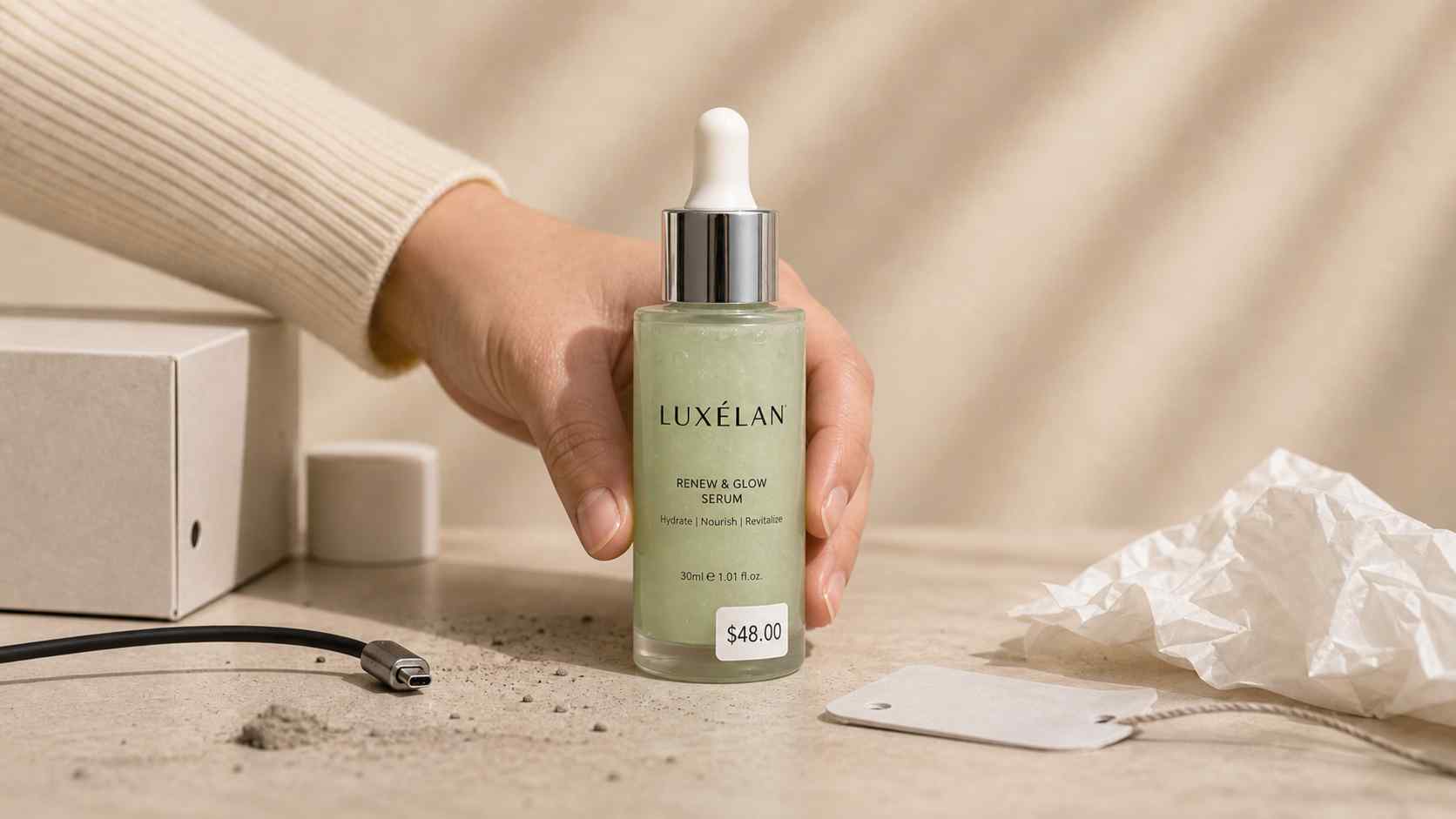
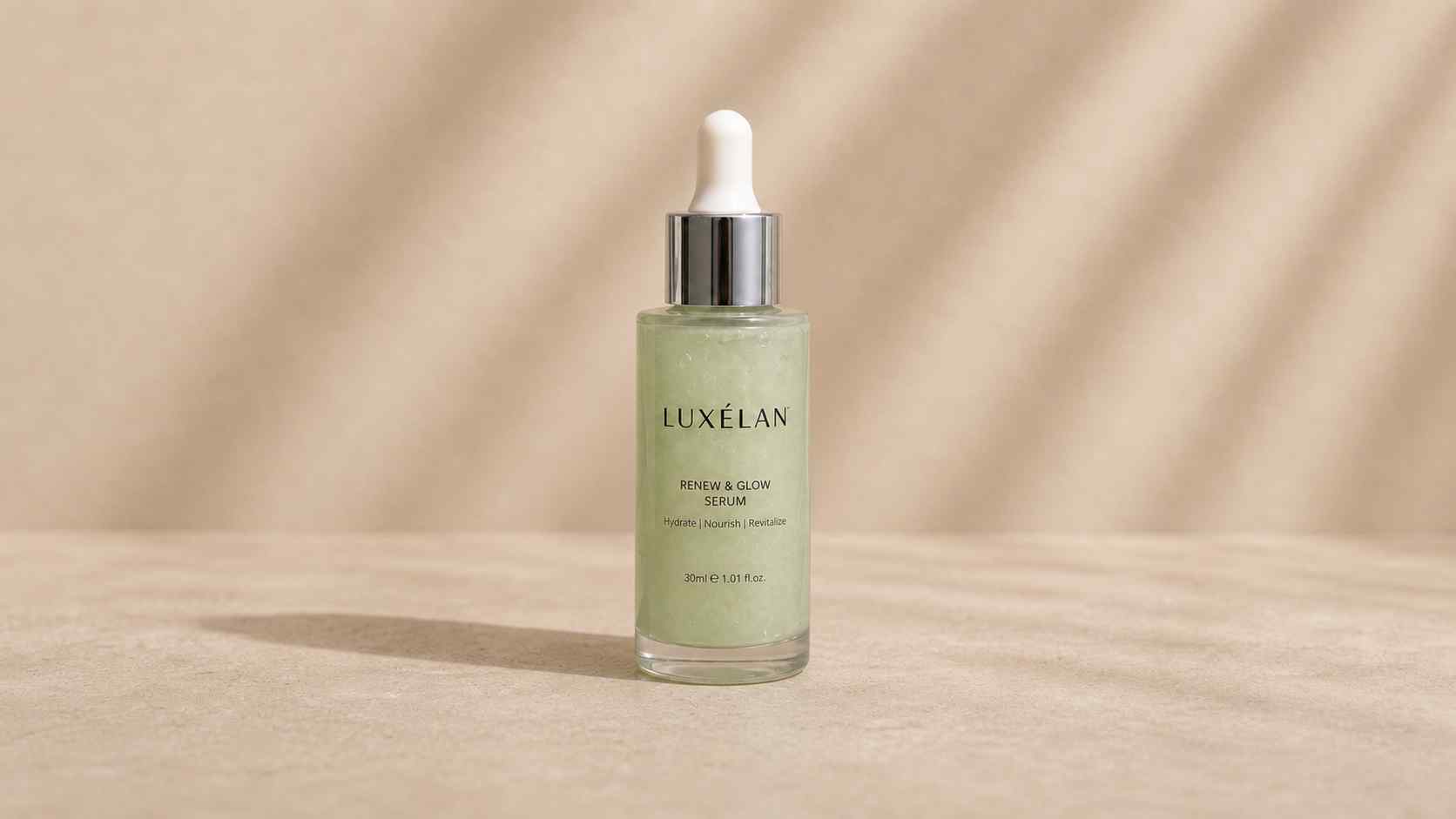
Watch how PixEdit handles background removal, object cleanup, and AI enhancement with fast, natural-looking output.

Our AI instantly detects and removes backgrounds from any image. Perfect for product photos, portraits, and social media content.

Remove photobombers, power lines, blemishes, or any distractions from your photos with a single click.

Automatically improve colors, lighting, contrast, and sharpness. Make every photo look professionally edited.
PixEdit helps creators and teams handle common photo editing tasks faster: cutouts, cleanup, enhancement, upscaling, AI fill, and product photo preparation.
Background removal
Object and text overlay removal
Lighting, color, and detail polish
Sharper assets for larger placements
Use PixEdit for repeatable image cleanup, enhancement, and publishing tasks across common creative and business workflows.
Remove a busy background, add a white or transparent output, enhance detail, and export a clean product image for stores or ads.
Explore workflowClean distractions, improve lighting, upscale a small asset, and prepare a sharper crop for posts, thumbnails, and campaign visuals.
Explore workflowRemove clutter, improve brightness, clean small distractions, and export listing-ready room or exterior photos.
Explore workflowUse object cleanup and enhancement to prepare cleaner previews while keeping the final creative direction under your control.
Explore workflowCreate cutouts, replace objects, generate AI fill backgrounds, and prepare multiple campaign-ready image directions.
Explore workflowEnhance food photos, remove table distractions, and prepare polished images for menus, delivery listings, and social campaigns.
Explore workflowFind practical answers about background removal, object cleanup, product photos, file formats, privacy, and browser-based editing.
PixEdit helps you remove image backgrounds, erase unwanted objects, replace items, upscale photos, enhance blurry images, and extend pictures with AI fill in one browser-based workspace.
You can start editing photos online for free. Some high-volume, high-resolution, or advanced workflows may require credits or a paid plan before export.
Yes. Upload a photo, let PixEdit separate the subject from the background, then export a transparent PNG or place the subject on a clean new background.
Yes. Use the object remover to brush over distractions such as people, signs, logos, clutter, blemishes, or product defects, then generate a cleaner image.
Yes. PixEdit is useful for product cutouts, marketplace photos, white backgrounds, social ads, batch image cleanup, and fast ecommerce listing preparation.
No. PixEdit works in a desktop or mobile browser, so you can upload, edit, preview, and export images without installing desktop software.
PixEdit supports common upload formats such as JPG, PNG, WebP, and HEIC, with export options suited for transparent images, web graphics, and photo sharing.
Images are processed temporarily and are not meant to be stored forever. Paid account features may let you save projects, while temporary processing files are cleaned up automatically.
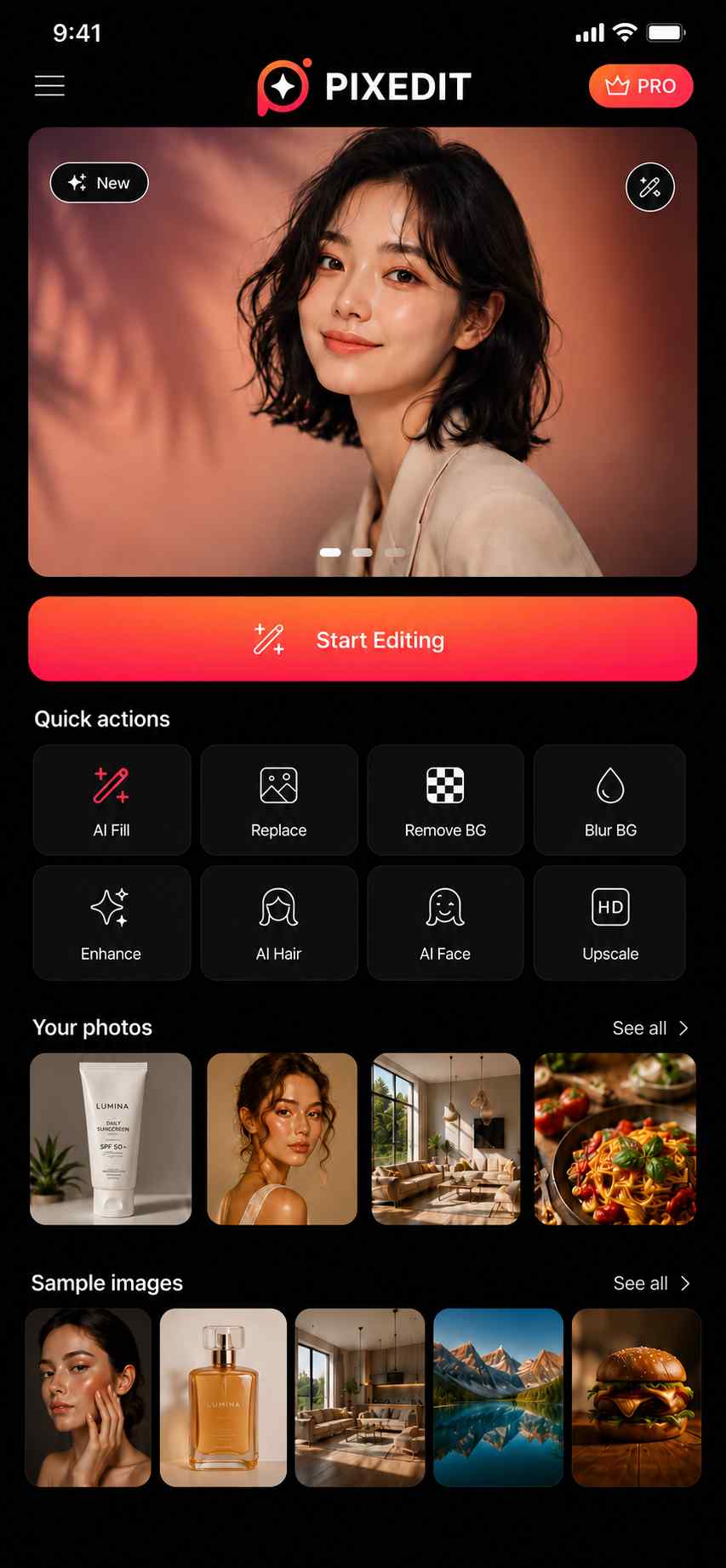
Open PixEdit in your browser to remove backgrounds, clean up objects, enhance photos, and prepare images while you are away from your desk.



Start with a focused AI tool and prepare cleaner images for ecommerce, social media, ads, websites, and creative projects.