

Upscale Images Without Losing Detail
Increase image resolution for ecommerce, print, social, and design work. PixEdit enlarges photos while rebuilding edges, texture, and clarity.
 Low Resolution
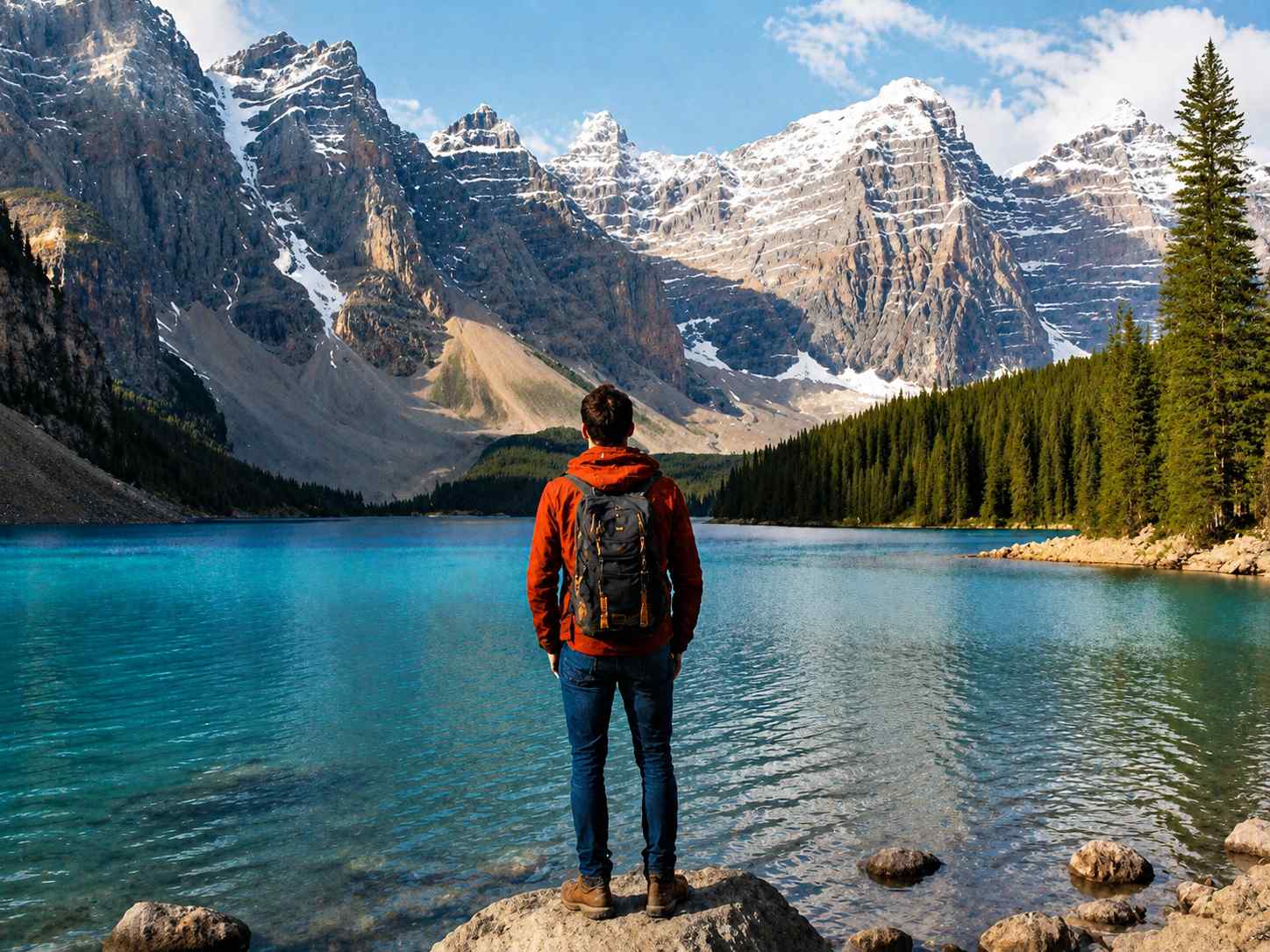 4x Upscaled
Drop your image here
or click to browse • Ctrl + V to paste
Or try with sample:
Upscale Images In Three Steps
Upload a small image, choose the output scale, and export a larger file with cleaner detail.
Upload a small image
Use a compressed product image, older photo, web download, or low-resolution creative asset.
Choose the output scale
AI increases resolution while rebuilding edges, lines, and visible texture.
Download the enlarged file
Export a cleaner image for online stores, marketing pages, print layouts, or social channels.
Upscale More Than Product Shots
Prepare small assets for ecommerce, marketing, portfolios, and personal archives.
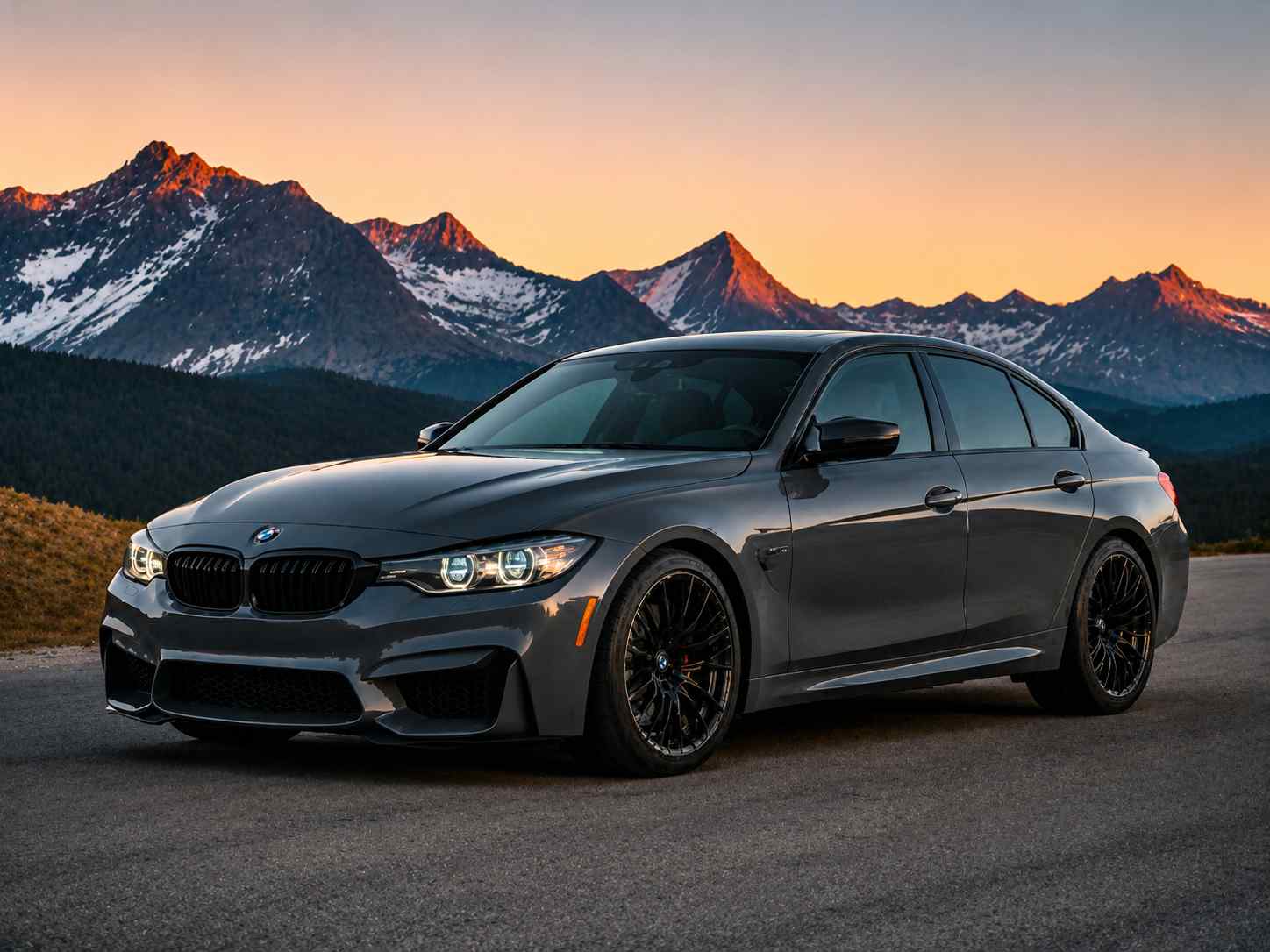
Products

Design Assets


Campaigns
Where Image Upscaling Fits
Increase image resolution for ecommerce, print, social, and design work. PixEdit enlarges photos while rebuilding edges, texture, and clarity.
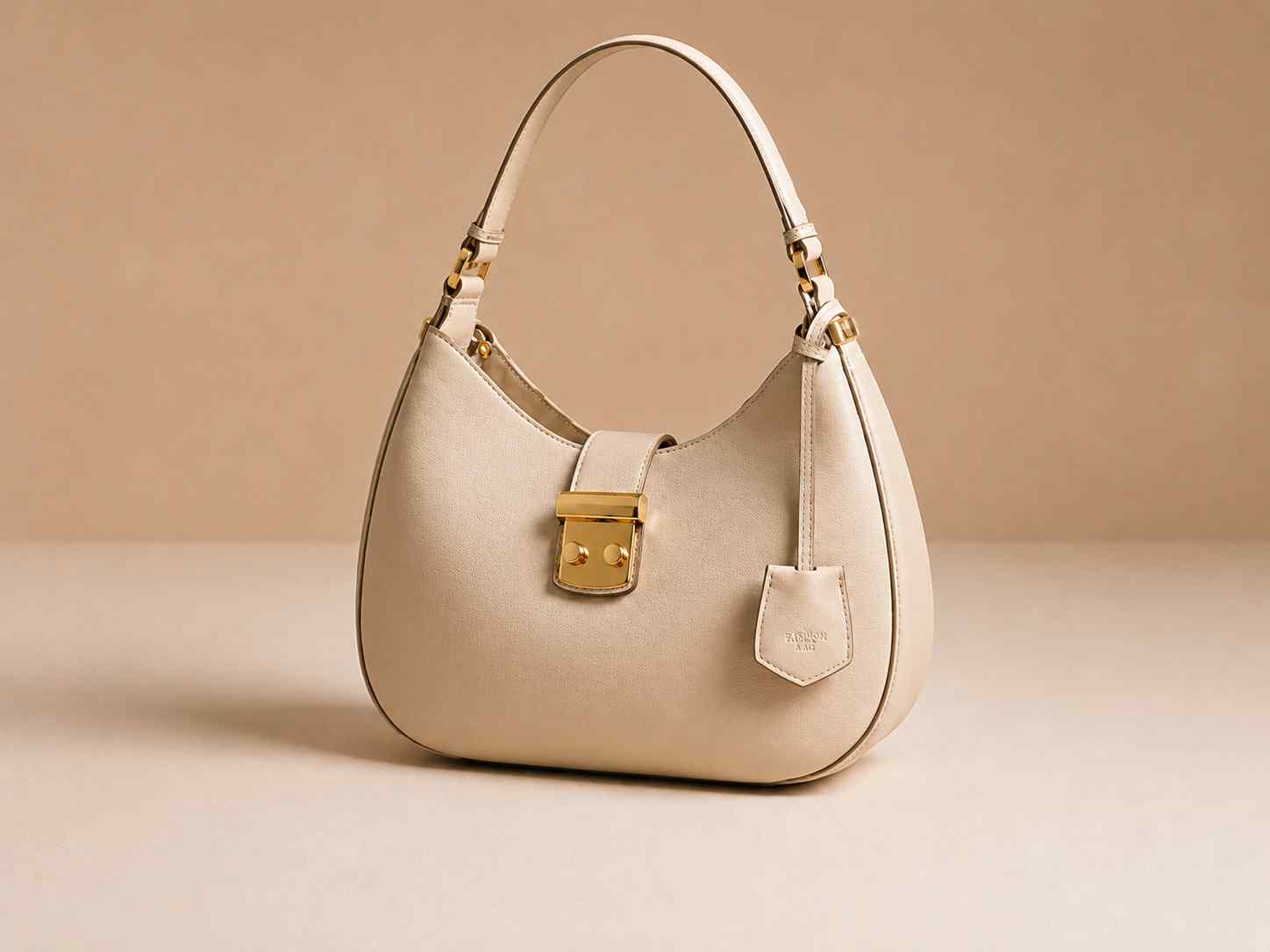
Ecommerce
Turn supplier photos and small catalog images into sharper assets for product pages.

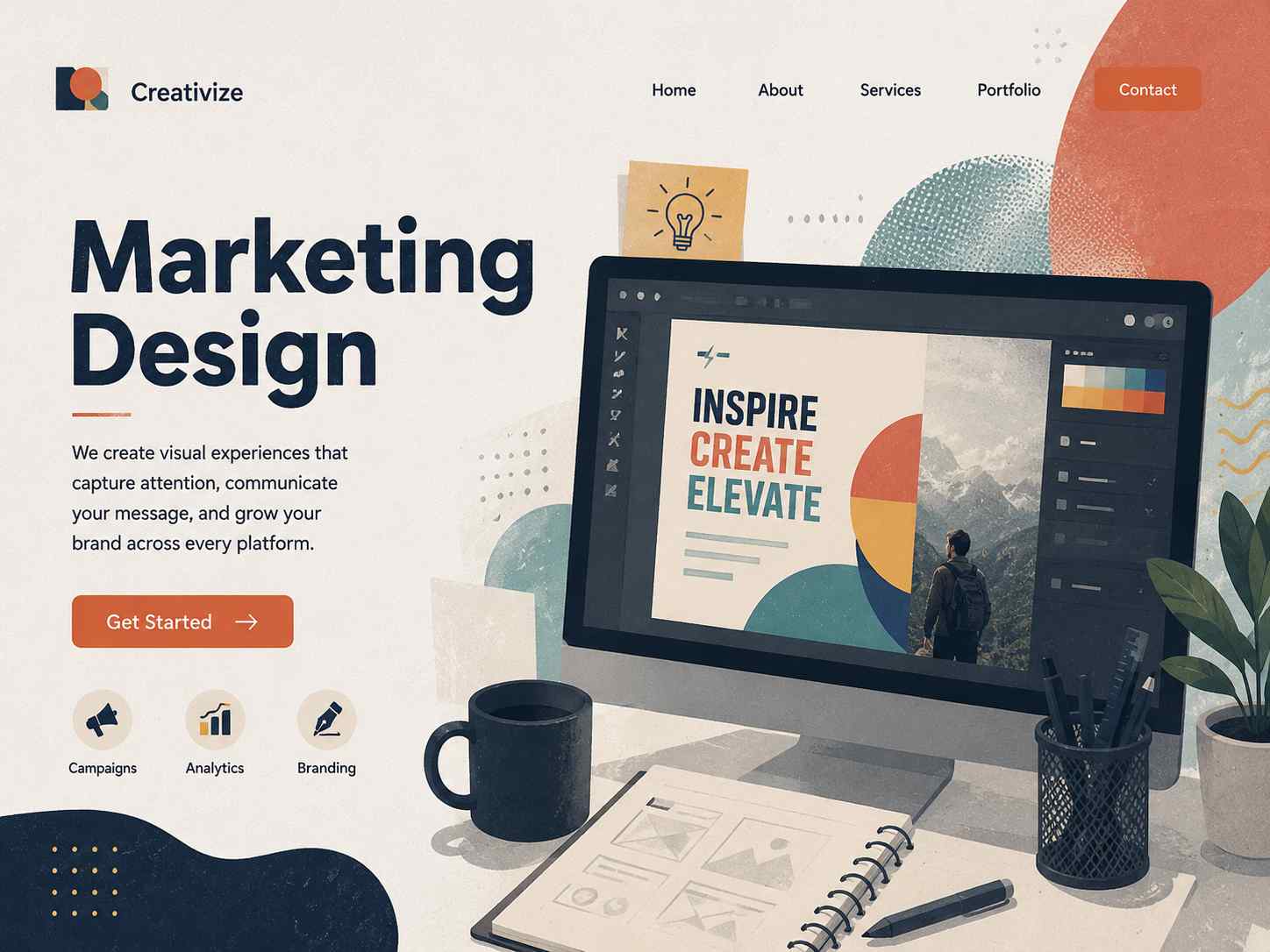
Marketing Design
Prepare older visuals for banners, decks, campaigns, and larger ad placements.
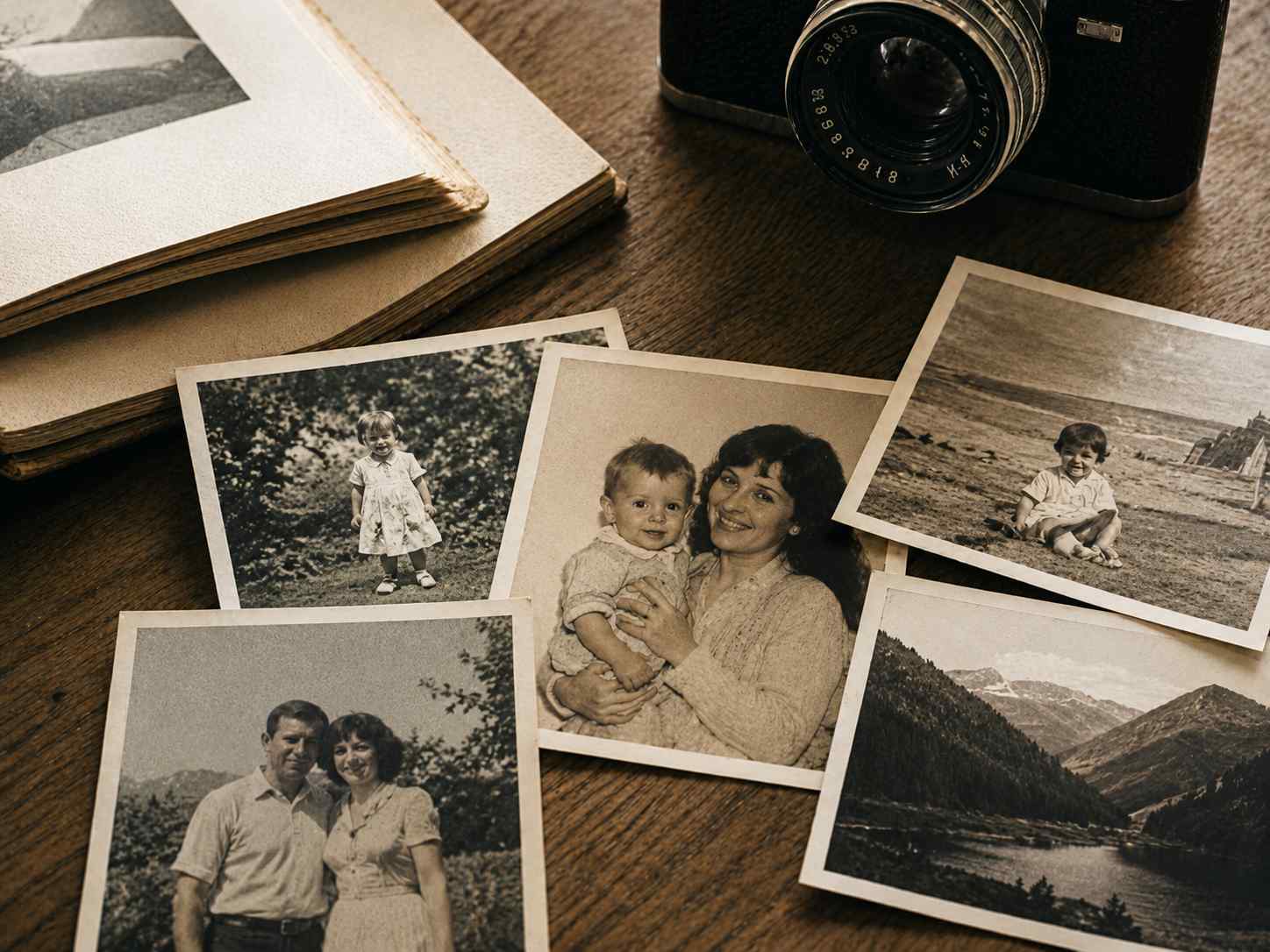
Personal Photos
Refresh low-resolution memories for sharing, framing, or cleaner digital archives.
Why Upscale With PixEdit
Recover practical detail from small files without rebuilding the image manually.
Save Reshoot Time
Reuse existing photos when a higher-resolution source file is unavailable.
Cleaner Edges
Improve outlines, texture, and product surfaces for larger placements.
Brand-Ready Assets
Keep visuals sharp enough for stores, ads, social posts, and sales decks.
AI Upscaling Vs. Basic Resize
Resize tools stretch pixels. PixEdit upscales while improving the details people actually notice.
Resolution Boosts That Stay Clean
Go beyond stretching pixels. AI upscaling recreates useful detail for a sharper final image.
Key workflow strengths
Go beyond stretching pixels. AI upscaling recreates useful detail for a sharper final image.
Bigger Dimensions
Enlarge images for high-resolution screens, hero banners, marketplace galleries, and printed material.
AI Detail Recovery
Rebuild texture, edges, and fine lines so the image looks crisp at larger sizes.
Noise Control
Reduce compression artifacts and pixelation while preserving important subject detail.
Product Ready
Improve small product shots for storefronts, catalogs, ads, and marketplace uploads.
Display Optimized
Prepare sharper images for retina screens, web hero sections, and presentation decks.
Export Friendly
Download clean enlarged images in practical formats for web, design, and production workflows.
Image Upscaler FAQ
Everything you need to know about AI image upscaling
How is AI upscaling different from resizing?+
Normal resizing stretches pixels. AI upscaling predicts and rebuilds detail so larger images look sharper and cleaner.
Can I upscale images for print?+
Yes, AI upscaling can help prepare images for print, though final quality still depends on the original file and target print size.
Does it remove compression artifacts?+
It can reduce visible pixelation and compression artifacts while improving edges and texture.
Still have questions?
Contact our support teamMake Low-Resolution Images Look Production Ready
Upload a small image and use PixEdit to create a larger, sharper version for your next project.