

Enhance Every Photo With AI
Improve lighting, clarity, color, and detail in one pass. PixEdit turns dull images into polished visuals ready for products, profiles, campaigns, and social posts.
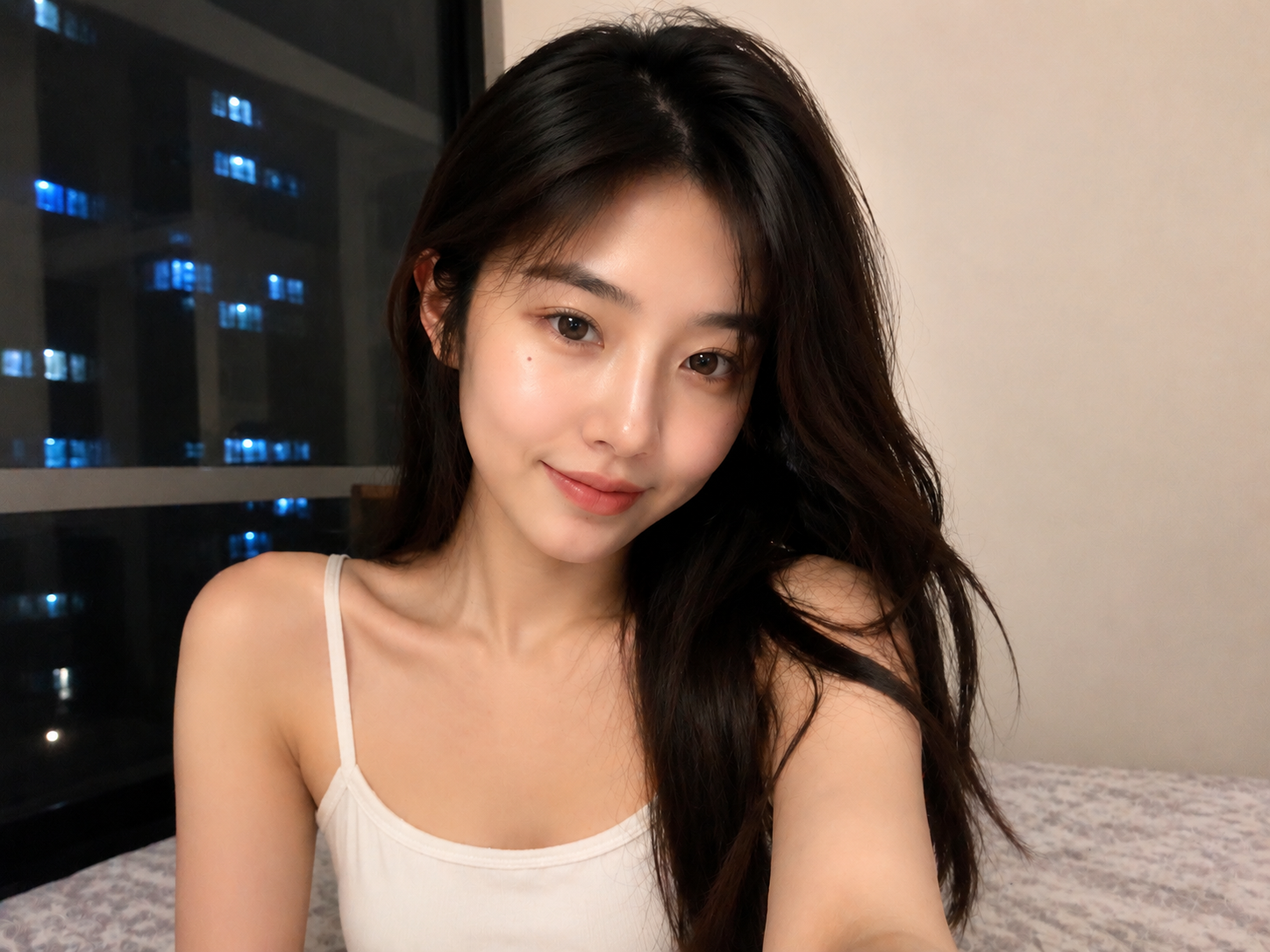 AI Enhanced
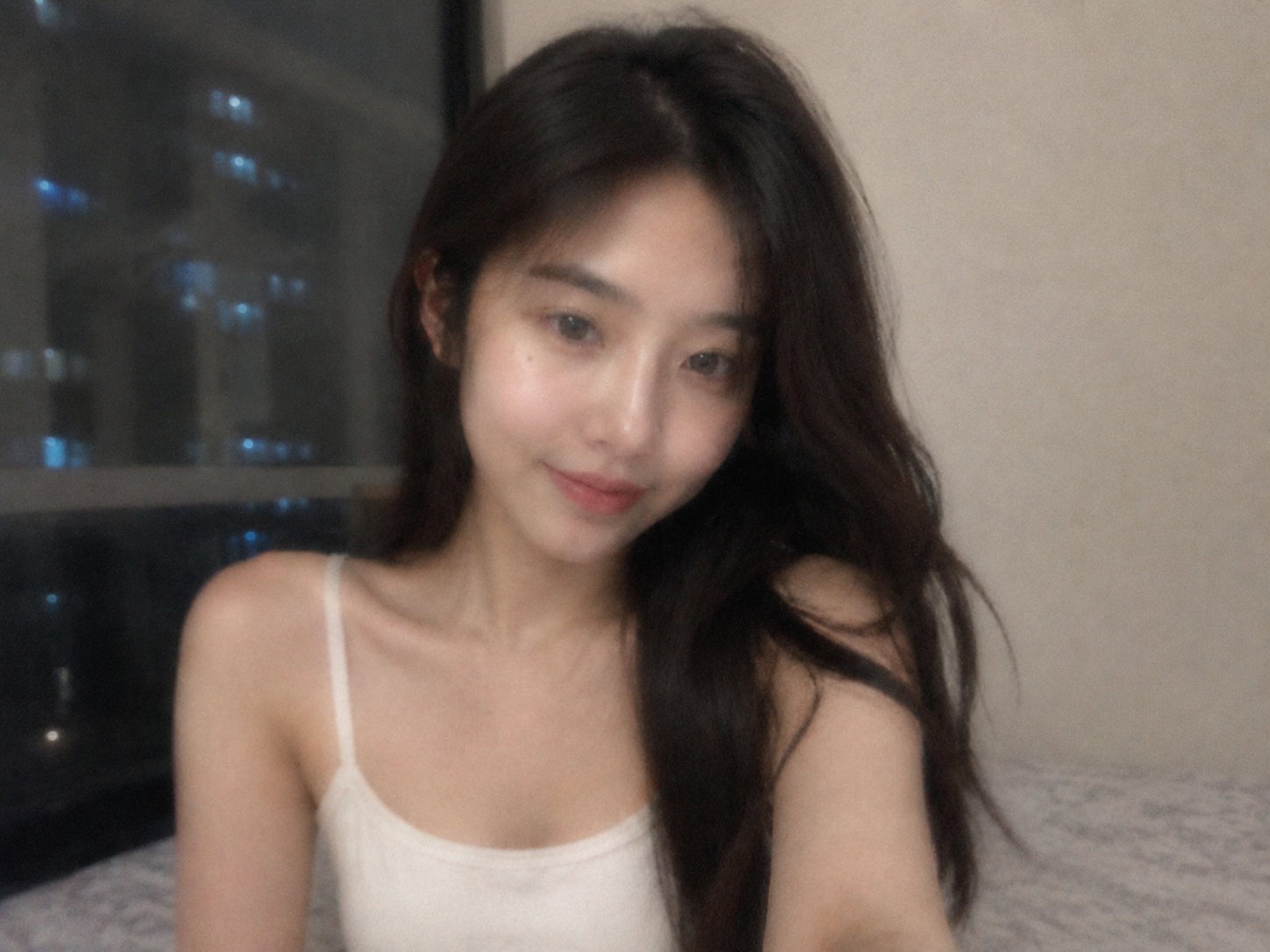 Original
Drop your image here
or click to browse • Ctrl + V to paste
Or try with sample:
Enhance Photos In Three Steps
Designed for fast creative production: upload, let AI rebuild the look, then export a cleaner image for every channel.
Upload any image
Start with a portrait, product photo, travel shot, flat lay, or low-light image.
Let AI rebuild the look
PixEdit detects the subject, lighting, color, and texture needs for the scene.
Export a polished result
Download an improved image ready for marketplaces, presentations, and creative channels.
Enhancement For Every Visual
Use AI Enhance across portraits, products, lifestyle photos, and campaign assets.
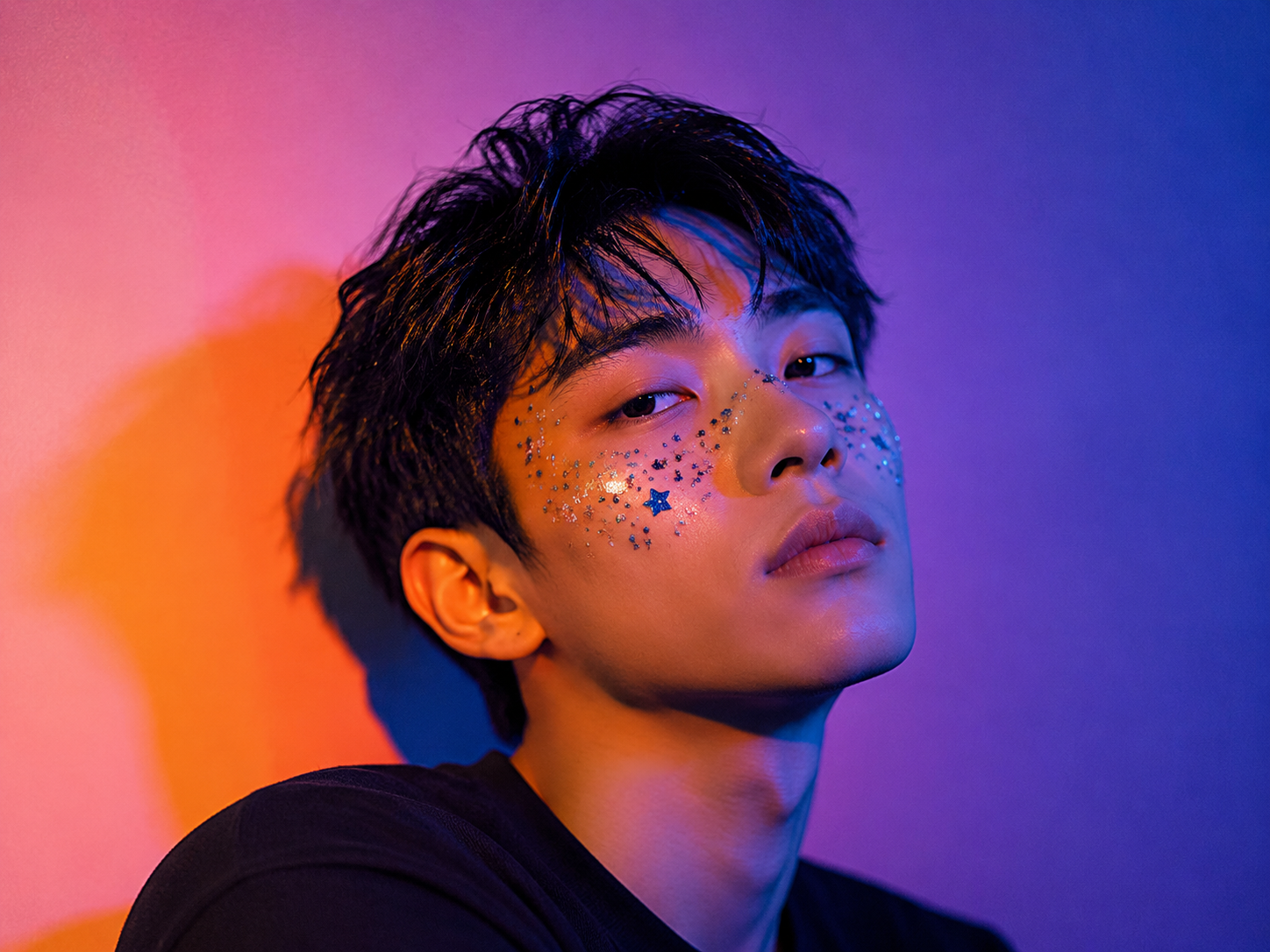
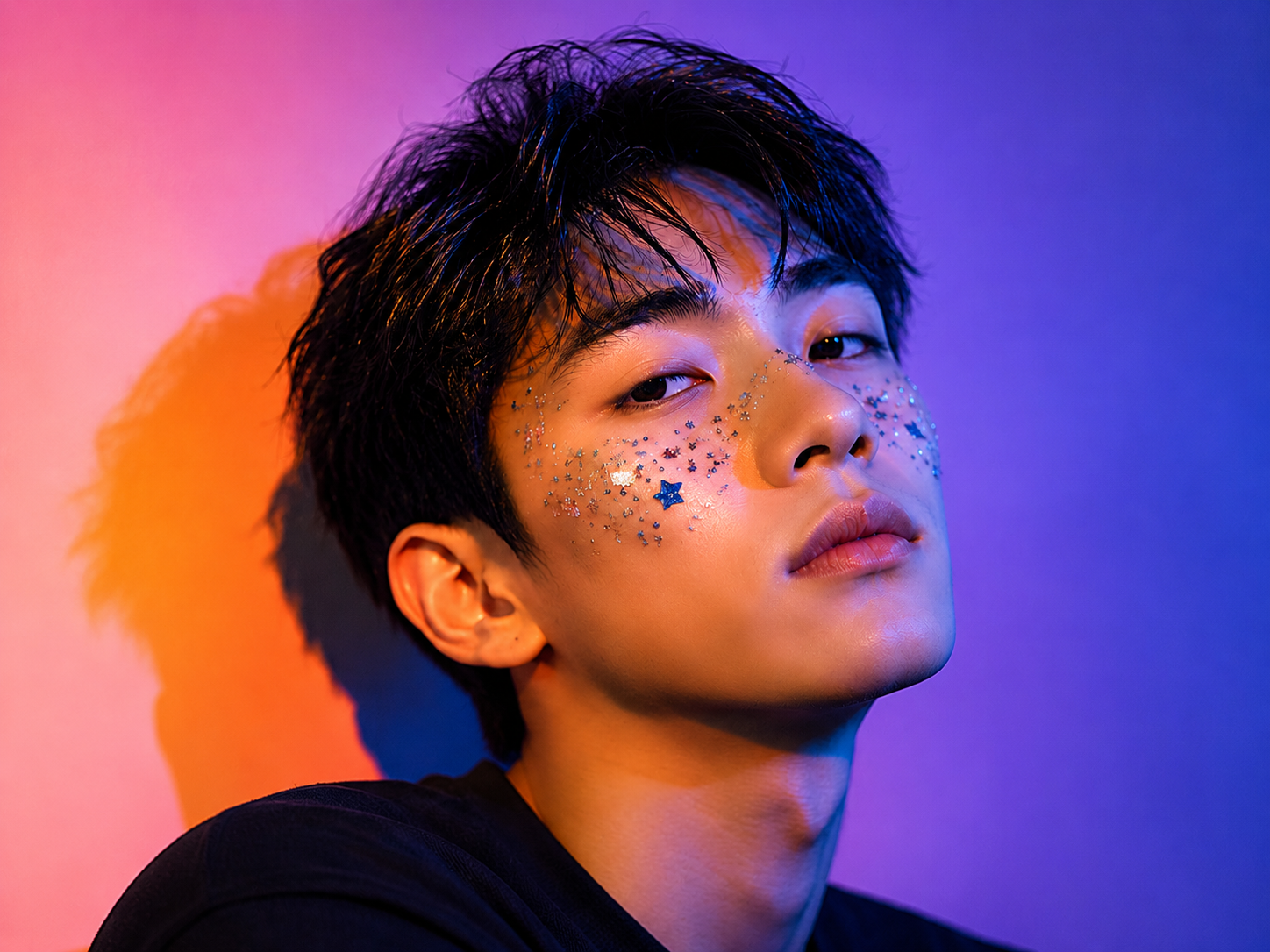
Portraits
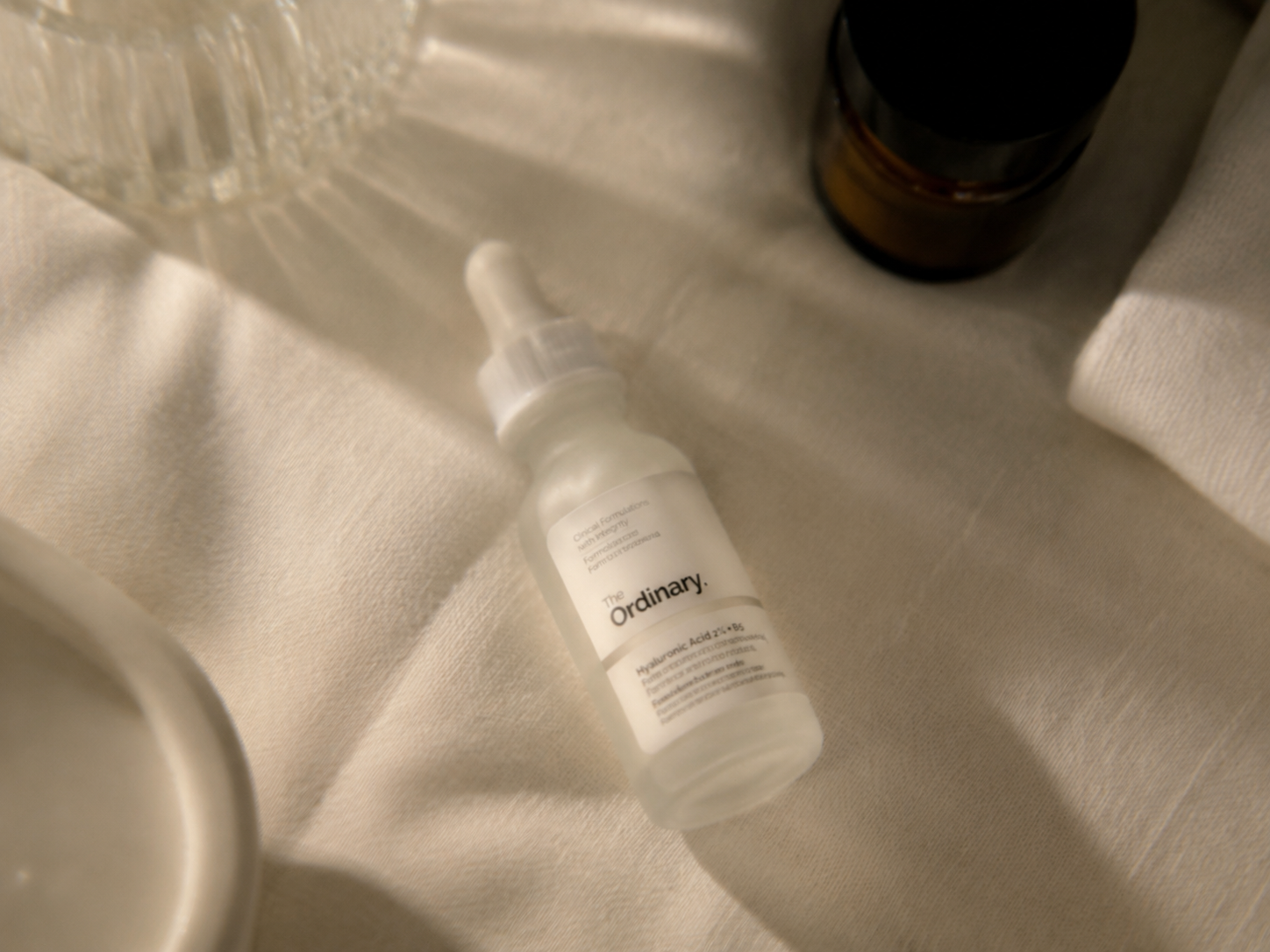
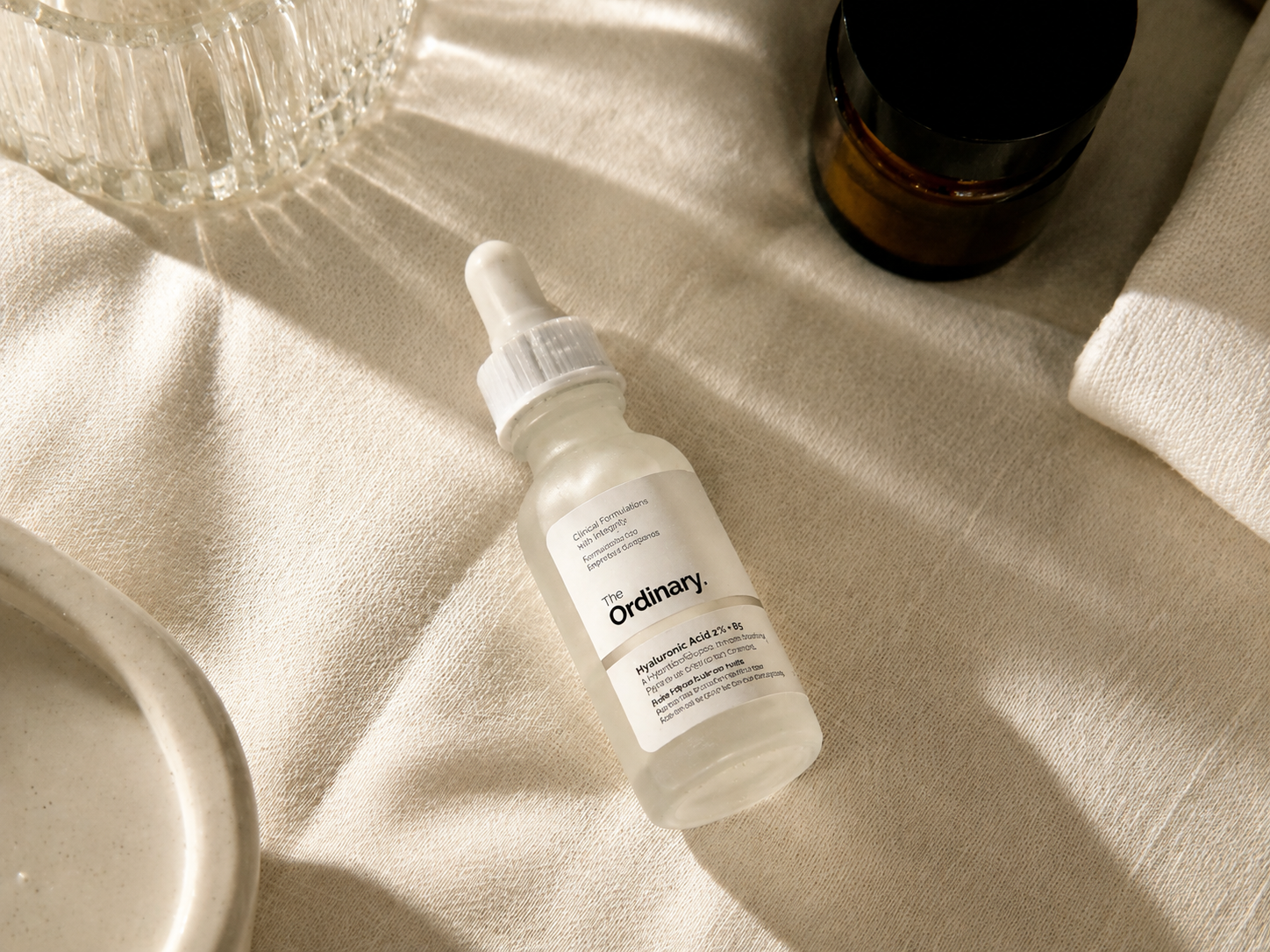
Products
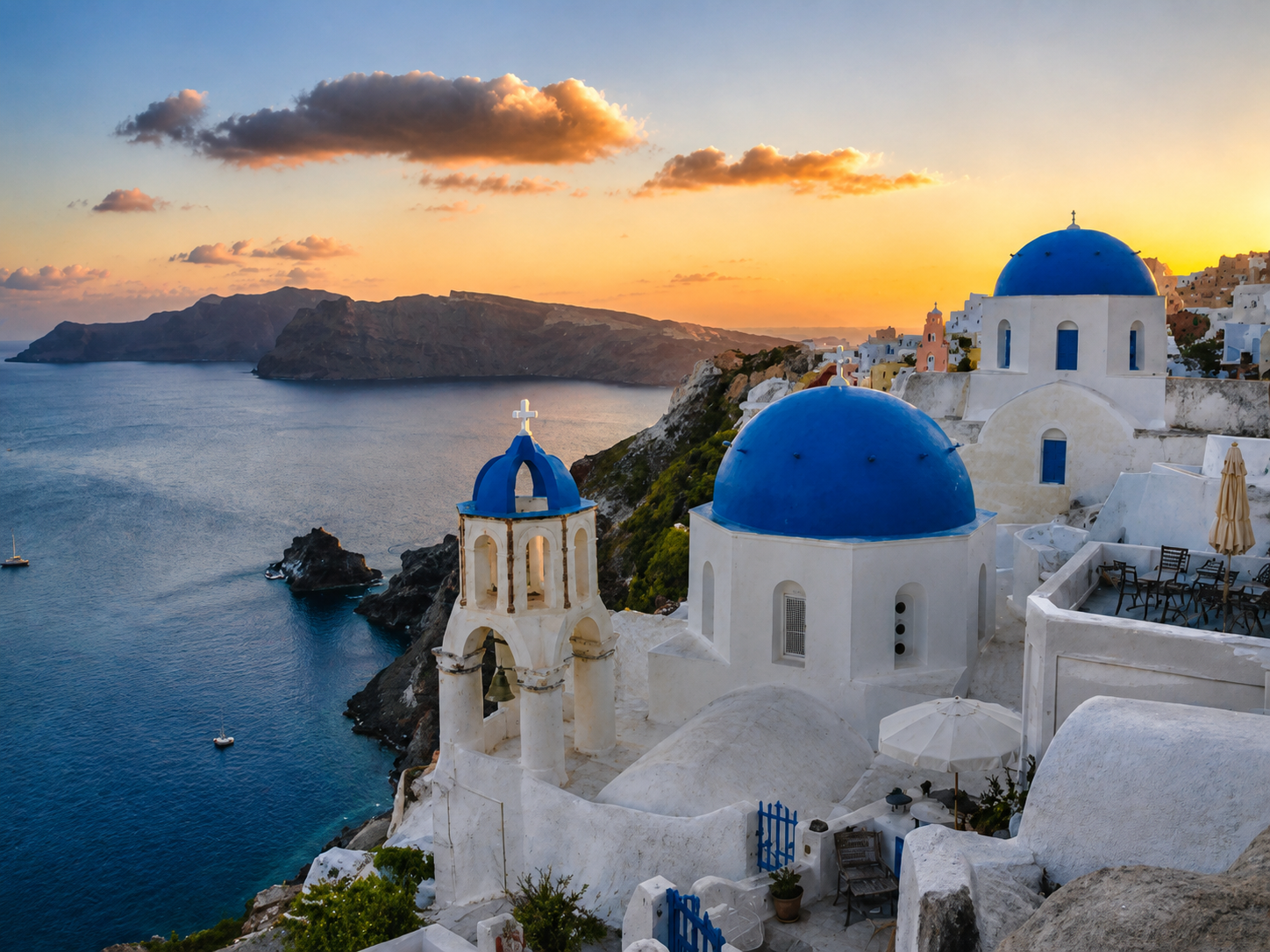
Travel
Where AI Enhance Helps
Improve lighting, clarity, color, and detail in one pass. PixEdit turns dull images into polished visuals ready for products, profiles, campaigns, and social posts.
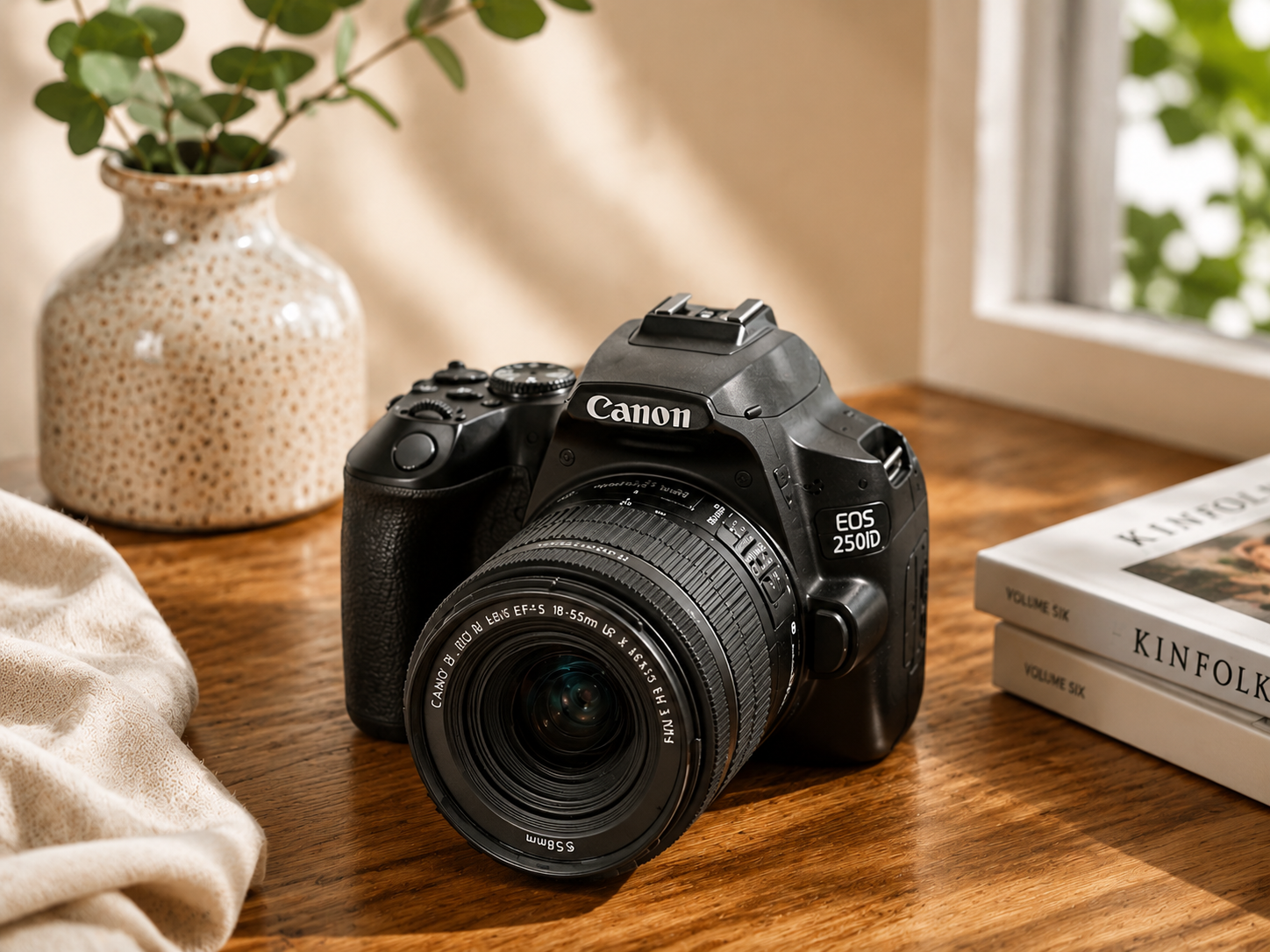
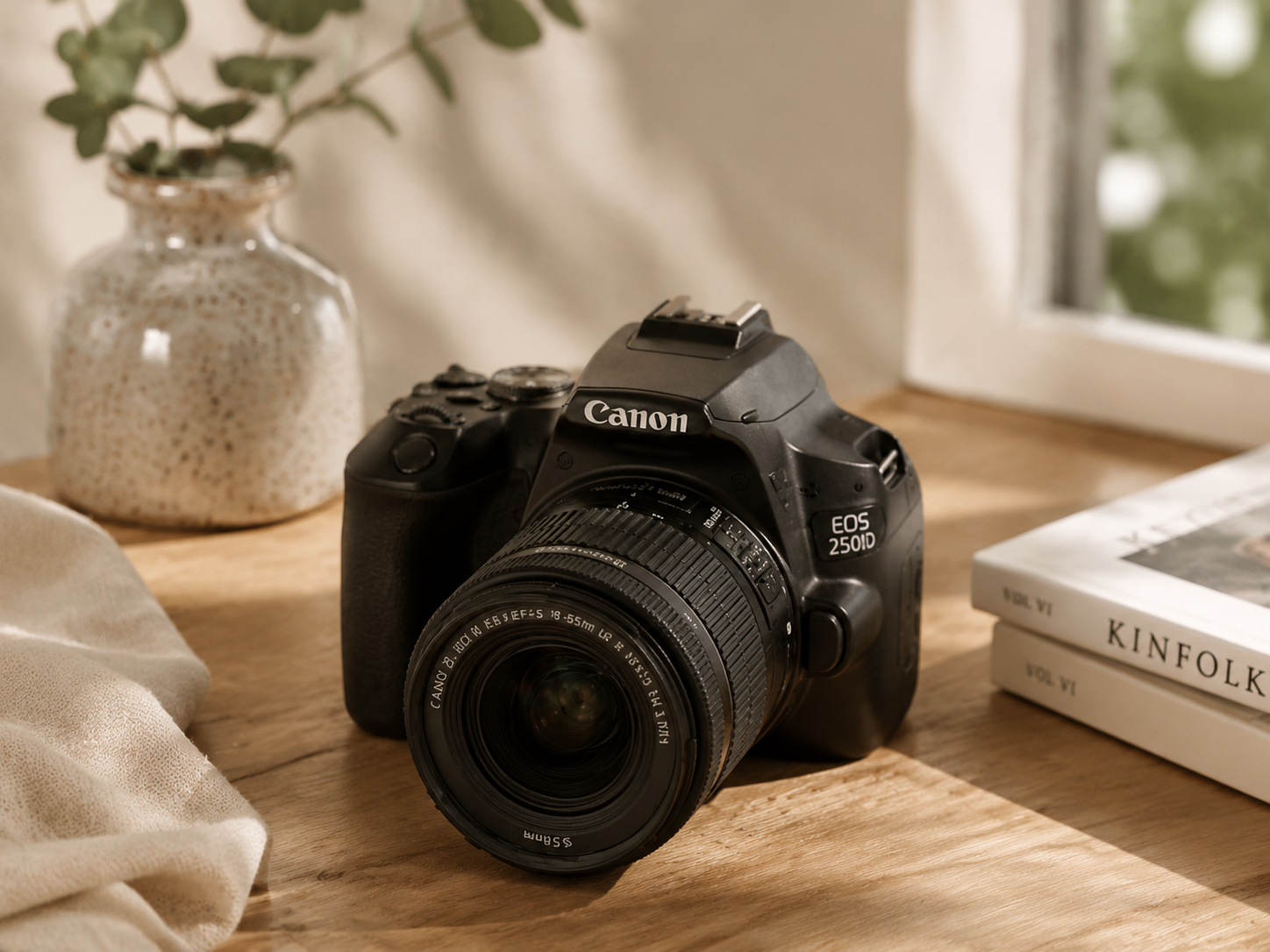
Product Listings
Make catalog images clearer and more attractive without reshooting every item.
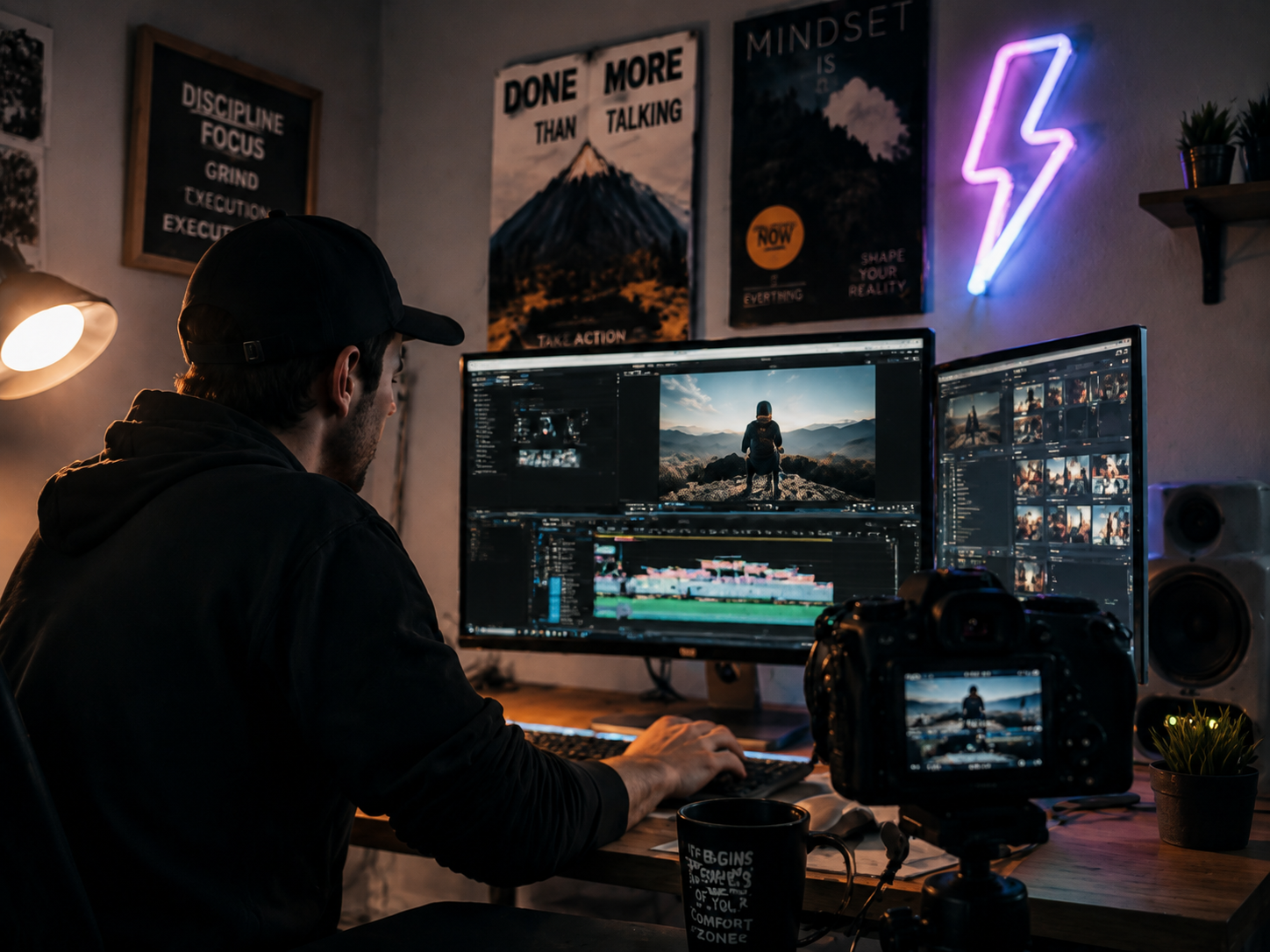
Creator Content
Prepare cleaner thumbnails, posts, banners, and profile visuals in less time.
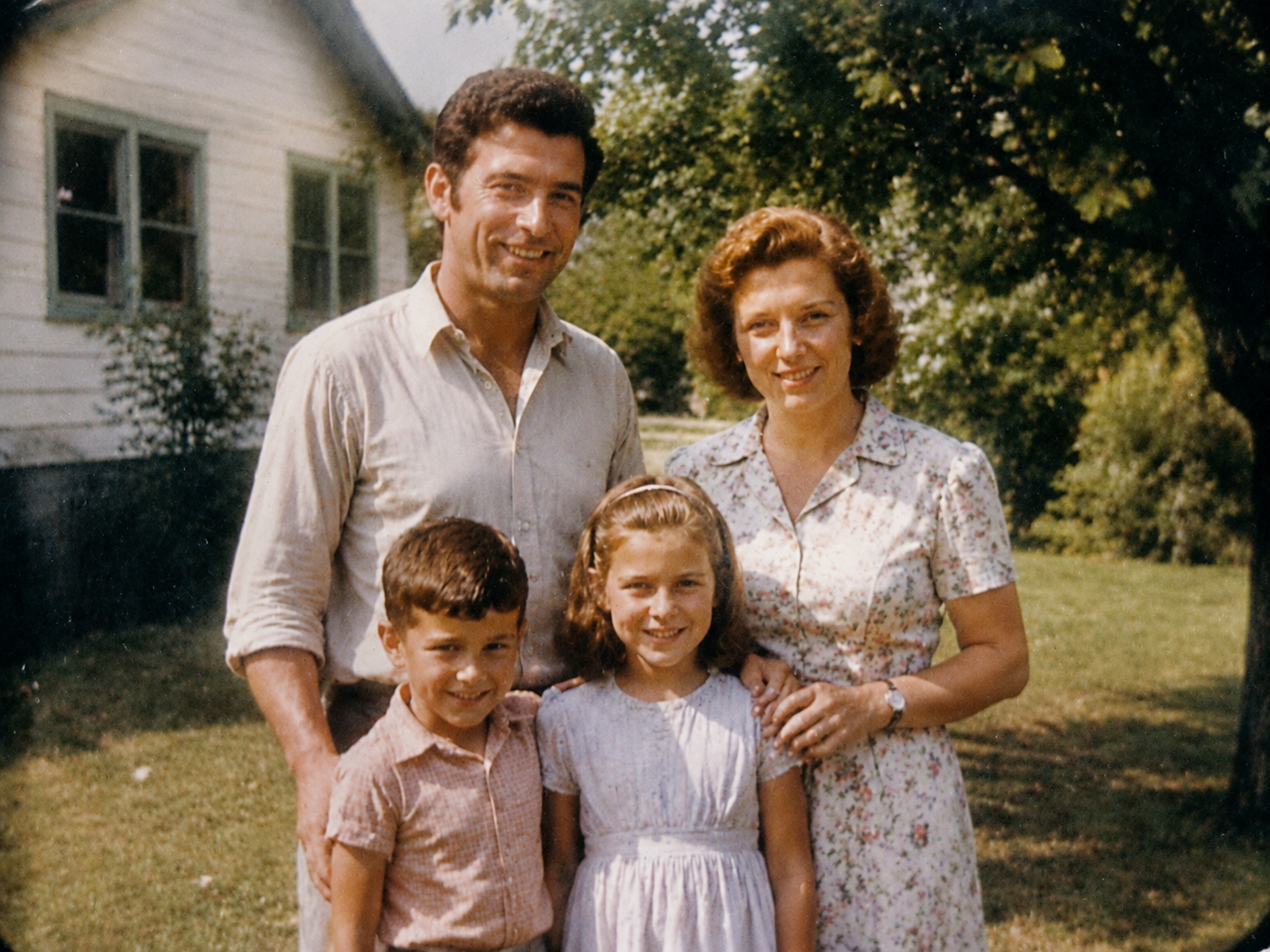
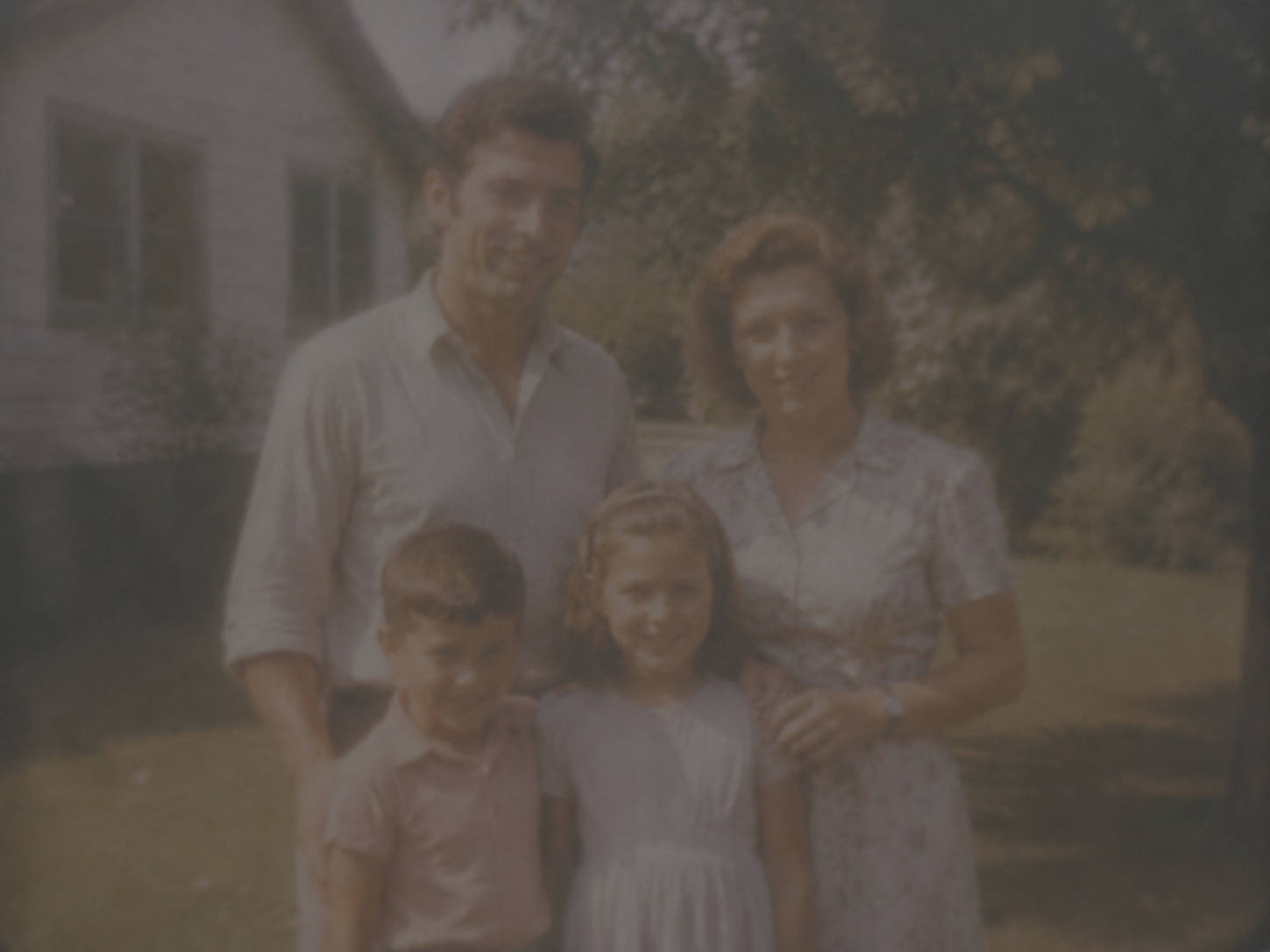
Old Photo Refresh
Improve soft, faded, or low-contrast photos while preserving the original feel.
Why Teams Use AI Enhance
Speed up photo cleanup while keeping images natural, brand-safe, and easy to publish.
Faster Turnaround
Clean up photo batches without opening a complex editor for every image.
Consistent Quality
Keep lighting and color more reliable across product lines and campaigns.
Ready To Publish
Export polished results for websites, ads, decks, and social platforms.
AI Enhance Vs. Manual Correction
Get the common polish work done instantly, then spend your time on the creative decisions that matter.
Built For Natural Enhancement
Get polished results without making photos look over-edited or artificial.
Built For Natural Enhancement
Get polished results without making photos look over-edited or artificial.
One-Click Polish
Automatically tune exposure, contrast, color temperature, and micro-detail for a balanced final image.
Smart Tone Recovery
Lift shadows, protect highlights, and bring back depth in photos that look washed out or underexposed.
Detail Refinement
Sharpen edges and textures while keeping faces, products, and backgrounds clean.
Portrait Ready
Improve face lighting, skin tone, and eye clarity for profile photos and creator content.
Content Glow-Up
Make everyday images feel more premium for ads, listings, thumbnails, and social posts.
Clean Output
Keep the original composition while reducing noise, haze, and muddy color casts.
AI Enhance FAQ
Everything you need to know about AI photo enhancement
Still have questions?
Contact our support teamGive Your Photos A Cleaner Finish
Upload an image and let PixEdit improve detail, color, lighting, and overall quality in seconds.