

Remove Image Backgrounds Instantly
Create clean transparent cutouts, product photos, profile images, and social visuals with one upload.
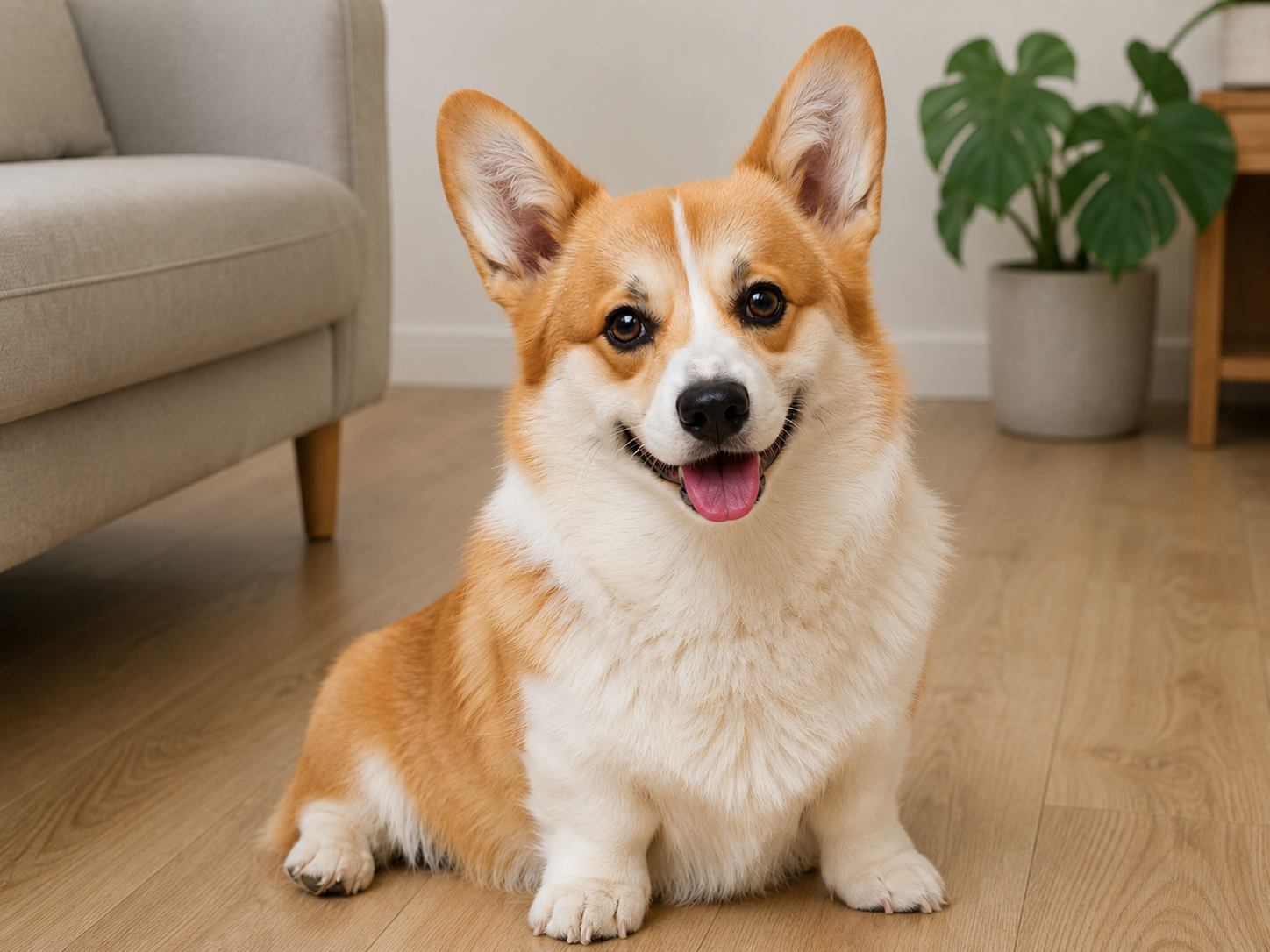 Original
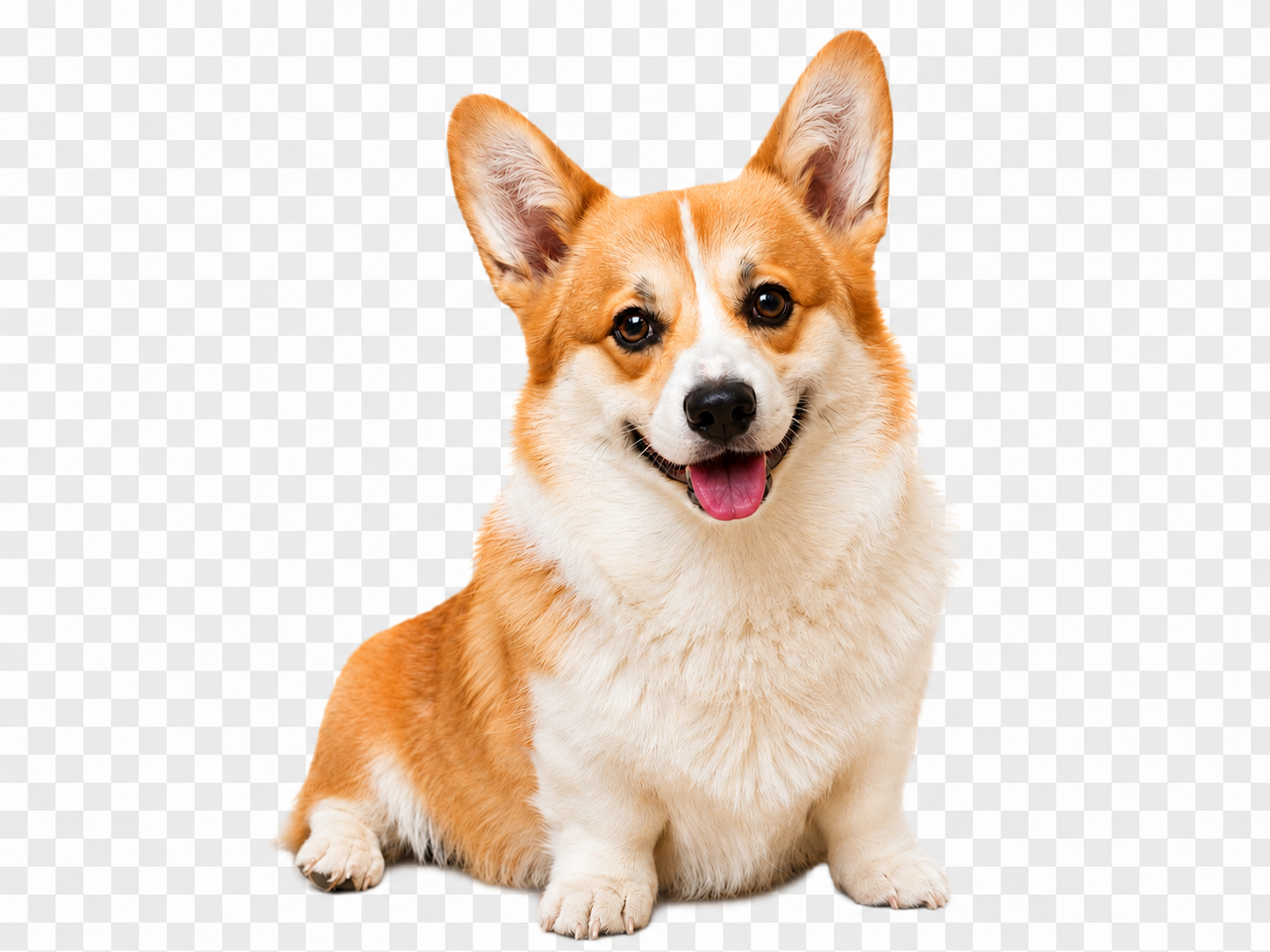 Cutout
Drop your image here
or click to browse • Ctrl + V to paste
Or try with sample:
How It Works
Remove backgrounds and polish the final image without leaving PixEdit.
Upload a photo
Start with a product, portrait, pet, car, or lifestyle image.
AI detects the subject
The foreground is separated from the original background automatically.
Customize the scene
Keep transparency, add a color, use an image, or generate a background.
Export your result
Download a polished asset for stores, posts, ads, or design tools.
Background removal for every subject
Cut out products, people, pets, apparel, and objects with clean edges.


Products


Portraits

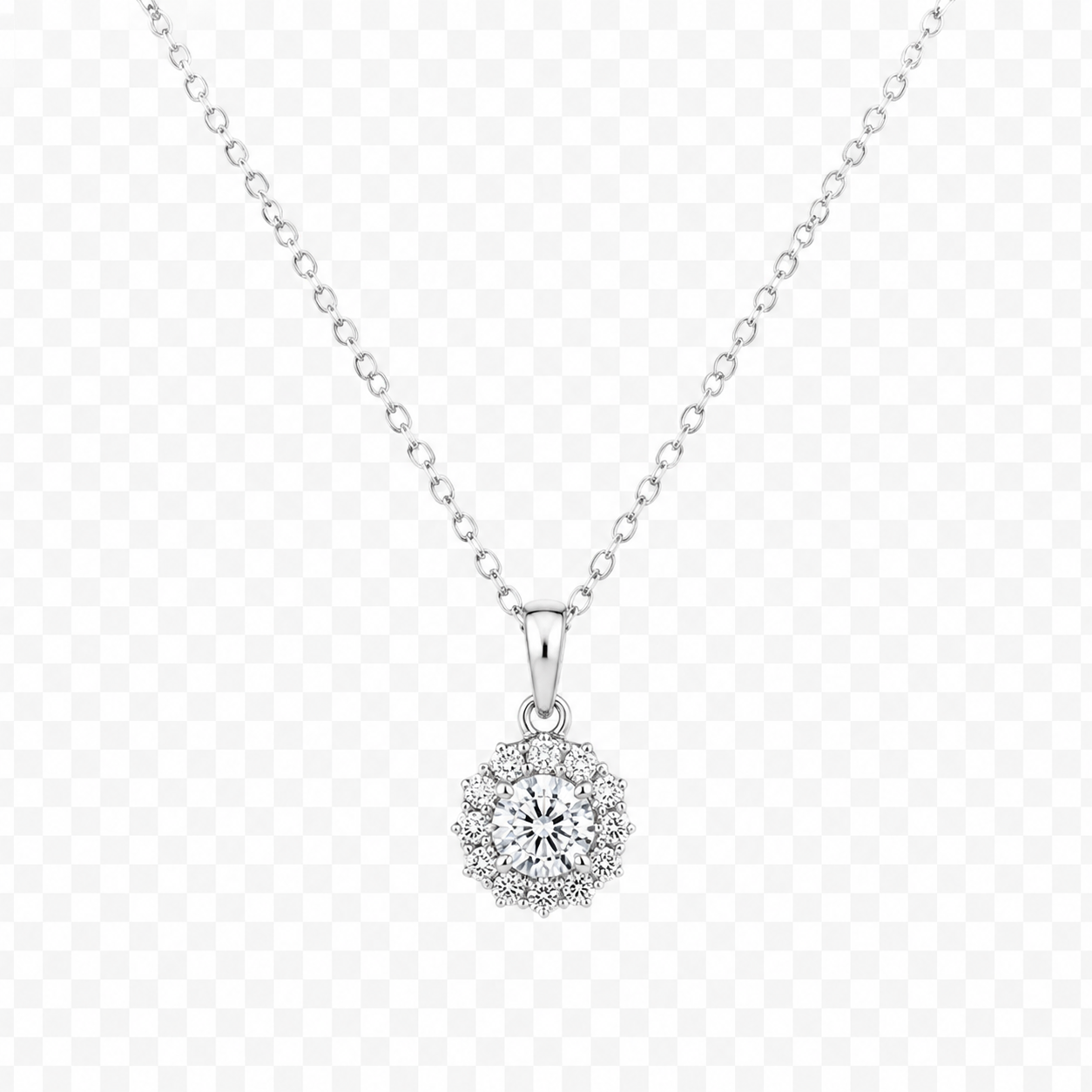
Accessories
Use background removal anywhere
Create clean transparent cutouts, product photos, profile images, and social visuals with one upload.
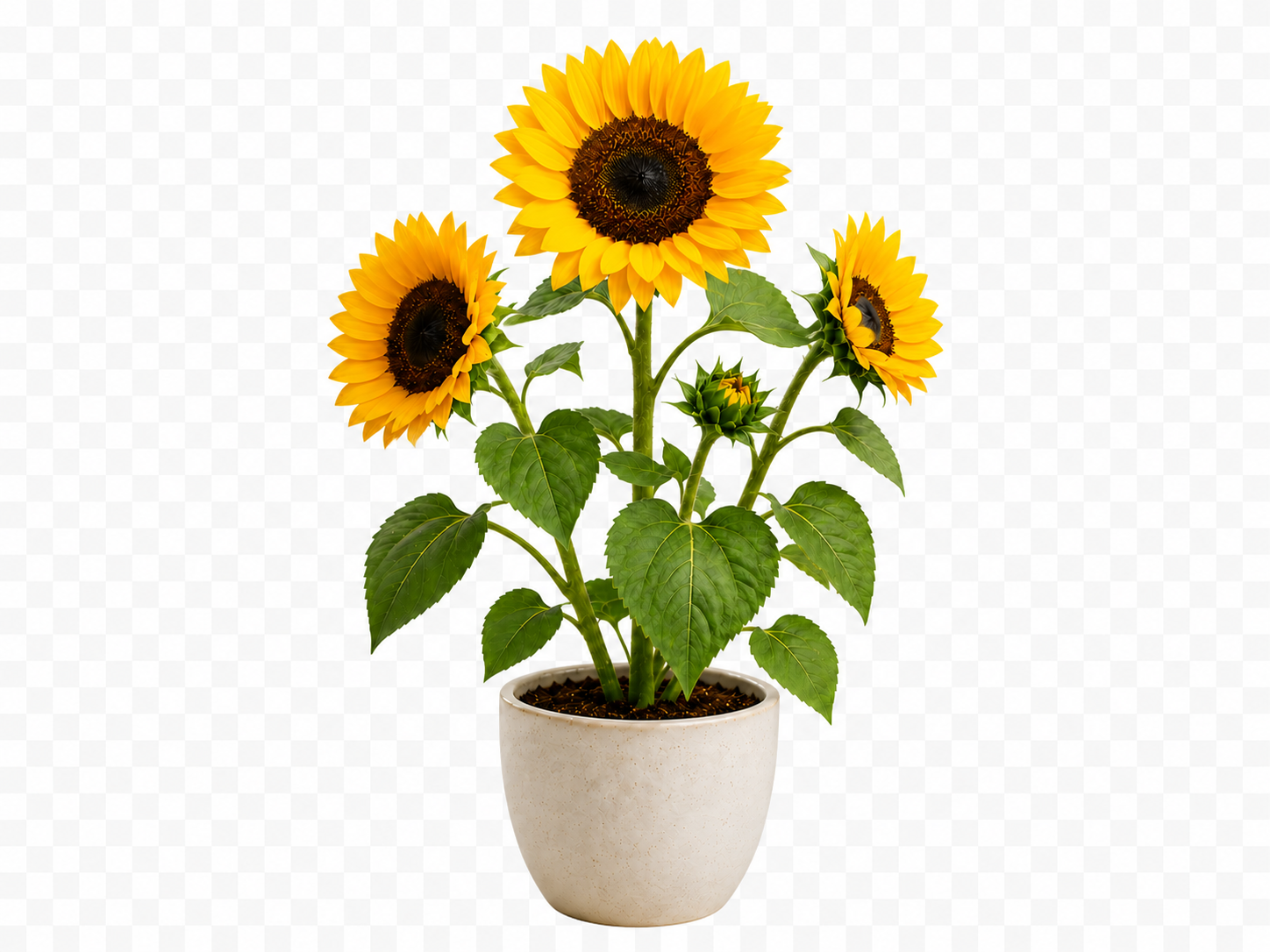
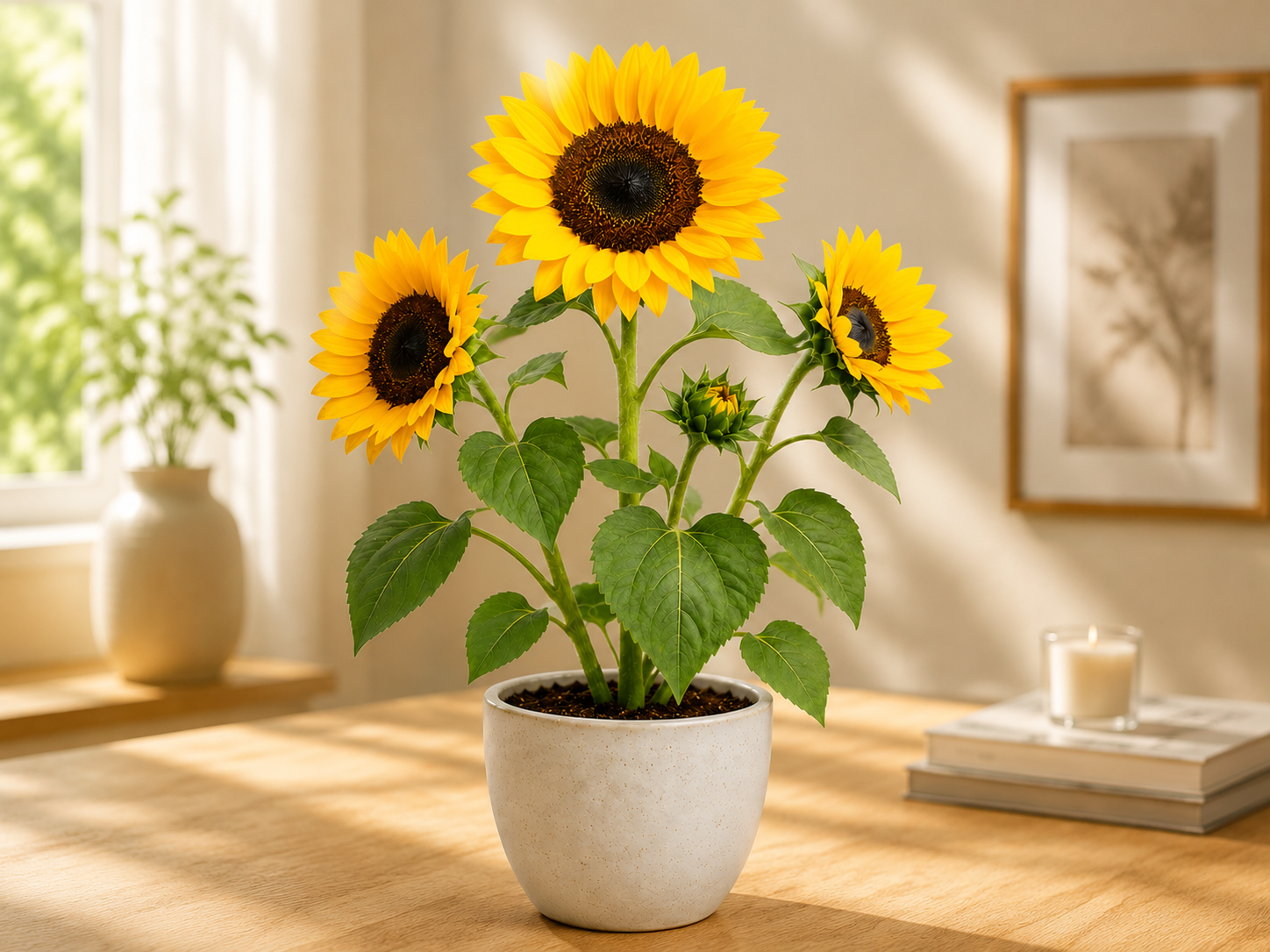
Clean Background Removal In Seconds
PixEdit detects the subject, removes the background, and preserves fine product details in under 5 seconds. Create clean, consistent images for stores, marketplaces, and campaigns without manual masking.


Precise Subject Detection
AI separates people, products, pets, and objects from the original scene with clean edges around hair, fabric, glass, and small details.


Ready-To-Use Transparent Cutouts
Export polished PNG cutouts or place your subject on a new background for product pages, ads, thumbnails, and design layouts.
Why use PixEdit for background removal
Move from raw upload to polished visual with cutout, background, shadow, and export tools in one place.
Clean Cutouts
Remove busy backgrounds while preserving important subject edges.
Creative Backgrounds
Replace transparency with colors, images, blur, or AI-generated scenes.
Export Ready
Download images suitable for product pages, ads, and design projects.
Background remover vs. manual masking
Get clean subjects without painstaking pen tool selections.
Background editing features
Everything needed to turn a cutout into a finished image.
Background editing features
Everything needed to turn a cutout into a finished image.
AI Cutout
Separate subjects from backgrounds automatically.
Color Backgrounds
Apply solid colors and presets for consistent branding.
Image Backgrounds
Upload or generate a new background scene.
PNG and JPG Export
Download transparency or flattened images.
Private Processing
Keep image handling secure and predictable.
Responsive Editor
Edit from desktop or mobile without installing software.
Background Remover FAQ
Everything you need to know about our AI background removal tool
Still have questions?
Contact our support teamCreate A Clean Cutout Now
Upload a photo and remove the background instantly with PixEdit.