PixEdit LogoPixEdit

Restaurant Image Editing

AI Food Photo Editing for Restaurants

AI food photo editing for restaurants to clean dish photos, enhance menu images, create cutouts, and adapt visuals for delivery, web, and social.

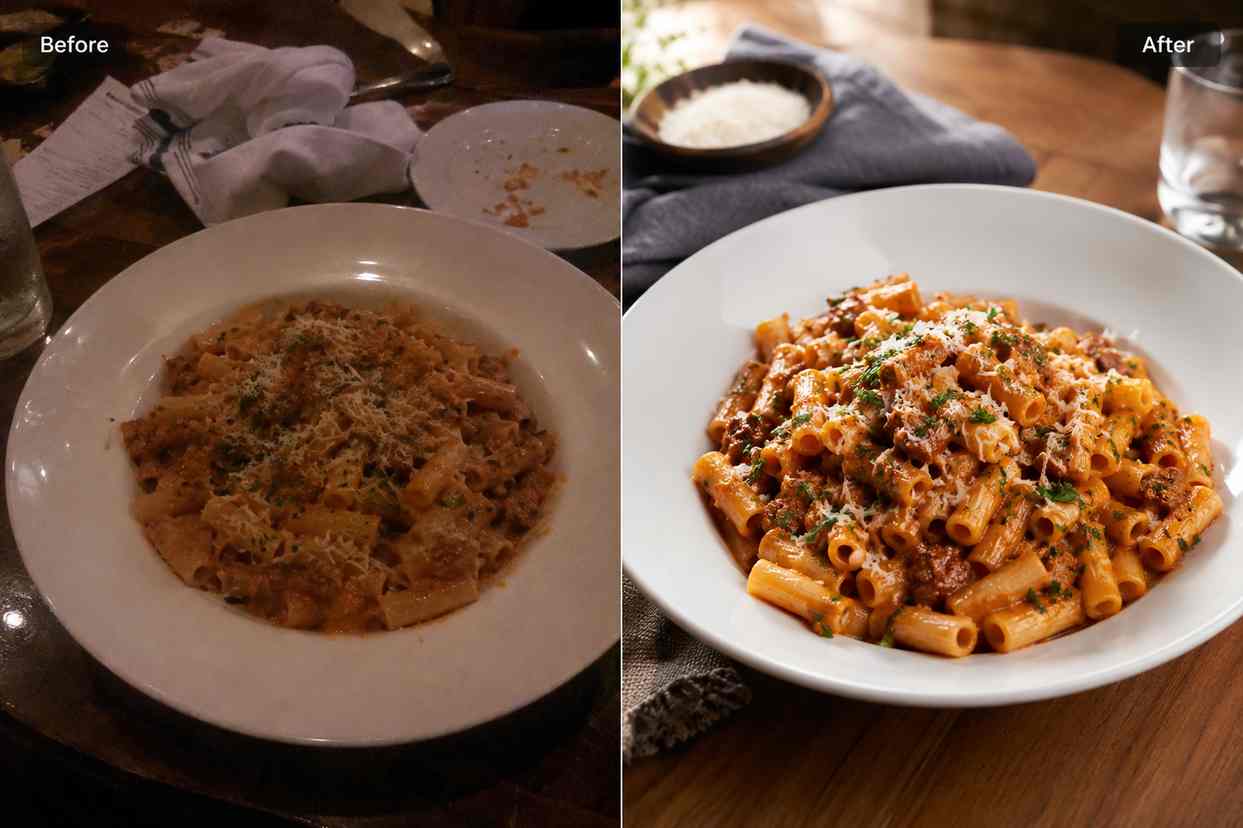
Before and after restaurant food photo showing a dim table scene cleaned and enhanced into a bright menu-ready dish image

AI tools for restaurants and food brands

AI food photo editing for menu-ready visuals

PixEdit helps restaurants, cafes, bakeries, delivery kitchens, and food brands clean table clutter, enhance dim dish photos, create reusable food cutouts, and prepare visuals for menus, delivery apps, websites, ads, and social posts.

Table cleanup

Remove clutter from restaurant food photos

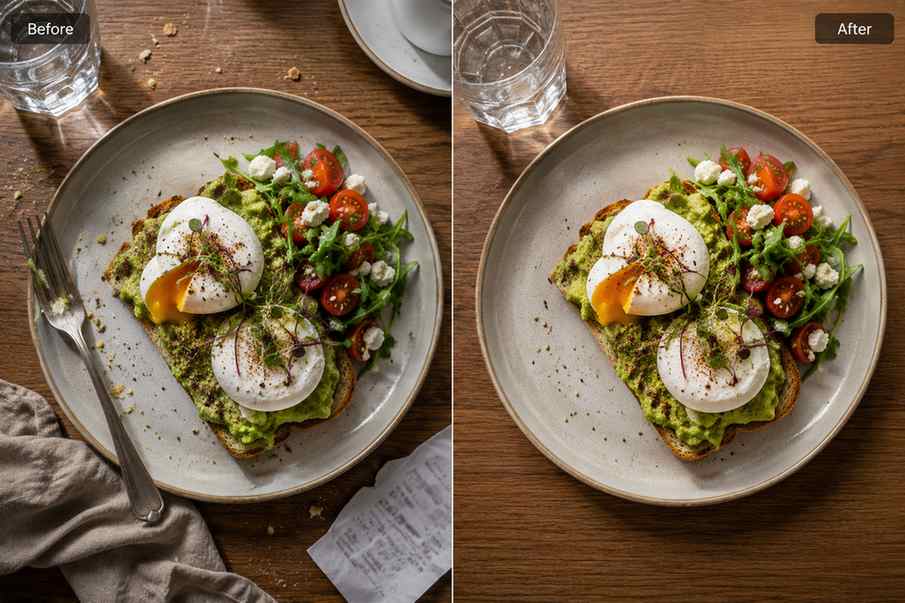
AI food photo editing is useful when a good dish photo has napkins, crumbs, utensils, receipts, messy table items, or distracting background details. PixEdit helps remove those distractions so the dish stays the focus for menus, delivery listings, and social posts.

  • Remove crumbs, napkins, utensils, receipts, and table clutter
  • Clean quick phone photos before using them on menus or delivery apps
  • Keep the dish realistic while making the frame feel more intentional
Try now
A plated restaurant dish before and after crumbs, napkins, and table clutter are removed

Food enhancement

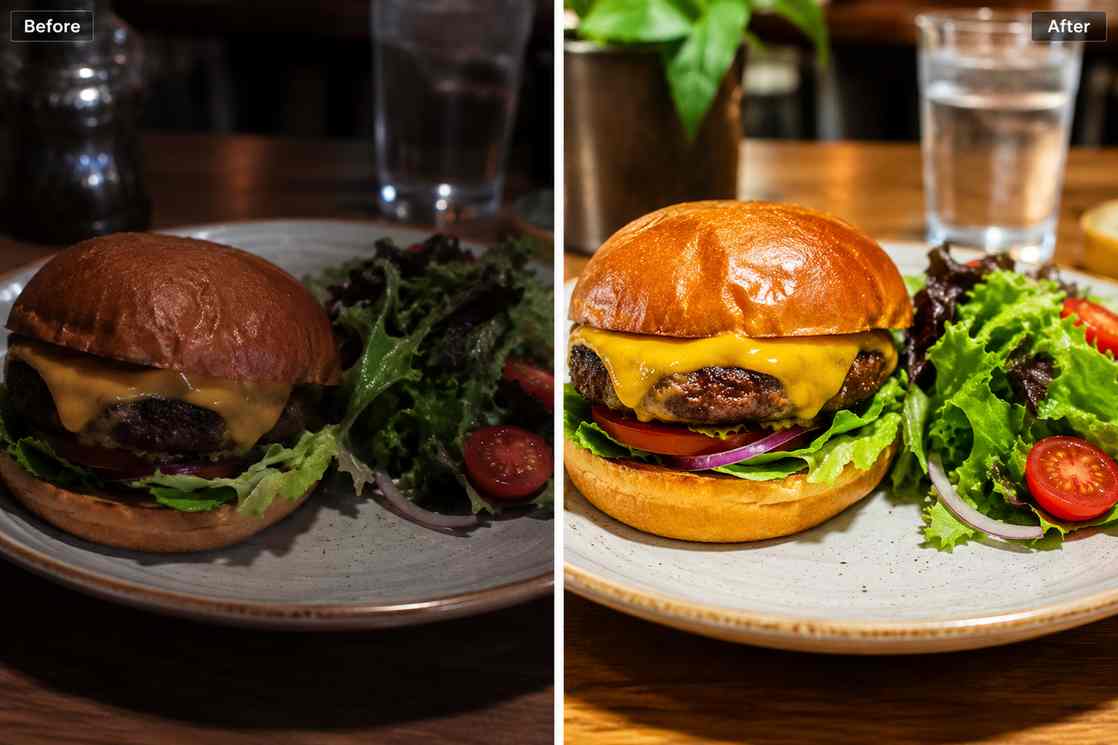
Enhance dim menu photos without fake color

Food photos can look dull when shot under mixed restaurant lighting or compressed by delivery platforms. PixEdit helps improve brightness, ingredient texture, sharpness, and natural color while keeping the dish appetizing and believable.

  • Brighten dark food photos for menu pages and delivery apps
  • Sharpen ingredient detail in dishes, drinks, desserts, and bakery items
  • Improve phone photos while avoiding overprocessed food color
Try now
A dim burger and salad photo enhanced with brighter natural color and sharper ingredient texture

Reusable cutouts

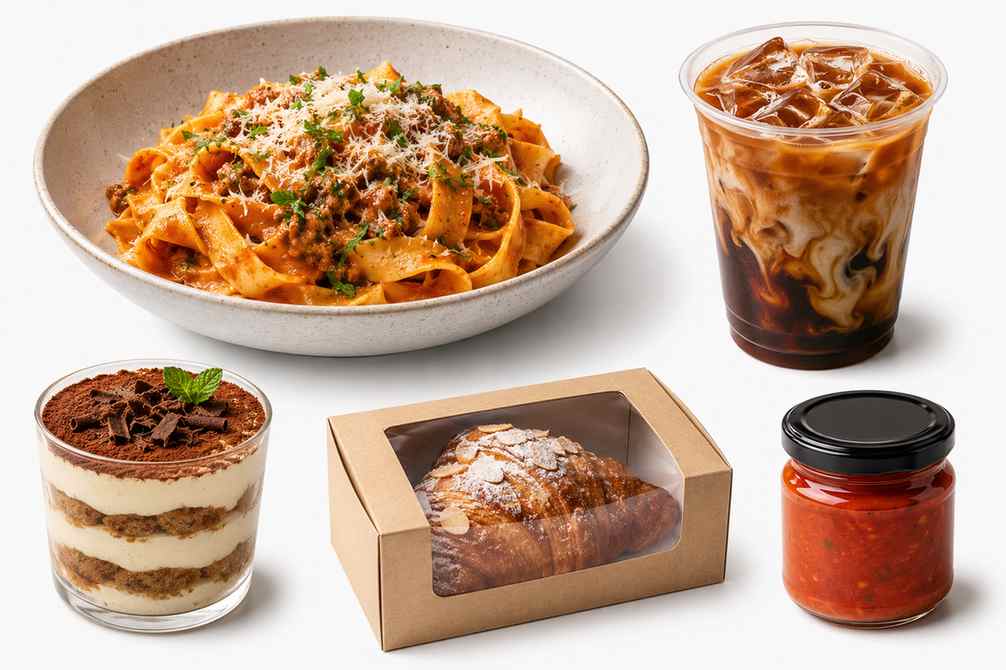
Create clean dish and drink assets

Remove backgrounds from signature dishes, cafe drinks, packaged foods, desserts, and seasonal specials so each item can be reused across menus, posters, delivery banners, email campaigns, and restaurant social media images.

  • Create reusable food and drink cutouts for campaign layouts
  • Keep menu visuals consistent across dishes and product categories
  • Prepare clean assets for posters, ads, web pages, and social content
Try now
A restaurant dish, cafe drink, dessert, and packaged food isolated as clean reusable menu assets

Promo layouts

Extend food photos for banners and offers

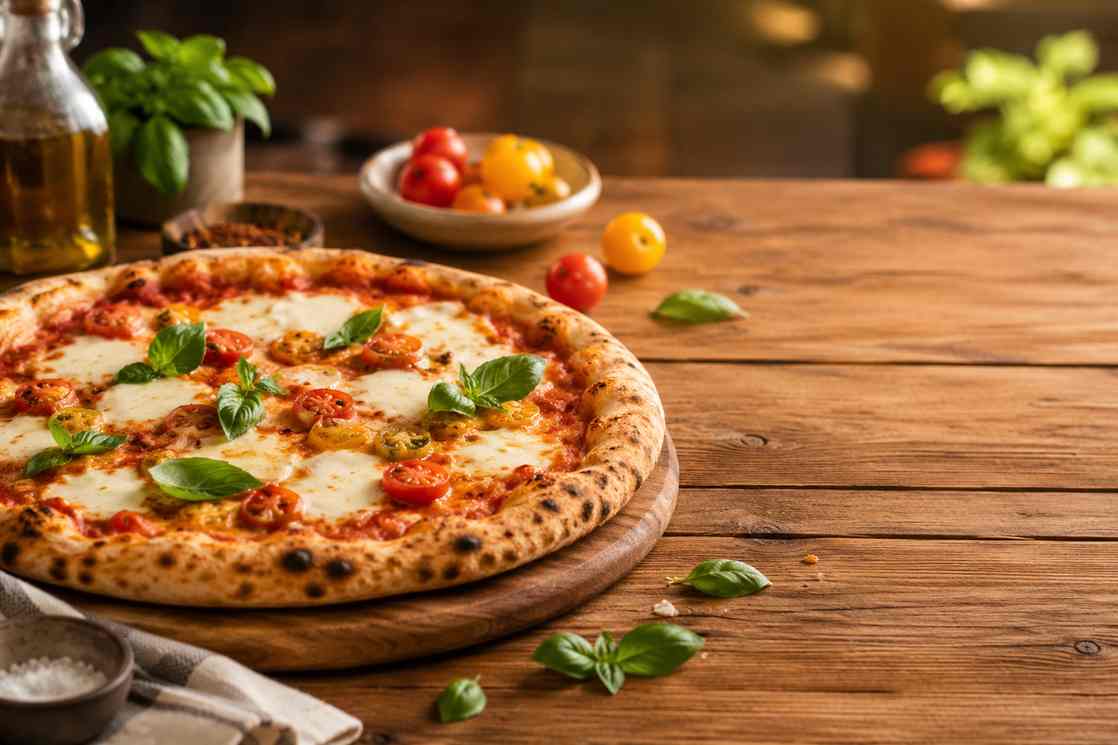
Restaurant photos are often cropped too tightly for website headers, delivery promos, or social ads. AI Fill helps create extra table, background, or ingredient space so one food image can fit more campaign formats.

  • Extend dish photos for website banners and delivery promotions
  • Create clean background space around food for campaign layouts
  • Adapt one food image into social, email, ad, and web formats
Try now
A food photo extended into a wide promotional banner with clean table space around the dish

Seasonal refresh

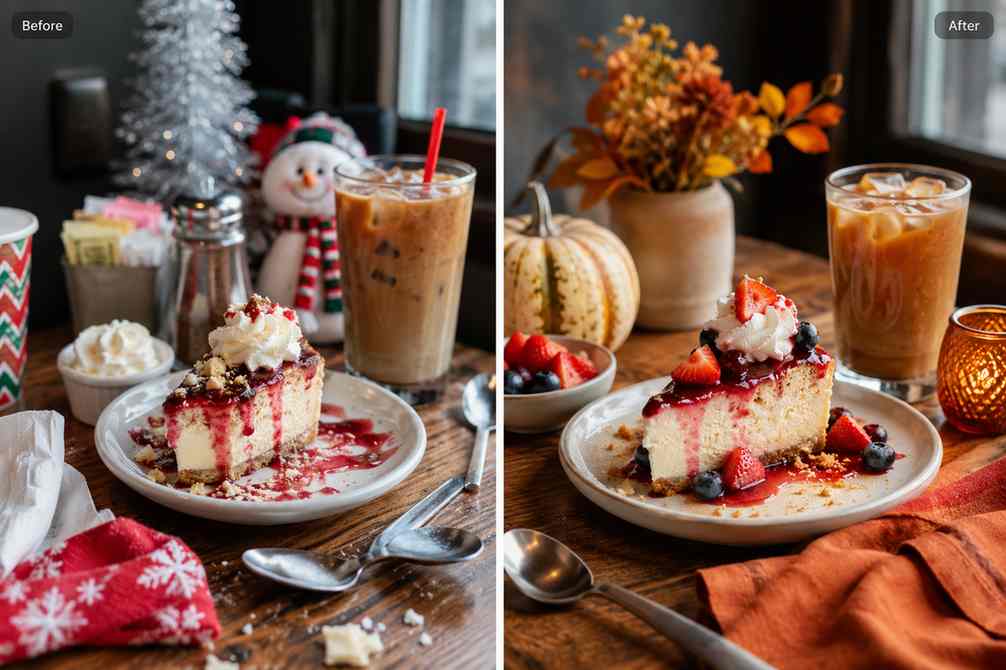
Replace props for new food campaigns

When a menu campaign changes, PixEdit can help replace distracting props, update seasonal styling, or refresh a table scene while preserving the dish. This helps restaurants reuse approved food photos for new offers without another shoot.

  • Replace outdated props in dish and drink photos
  • Refresh food visuals for seasonal menus and limited-time offers
  • Reuse approved food photography across new campaigns
Try now
A restaurant table scene where outdated props are replaced with cleaner seasonal styling around the same dish

Restaurant workflow

From quick table photo to menu-ready image

Use PixEdit as a practical AI food photo editing workflow when menus, delivery platforms, ads, and social channels need cleaner visuals.

1

Upload the food photo

Start with a dish, drink, dessert, cafe item, packaged food, table scene, or existing menu image.

2

Clean the table and background

Remove crumbs, utensils, napkins, receipts, messy objects, or distractions around the dish.

3

Enhance food detail

Improve brightness, clarity, texture, and resolution while keeping ingredients natural and appetizing.

4

Export for every channel

Use the finished visual for menus, delivery apps, websites, email campaigns, paid ads, and social posts.

Restaurant outcome

Cleaner food visuals that feel ready to order

PixEdit helps food businesses turn imperfect dish photos into cleaner, more flexible assets for selling, posting, and promoting without rebuilding every visual from scratch.

PixEdit helps food businesses turn imperfect dish photos into cleaner, more flexible assets for selling, posting, and promoting without rebuilding every visual from scratch.

Menu

Dish photo updates

Clean

Delivery-ready visuals

Fresh

Social and campaign assets

Outputs created with PixEdit

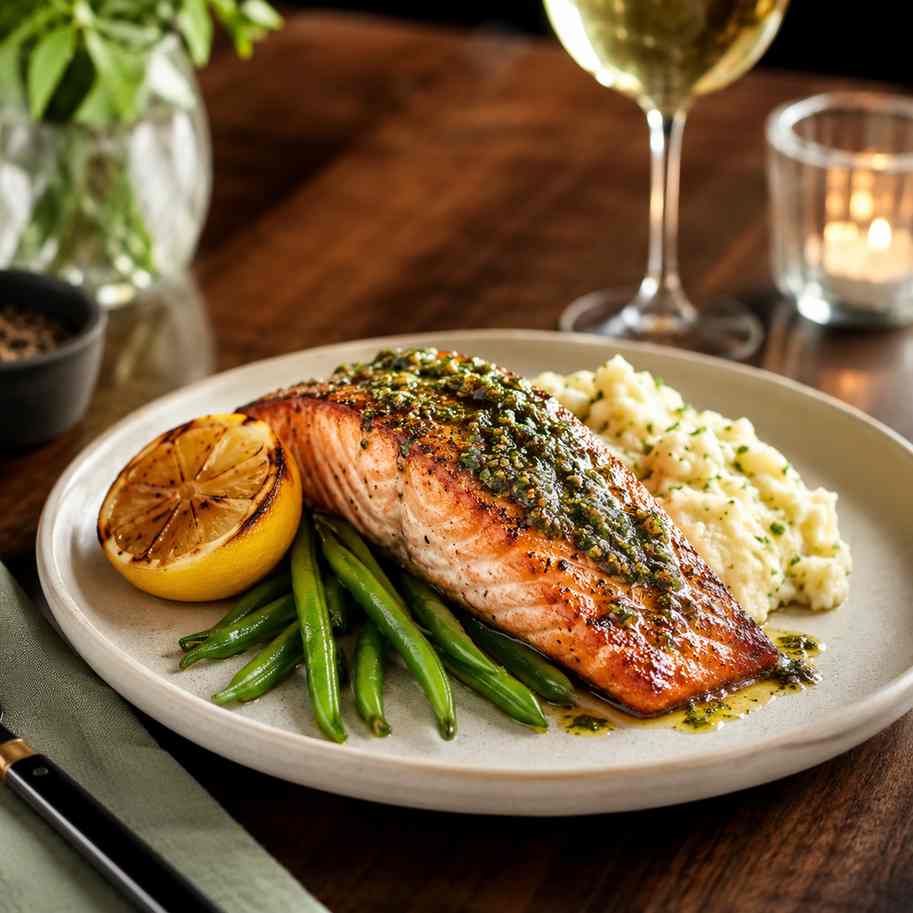
A clean plated dish photo with table clutter removed and natural food texture preserved

Menu dish cleanup

Tools used

Object RemoverAI Enhance
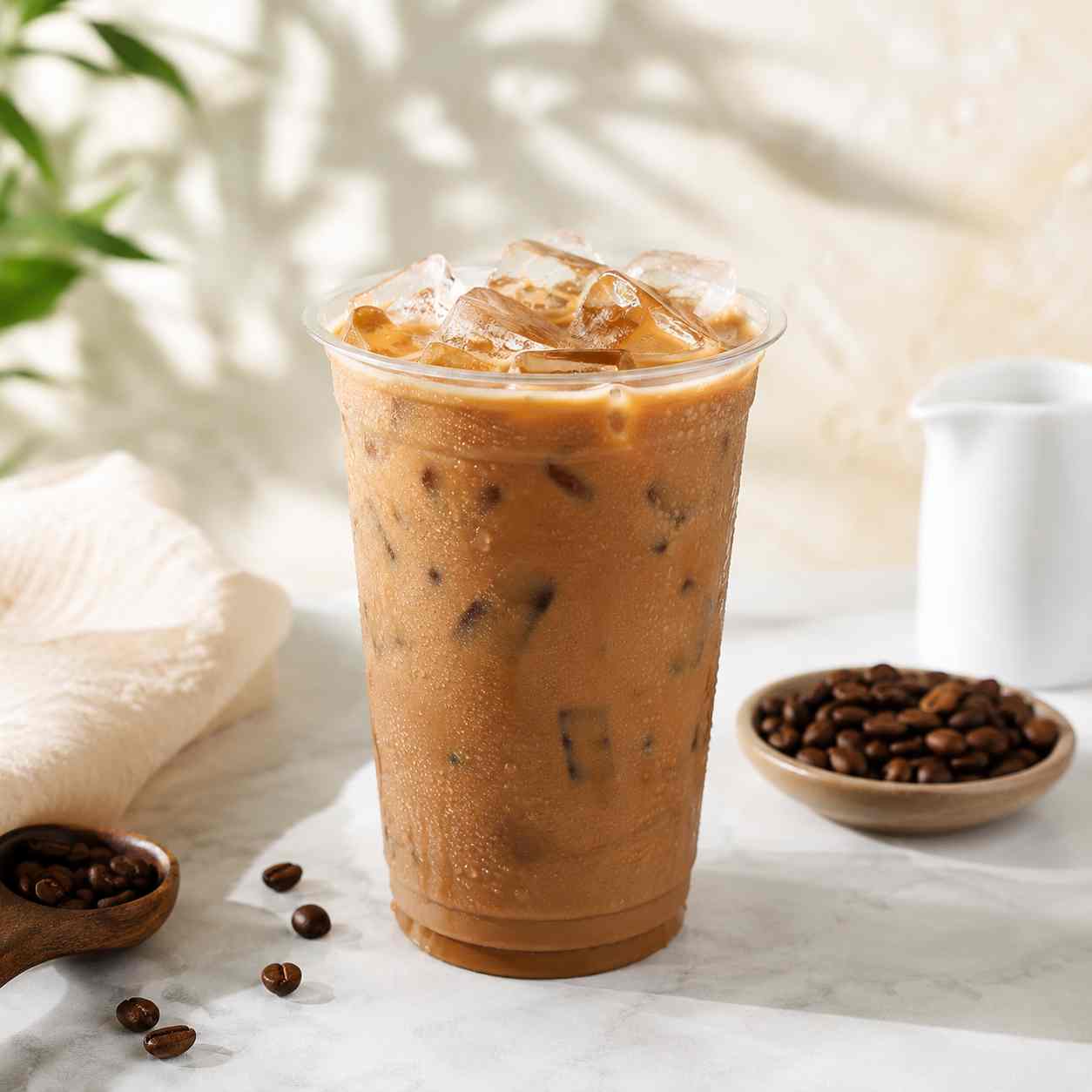
A cafe drink isolated on a clean colorful background for a restaurant promotion

Drink campaign cutout

Tools used

Background RemoverAI Fill
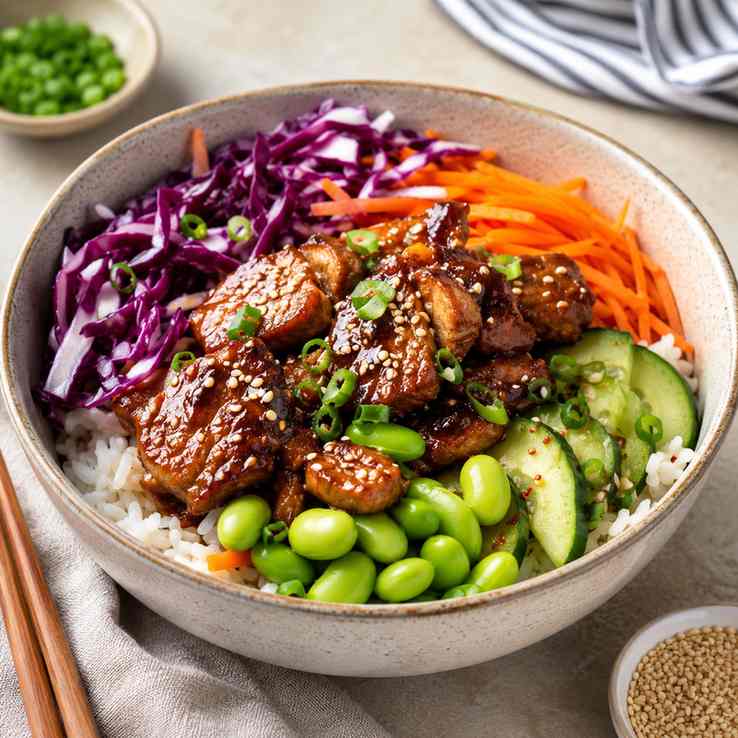
A bright food delivery image with sharp dish detail and a clean background for mobile viewing

Delivery app image

Tools used

AI EnhanceImage Upscaler
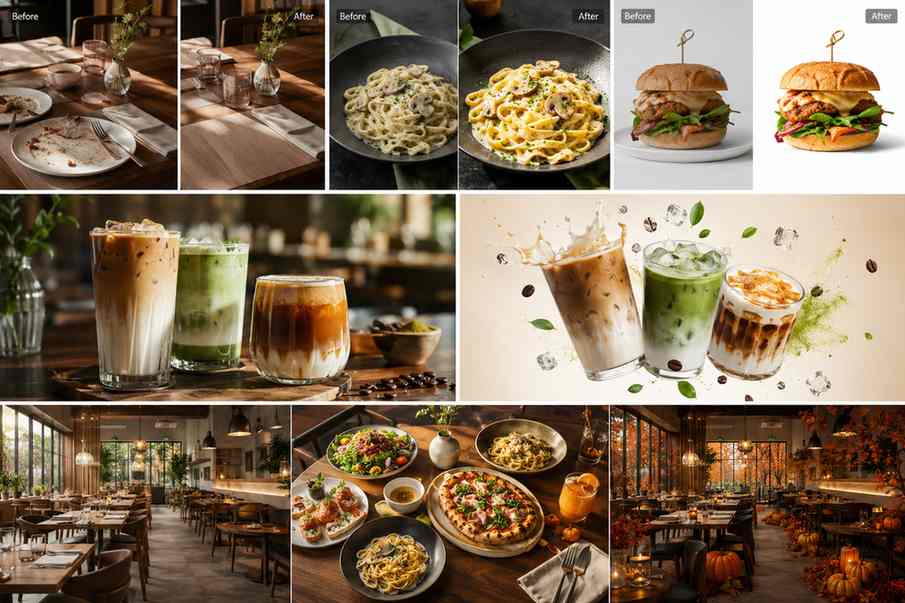
A restaurant editing workflow preview showing food cleanup, menu enhancement, drink cutouts, and promotional banner layouts

Next step

Create restaurant visuals that look ready to order

Clean table distractions, enhance dish detail, create reusable food assets, and adapt restaurant photos for menus, delivery apps, websites, ads, and social channels.

FAQ

Common questions

Quick answers for sellers preparing product images, marketplace assets, and repeatable editing workflows.

1

How does AI food photo editing help restaurants?

AI food photo editing helps restaurants clean table clutter, enhance dim dish photos, sharpen ingredient texture, create reusable food cutouts, and adapt visuals for menus, delivery apps, websites, ads, and social posts. PixEdit is useful when food photos need quick polish before customers see them.

2

Can PixEdit remove clutter from table photos?

Yes. PixEdit can remove crumbs, napkins, utensils, receipts, small table items, and distracting background details from restaurant photos. This keeps the focus on the dish while making the image cleaner for menus, delivery listings, promotions, and social media.

3

Can PixEdit make food photos brighter and sharper?

Yes. PixEdit can enhance brightness, color, clarity, and texture in food photos while keeping the result natural. It is helpful for phone shots, dim restaurant lighting, compressed images, older menu photos, and delivery app visuals that need clearer detail.

4

Can I reuse one food photo for multiple campaigns?

Yes. PixEdit can remove backgrounds, extend the canvas with AI Fill, replace props, and upscale images so one dish or drink photo can become a menu image, delivery promo, website banner, email asset, ad visual, or social post.