PixEdit LogoPixEdit

Real Estate Image Editing

AI Real Estate Photo Editing

AI real estate photo editing for agents and property teams to clean rooms, brighten interiors, upscale listings, and prepare visuals for buyers.

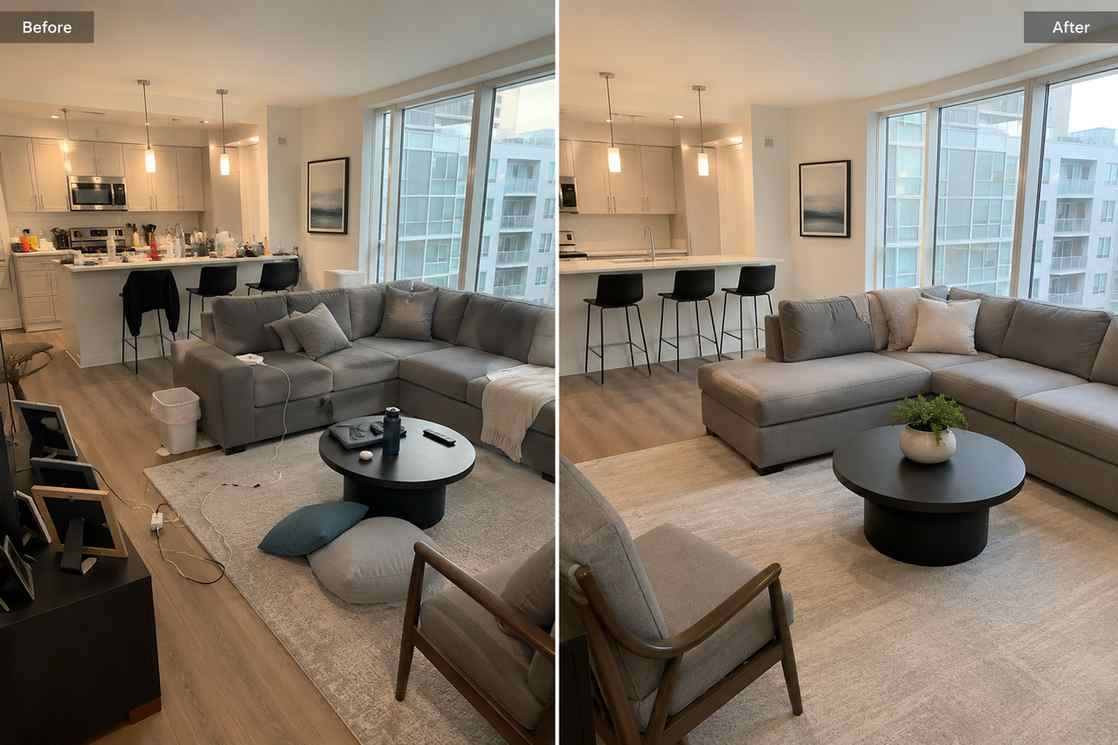
Before and after real estate listing photo showing a cluttered living room cleaned and brightened for property marketing

AI tools for property teams

AI real estate photo editing for listing-ready visuals

PixEdit helps agents, brokers, property managers, and real estate marketers clean clutter, brighten interiors, improve old listing photos, and adapt property images for MLS galleries, websites, brochures, ads, and social posts.

Room cleanup

Remove clutter from real estate listing photos

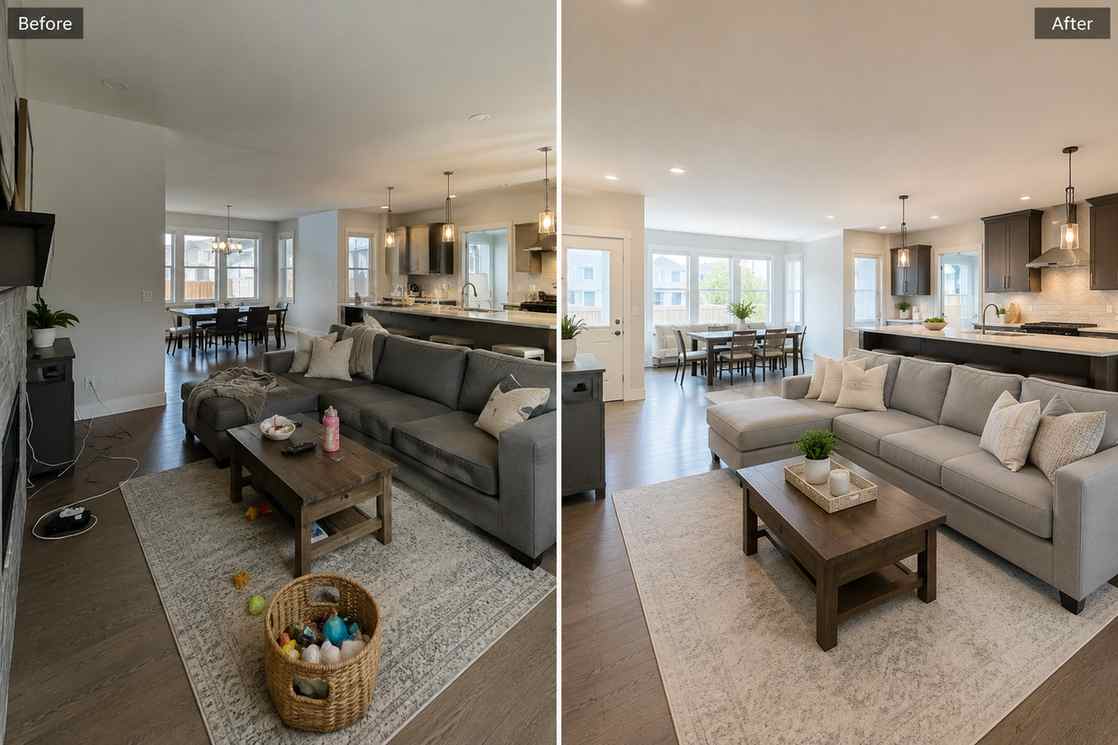
AI real estate photo editing is useful when a good room photo includes cords, bins, personal items, reflections, toys, cleaning supplies, or messy counters. PixEdit helps remove distractions while keeping the room natural and believable for buyers.

  • Remove small objects from living rooms, kitchens, bedrooms, and rentals
  • Keep property photos realistic without over-editing the space
  • Prepare cleaner MLS galleries, property websites, and listing pages
Try now
A real estate living room before and after cords, bins, and personal items are removed for a cleaner listing photo

Interior enhancement

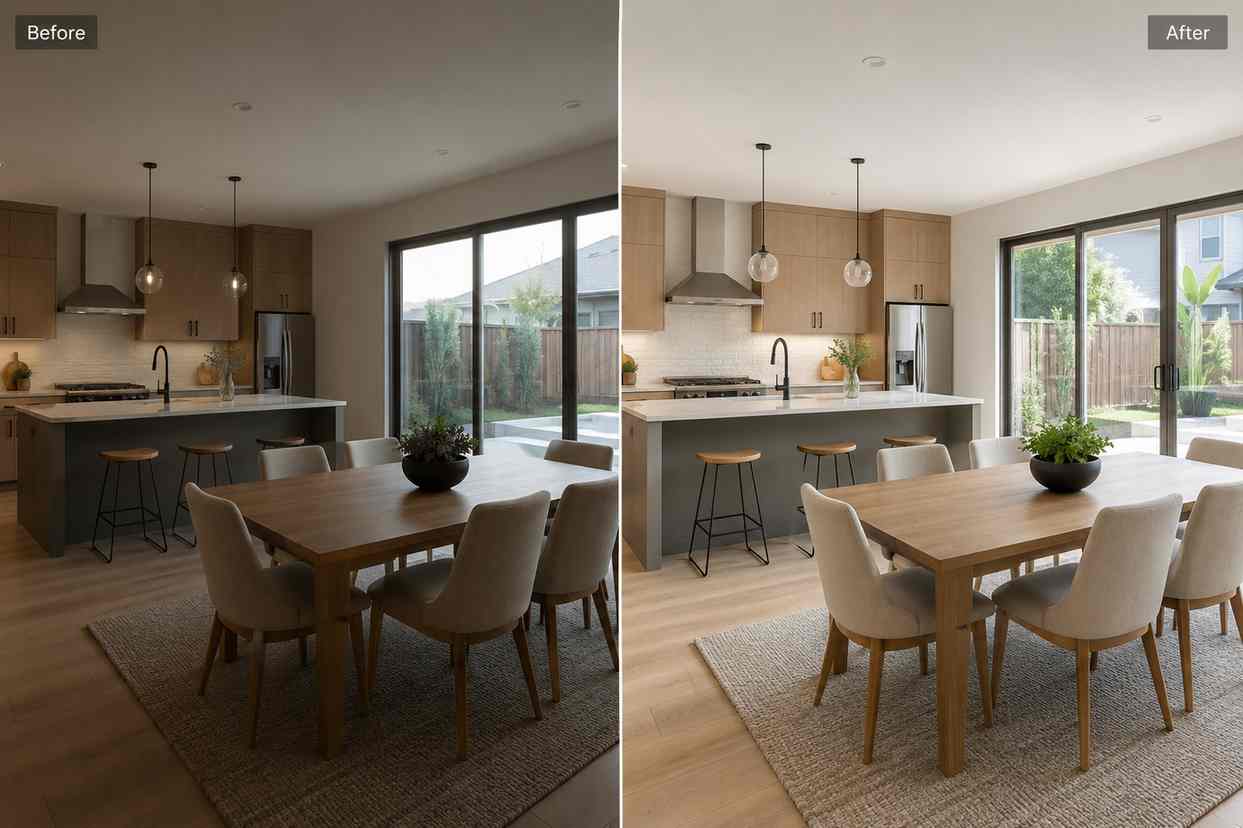
Brighten dark interiors without making them fake

Dark rooms, flat colors, and soft details can make a property feel less inviting online. PixEdit uses AI real estate photo editing tools to improve lighting, clarity, wall detail, flooring texture, and fixture visibility while preserving a realistic look.

  • Improve dark interior photos from phones or quick property visits
  • Recover useful detail in walls, floors, windows, and fixtures
  • Create brighter listing images without artificial-looking edits
Try now
A dark real estate kitchen photo enhanced with brighter natural light, clearer surfaces, and sharper architectural detail

Exterior polish

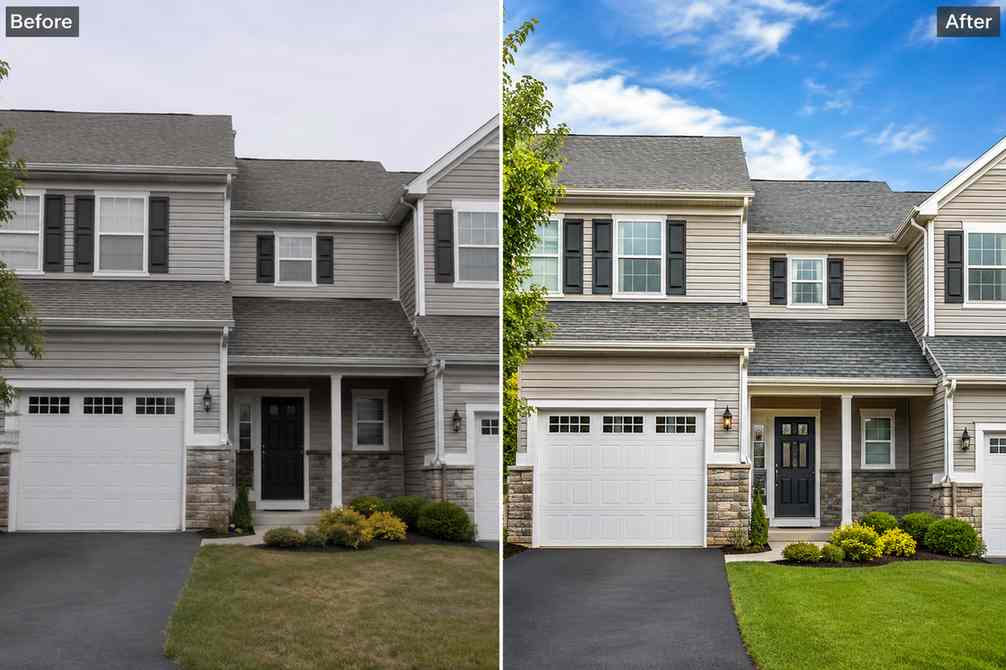
Upscale older property photos for larger placements

Some approved property photos are too small, compressed, or reused from older campaigns. PixEdit can upscale and enhance exterior images so they look sharper on listing pages, open house materials, neighborhood pages, and social ads.

  • Improve older exterior images for websites and print layouts
  • Prepare sharper property visuals for brochures and landing pages
  • Reuse approved listing photos across more marketing channels
Try now
A compressed exterior home photo upscaled into a sharper real estate marketing image with clean landscaping and crisp architecture

Marketing layouts

Extend property photos for banners and ads

Listing photos are often cropped too tightly for website headers, email banners, open house posts, or paid social. AI Fill helps extend sky, walls, landscaping, or neutral background space so the same property image fits more formats.

  • Create wider property visuals for website and email banners
  • Add natural space around architecture for marketing layouts
  • Adapt one listing image into social, web, and campaign formats
Try now
A real estate exterior photo extended into a wide banner with natural sky and landscaping space for property marketing

Scene refresh

Replace distracting details in property visuals

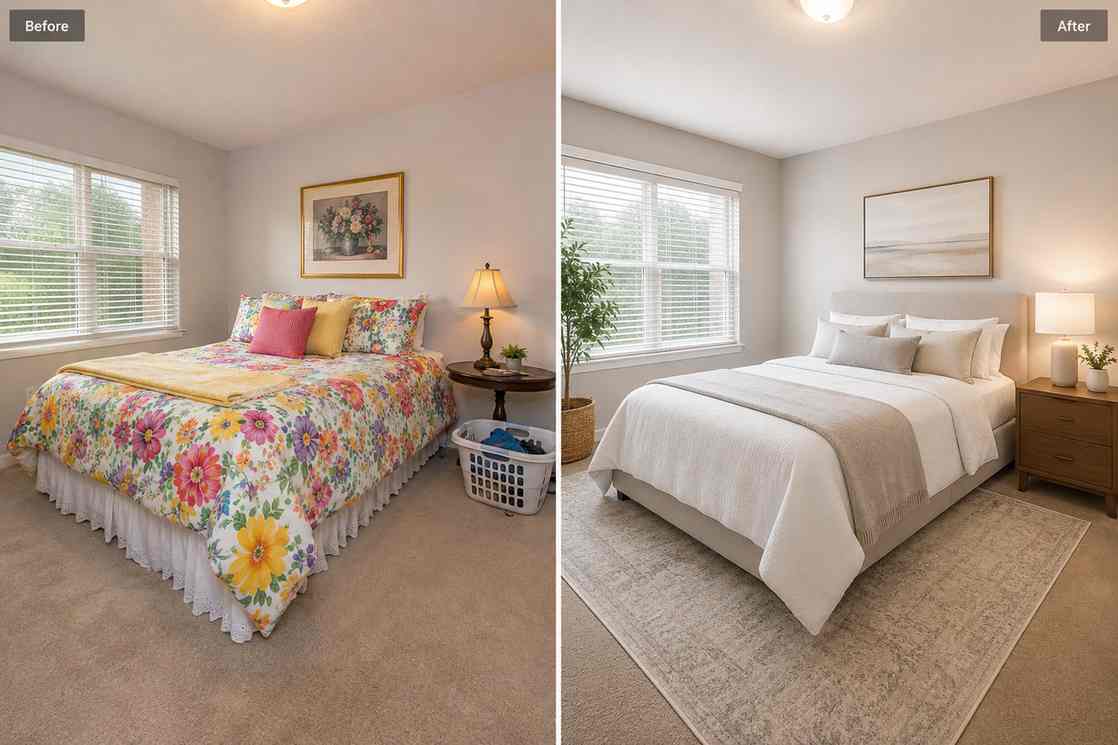
When a photo has outdated decor, a distracting object, or a small scene issue, PixEdit can help replace or simplify the detail before the image goes into a listing, brochure, rental page, or campaign asset.

  • Replace distracting props or outdated decor in property images
  • Refresh room details for rental, sale, or open house promotion
  • Create cleaner real estate marketing images without a reshoot
Try now
A real estate room scene where distracting decor is replaced with cleaner neutral details for a polished listing visual

Listing workflow

From property photo to polished listing gallery

Use PixEdit as a practical AI real estate photo editing step between property capture and publishing, especially when photos need quick cleanup before buyers see them.

1

Upload the property photo

Start with an interior, exterior, rental, open house, neighborhood, or property marketing image.

2

Clean visible distractions

Remove clutter, cords, reflections, bins, small personal items, or distracting objects that make the space feel less prepared.

3

Enhance and resize the asset

Improve lighting, clarity, detail, and resolution so the image works for listing galleries and larger marketing placements.

4

Publish across buyer channels

Use the finished photo for MLS galleries, property websites, brochures, social posts, open house campaigns, and email marketing.

Real estate outcome

Cleaner property photos that still feel believable

PixEdit helps property teams improve listing visuals without turning rooms into unrealistic edits. The result is cleaner, brighter, more consistent imagery for buyers and marketing channels.

PixEdit helps property teams improve listing visuals without turning rooms into unrealistic edits. The result is cleaner, brighter, more consistent imagery for buyers and marketing channels.

MLS

Listing gallery assets

Clean

Room cleanup workflow

Multi

Web, print, and social formats

Outputs created with PixEdit

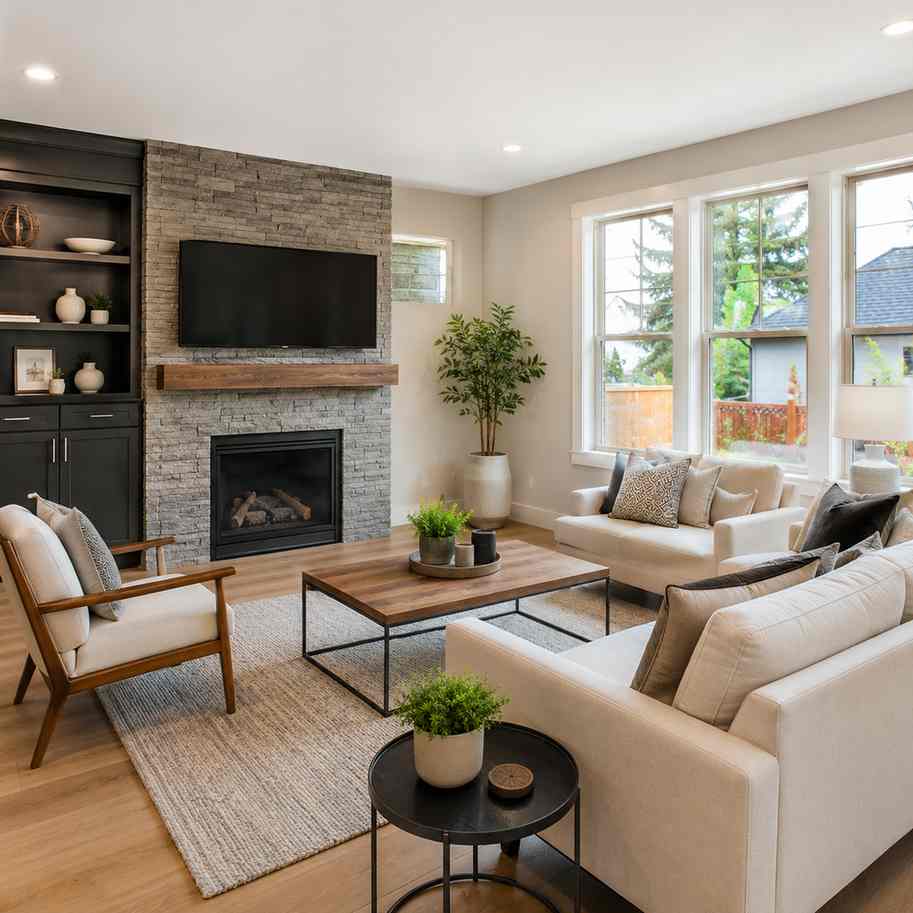
A clean real estate living room photo with clutter removed and natural light preserved for a listing gallery

Living room cleanup

Tools used

Object RemoverAI Enhance
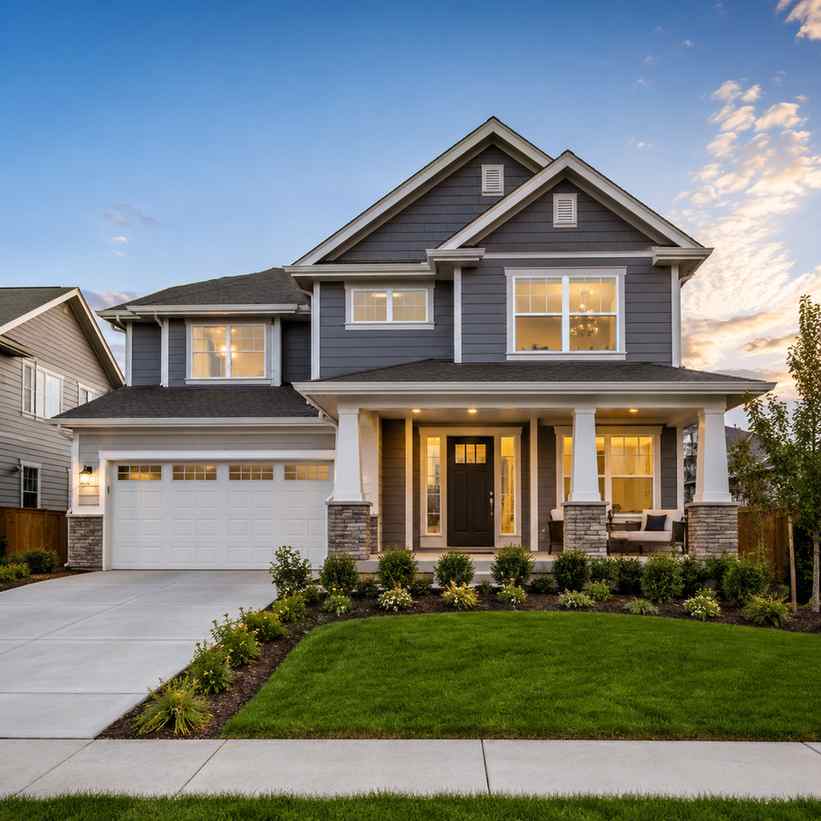
A polished exterior property photo with sharper architecture, clean landscaping, and balanced daylight

Exterior listing polish

Tools used

AI EnhanceImage Upscaler
A property exterior image adapted into a wide open house marketing visual with clean background space

Open house banner

Tools used

AI FillImage Upscaler
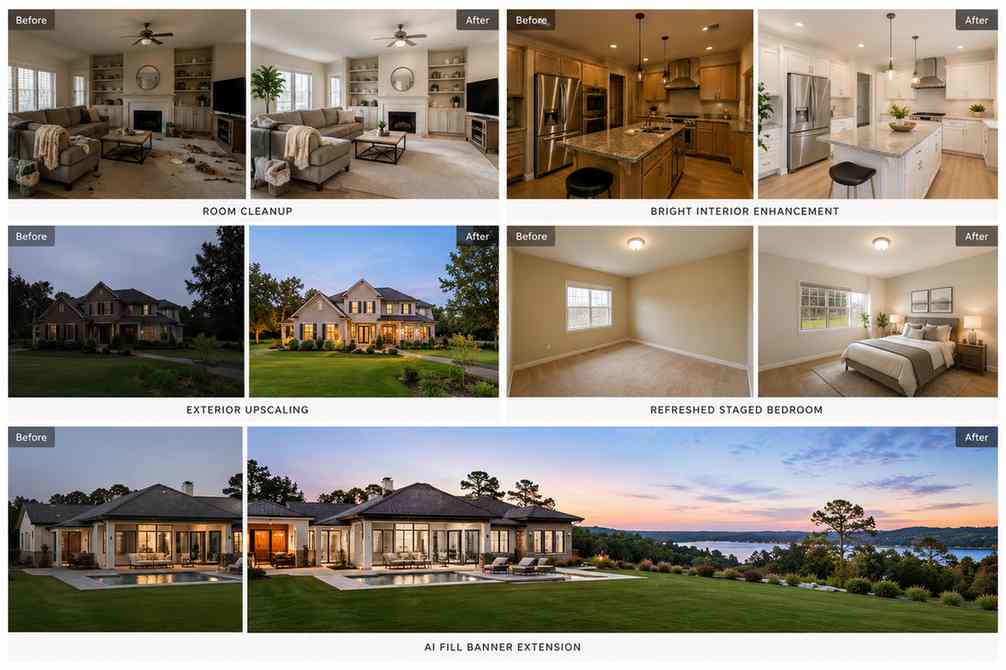
A real estate editing workflow preview showing room cleanup, interior enhancement, exterior polish, and wide banner layouts

Next step

Prepare real estate photos that are ready to list

Clean clutter, brighten interiors, upscale older photos, and adapt property visuals for listing pages, open house campaigns, brochures, ads, and social content.

FAQ

Common questions

Quick answers for sellers preparing product images, marketplace assets, and repeatable editing workflows.

1

How does AI real estate photo editing help listings?

AI real estate photo editing helps agents and property teams remove clutter, brighten interiors, improve old listing images, upscale exterior photos, and adapt visuals for MLS, websites, brochures, ads, and social posts. PixEdit is useful when photos need quick cleanup before publishing.

2

Can PixEdit remove clutter from a room photo?

Yes. PixEdit can help remove cords, bins, small personal items, reflections, toys, cleaning supplies, and other distractions from real estate photos. The goal is to keep the room believable while making the listing image cleaner and easier for buyers to evaluate.

3

Can I enhance dark interior property photos?

Yes. PixEdit can improve dark or flat interior photos by enhancing brightness, clarity, color, and architectural detail. It is helpful for phone photos, rental images, quick property visits, and listing photos that need a more polished but realistic finish.

4

Can one property photo be used in multiple formats?

Yes. PixEdit can upscale images and use AI Fill to create extra background space for website headers, social posts, email banners, brochures, and open house graphics. This helps property teams reuse approved listing photos across more marketing channels.