PixEdit LogoPixEdit

AI Photography Editing Workflow

AI Photo Editing for Photographers

Use AI photo editing for photographers to remove distractions, enhance portraits, upscale images, and deliver polished client galleries faster.

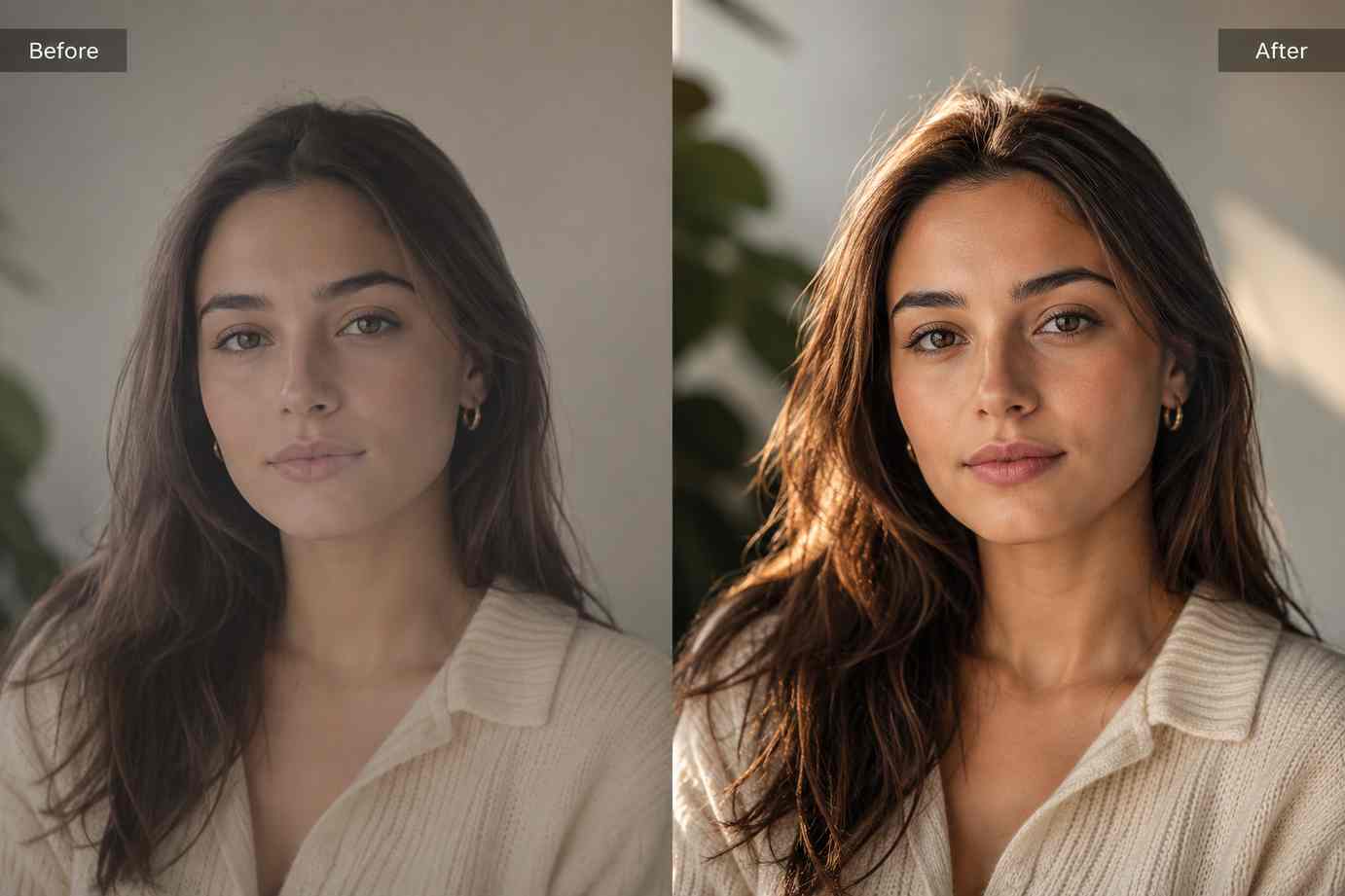
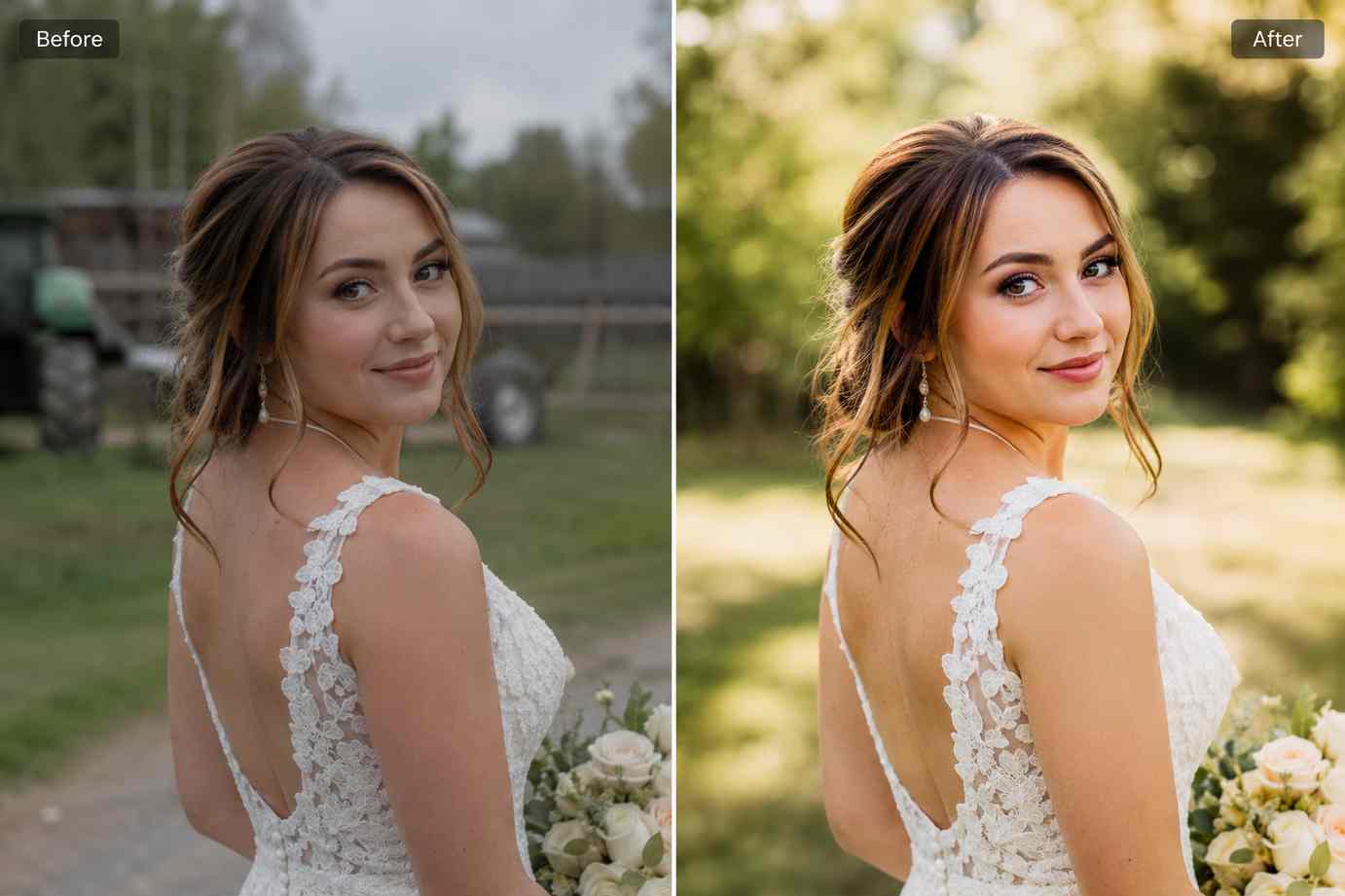
Before and after portrait photo edit showing distraction removal, enhanced lighting, sharper detail, and polished client-ready photography

AI tools for photographers

AI photo editing for photographers who need faster delivery

PixEdit helps portrait, wedding, event, travel, and lifestyle photographers clean distractions, enhance detail, upscale images, and prepare polished client-ready photos without spending hours on repetitive edits.

Portrait cleanup

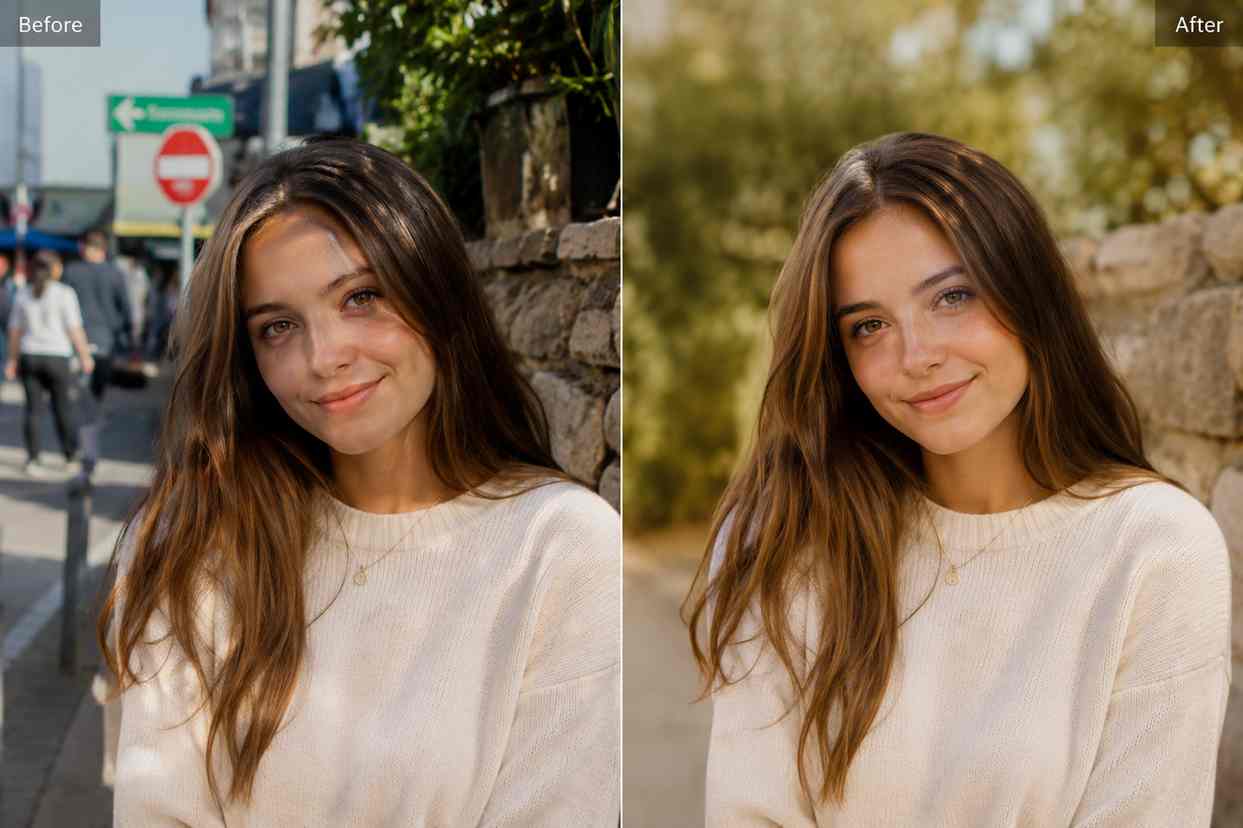
Remove distracting objects from portrait and event photos

Use AI photo editing for photographers to remove background people, signs, trash bins, wires, reflections, or small scene distractions that pull focus away from the subject. This helps photographers prepare cleaner client previews and stronger portfolio images faster.

  • Clean wedding, portrait, event, and travel photos
  • Remove visual distractions without changing the composition
  • Prepare polished gallery previews for clients and social media
Try now
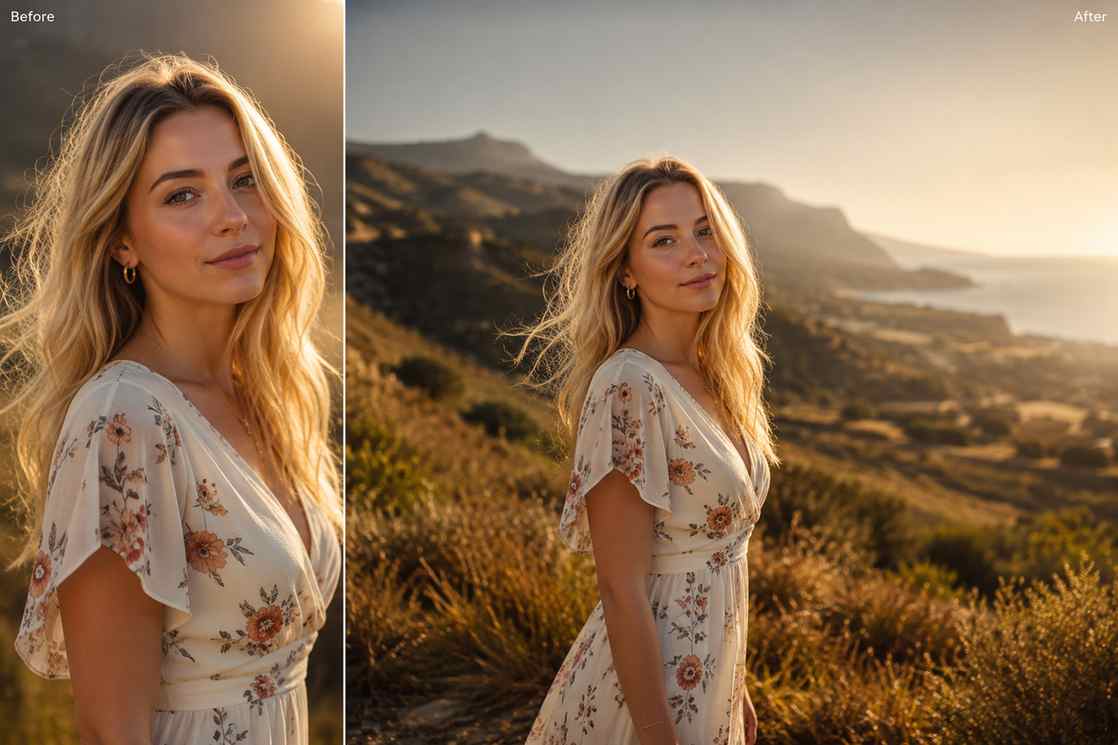
Portrait photo before and after removing background clutter and distracting objects from an outdoor scene

AI enhancement

Enhance soft photos while keeping skin and lighting natural

Improve clarity, texture, lighting, and color balance when a photo has the perfect moment but needs a cleaner finish. PixEdit helps photographers recover useful detail while avoiding overprocessed edits.

  • Improve soft portraits and low-detail images
  • Recover texture and lighting for client delivery
  • Prepare cleaner photos for portfolios, websites, and social posts
Try now
Before and after enhancement of a portrait photo with improved lighting, sharper details, and natural skin texture

Image upscaling

Upscale cropped or compressed photos for larger layouts

Turn smaller, cropped, or compressed files into cleaner high-resolution images for print samples, photography websites, portfolio covers, banners, and client gallery exports.

  • Upscale cropped photos for print and portfolio use
  • Improve older or compressed client images
  • Create sharper assets for websites and gallery covers
Try now
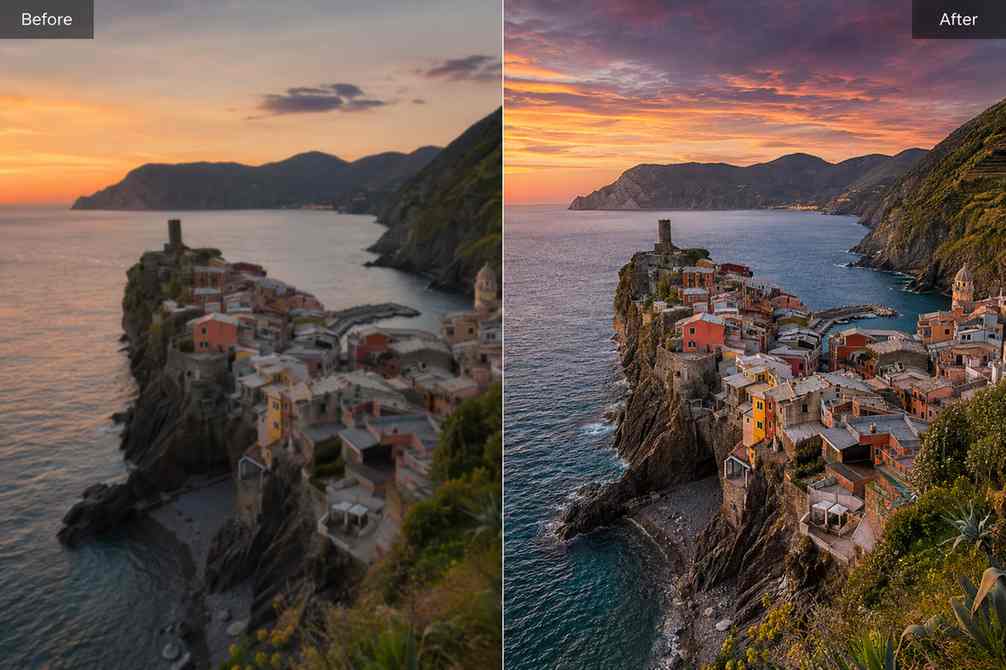
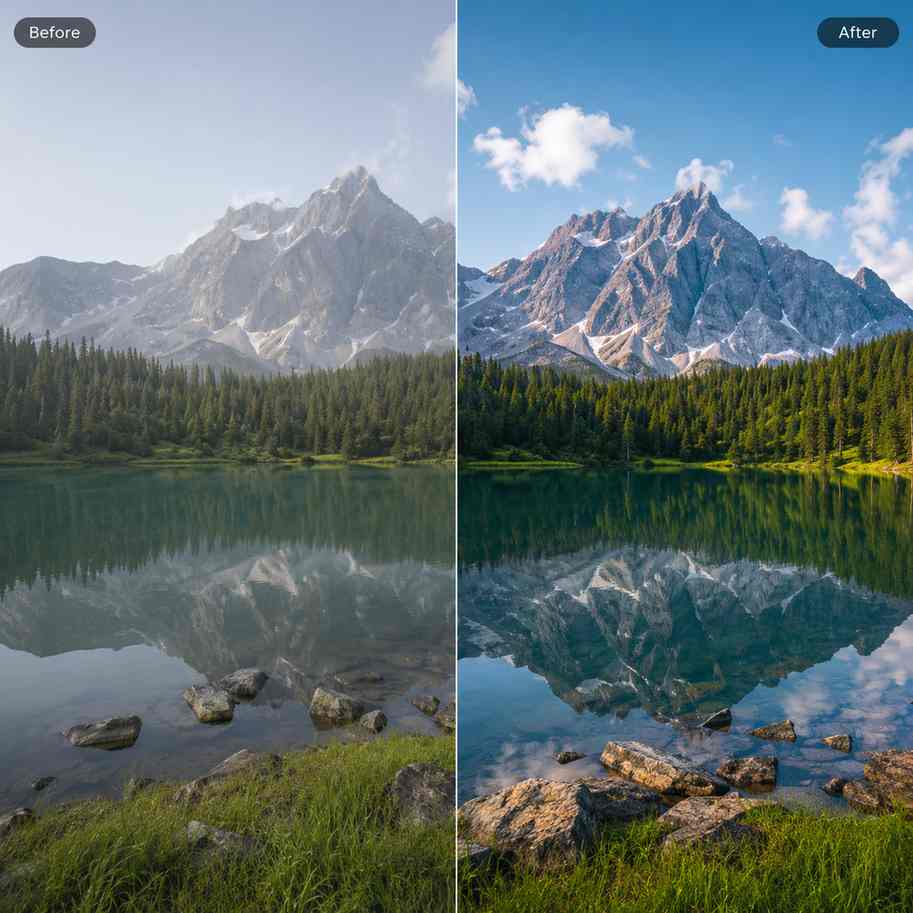
Photography image upscaled from a soft cropped file into a sharper high-resolution landscape photo

AI fill

Extend photo backgrounds for album covers and banners

Use AI fill to expand tight portrait crops, create extra layout space, and adapt one image into banners, story formats, album covers, website headers, and portfolio layouts without reshooting.

  • Fix tight framing in portraits and couple photos
  • Create extra layout space for album and website covers
  • Reuse one image across multiple photography formats
Try now
Portrait image extended with AI fill to create a wider photography banner layout with natural background expansion

Background cleanup

Create clean backgrounds for headshots and branding photos

Simplify busy environments or replace distracting backgrounds when preparing professional headshots, speaker photos, branding portraits, and social profile images.

  • Create cleaner headshots for websites and LinkedIn
  • Reduce visual clutter in branding photography
  • Prepare consistent profile and team images
Try now
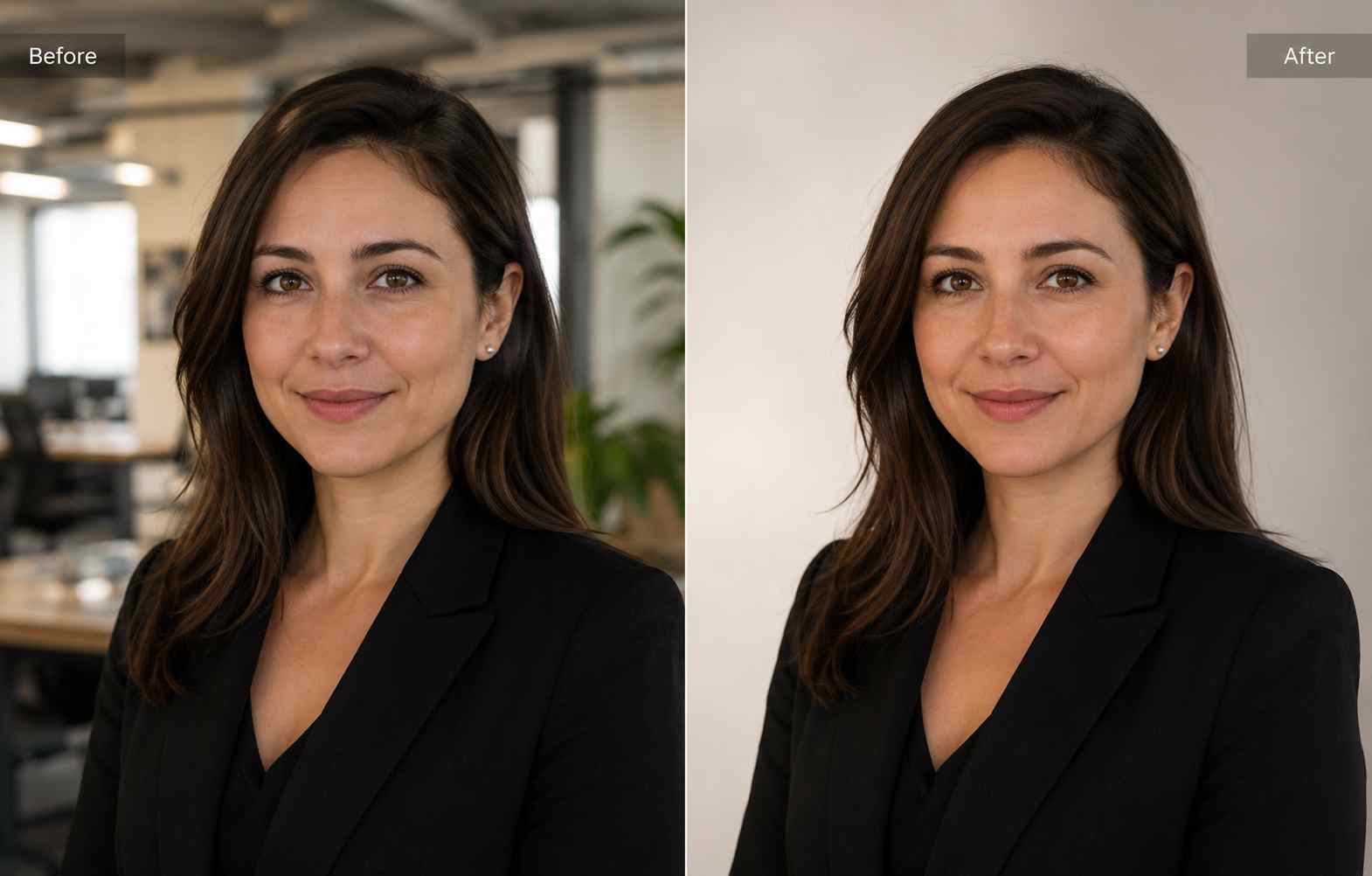
Professional headshot before and after background cleanup with a cleaner neutral backdrop

Object replacement

Replace distracting elements without rebuilding the photo

Swap unwanted objects, damaged props, empty signs, or awkward scene details with cleaner visual elements while preserving the original mood and composition.

  • Replace damaged or distracting scene elements
  • Improve commercial and branding photography
  • Keep the original composition while fixing small issues
Try now
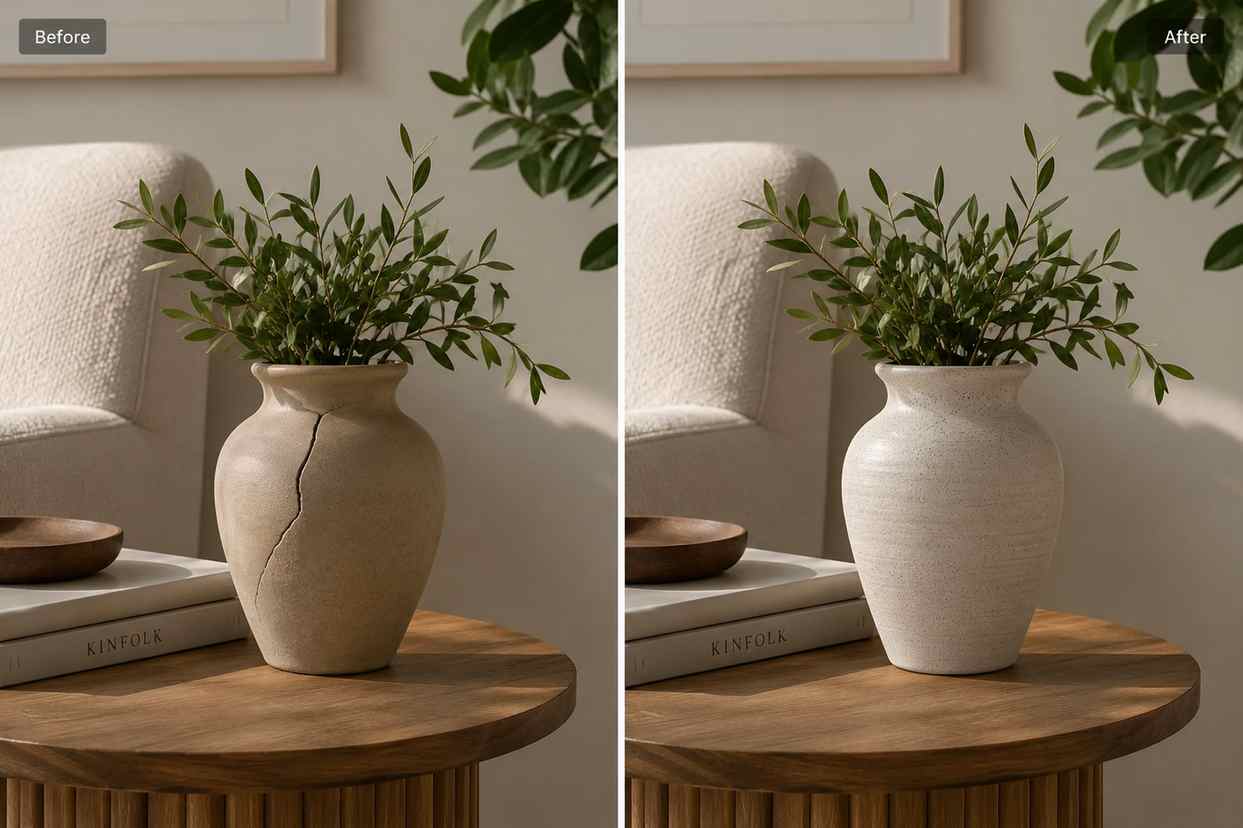
Before and after photography edit replacing an unwanted object in a lifestyle portrait scene

Photography editing workflow

From raw capture to polished client delivery

Use PixEdit as a fast AI editing layer inside your existing photography workflow to clean, enhance, resize, and prepare photos for delivery.

1

Upload your selected photo

Start with a portrait, wedding image, travel shot, event photo, or branding image that already has the right moment and composition.

2

Clean distractions and simplify the frame

Remove unwanted objects, background clutter, or awkward scene details before preparing client previews or portfolio exports.

3

Enhance and upscale where needed

Improve detail, lighting, texture, and resolution while keeping the image realistic and natural.

4

Export for delivery and publishing

Prepare photos for client galleries, websites, album covers, print samples, portfolio pages, and social media.

Photographer outcome

Deliver polished photos without slowing down your workflow

PixEdit helps photographers spend less time on repetitive cleanup and more time on creative direction, client experience, and final storytelling.

500+

Gallery images cleaned

4K

High-resolution exports prepared

Hours

Saved on repetitive edits

Outputs created with PixEdit

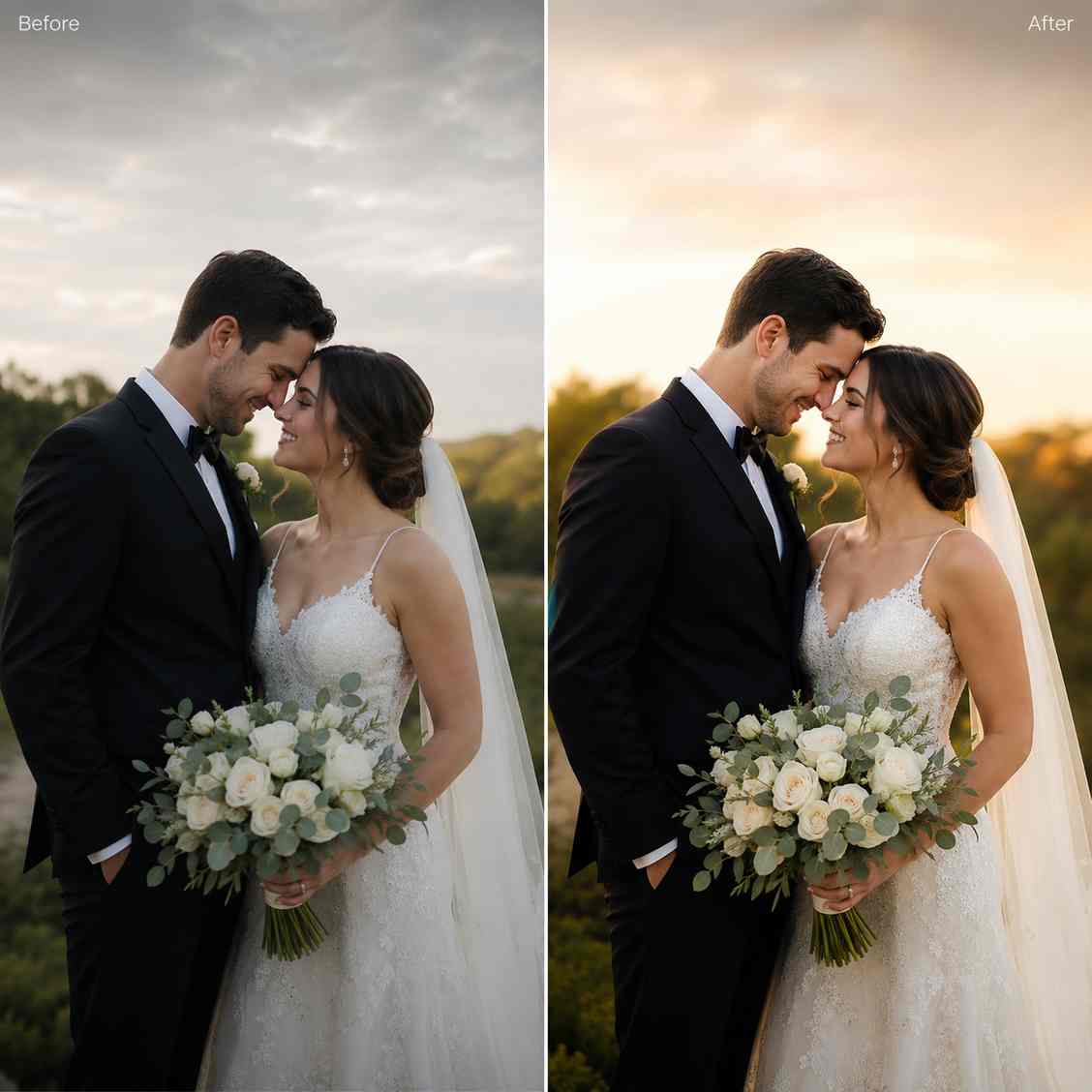
Wedding portrait cleaned and enhanced for professional client gallery delivery

Wedding gallery cleanup

Tools used

Object RemoverAI Enhance
Landscape photography image enhanced and upscaled for portfolio presentation

Landscape detail recovery

Tools used

Image UpscalerAI Enhance
Portrait photography image adapted into a wide portfolio cover layout with clean background space

Portfolio cover crop

Tools used

AI FillReplace Object
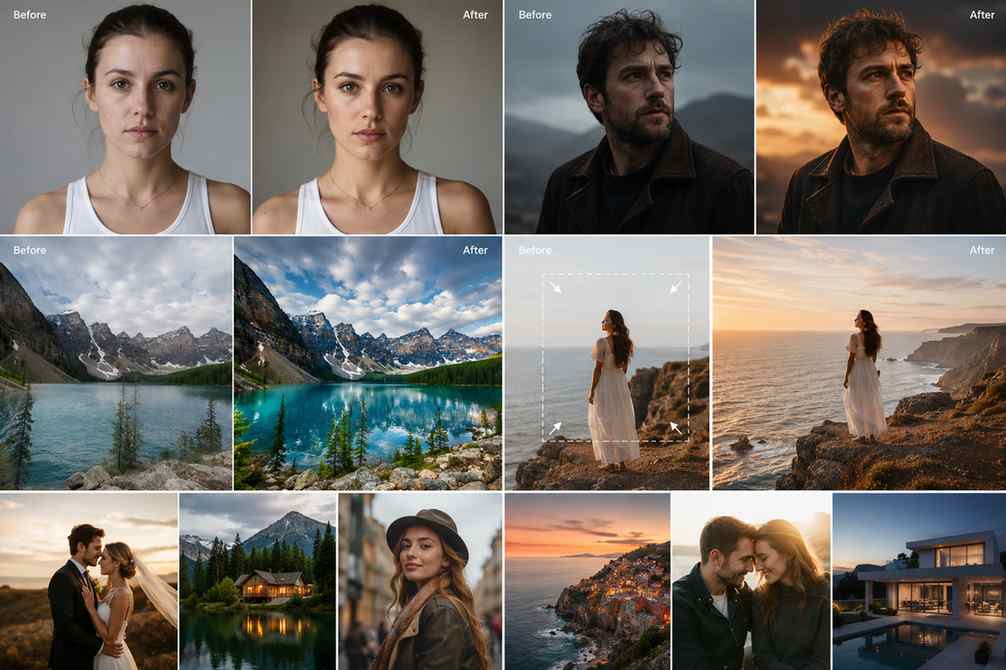
Photography editing workflow preview with portrait cleanup, enhancement, background extension, and upscale examples

Next step

Prepare cleaner client-ready photography faster

Remove distractions, improve detail, extend layouts, and deliver polished photography for galleries, portfolios, websites, and print.

FAQ

Common questions

Quick answers for sellers preparing product images, marketplace assets, and repeatable editing workflows.

1

What is AI photo editing for photographers?

AI photo editing for photographers uses tools like object removal, image enhancement, upscaling, background cleanup, and AI fill to speed up repetitive editing tasks. It helps photographers prepare cleaner client previews, polished portfolios, web images, and print-ready assets while keeping full creative control over the final look.

2

Can PixEdit help photographers clean distracting backgrounds?

Yes. PixEdit can remove background distractions like people, signs, wires, clutter, reflections, or unwanted objects from portrait, wedding, event, and travel photos. This helps photographers deliver cleaner gallery images without rebuilding the entire photo manually.

3

Can I upscale photography images for print or websites?

Yes. PixEdit can upscale cropped or compressed images into cleaner high-resolution assets for websites, photography portfolios, gallery covers, print samples, and social banners. This is useful when the original image is too small for larger layouts.

4

Does PixEdit replace Lightroom or Photoshop?

No. PixEdit works best as a fast AI editing layer around your existing photography workflow. It helps speed up repetitive cleanup and enhancement tasks while photographers still control color grading, creative retouching, and the final artistic direction.

5

Can PixEdit extend photo backgrounds for album covers or banners?

Yes. The AI fill tool can naturally expand portrait and landscape backgrounds to create extra space for album covers, portfolio headers, website banners, story crops, and social media layouts without needing another photoshoot.