PixEdit LogoPixEdit

Marketing Agency Image Editing

AI Image Editing for Marketing Agencies

AI image editing for marketing agencies to clean client assets, create ad variants, enhance visuals, and prepare campaign images faster.

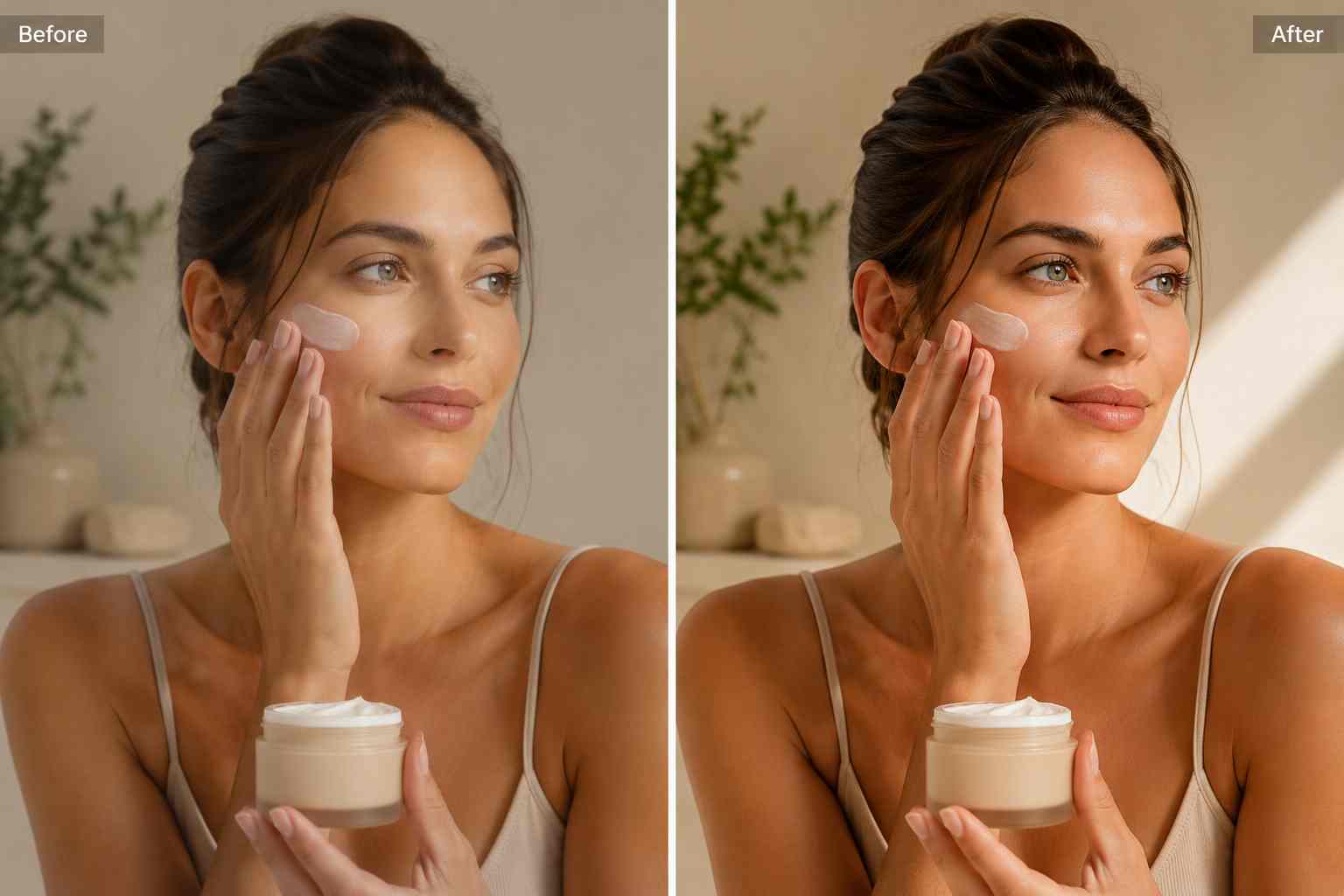
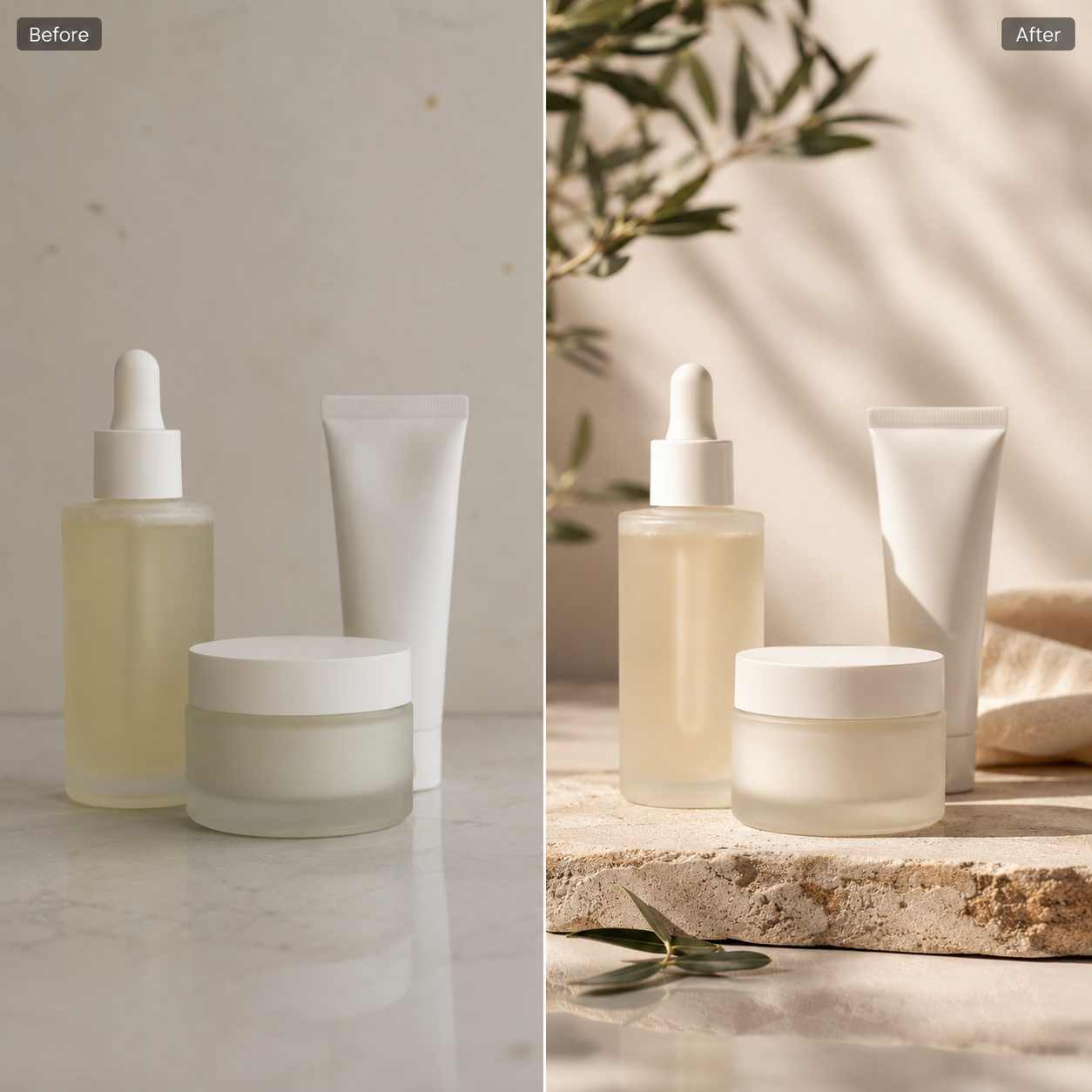
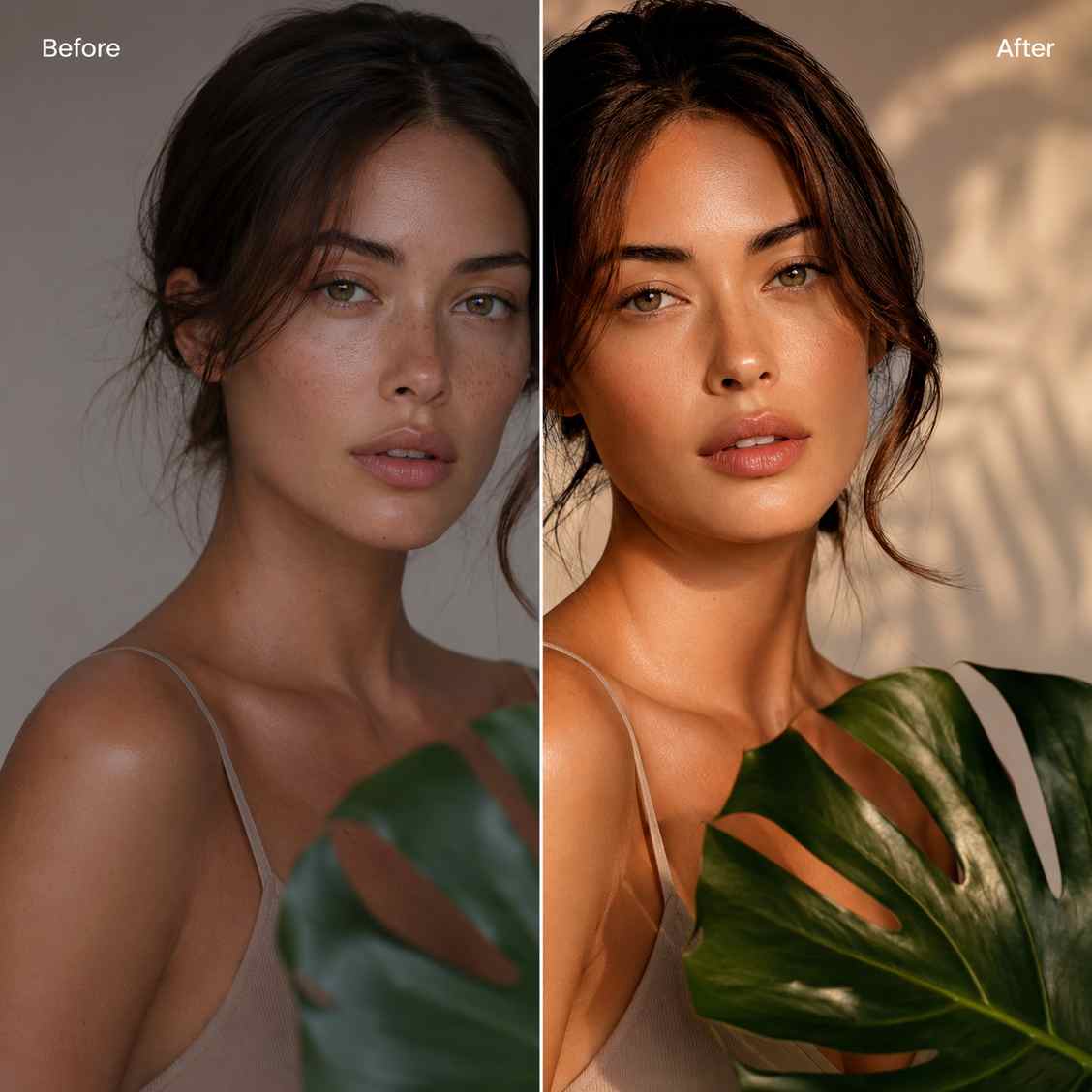
Before and after campaign visual showing a rough client product image turned into a polished ad-ready creative

AI tools for agency production

AI image editing for marketing agencies with tight campaign timelines

PixEdit helps marketing teams clean client-supplied images, remove distractions, create cutouts, extend backgrounds, enhance weak source files, and deliver polished visuals for ads, landing pages, email, social, and pitch decks.

Client asset cleanup

Clean rough client images before creative handoff

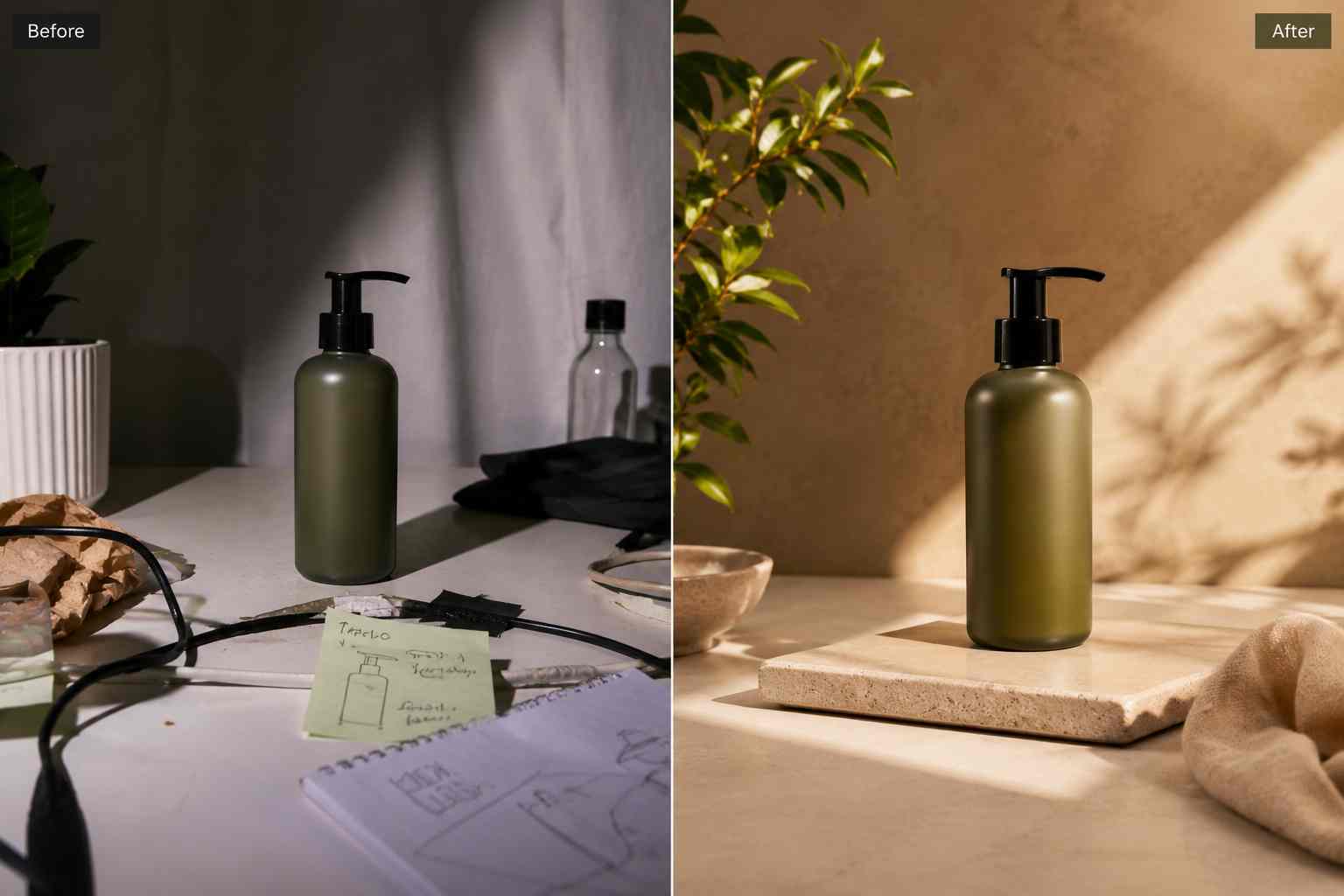
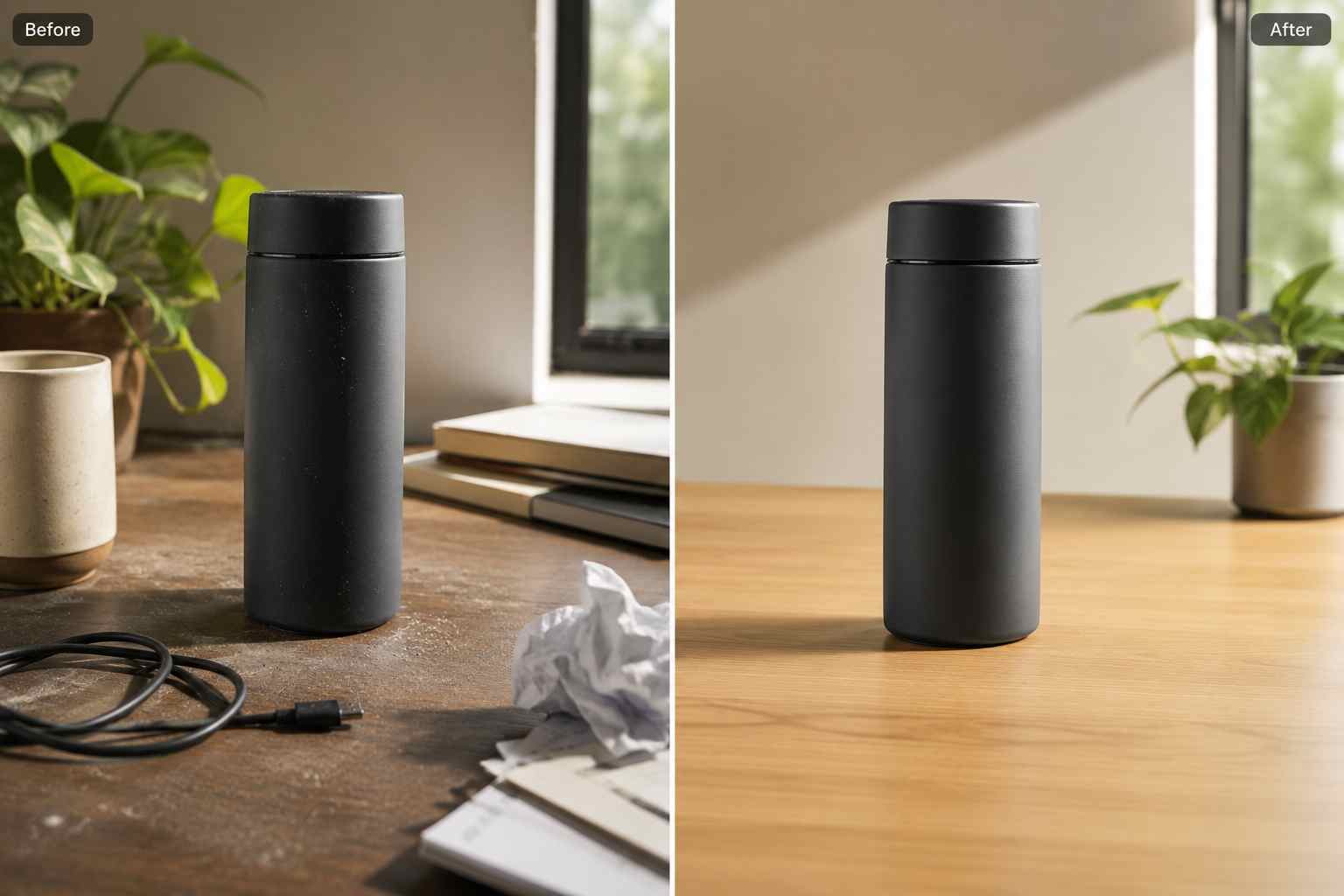
AI image editing for marketing agencies starts with making messy source files usable. Remove unwanted objects, clutter, cables, props, or distracting background details before designers turn the image into campaign creative.

  • Clean client-supplied photos before design review
  • Remove distracting props, marks, clutter, and background noise
  • Prepare stronger visual inputs for ads, decks, and landing pages
Try now
A client product photo before and after distracting props and desk clutter are removed for agency design handoff

Reusable cutouts

Create flexible product and subject cutouts

Build reusable campaign components from one approved image. PixEdit can remove backgrounds from products, people, props, or lifestyle assets so teams can reuse the same visual across paid social, display ads, email banners, and presentation layouts.

  • Remove backgrounds from products, people, and campaign objects
  • Reuse approved assets across multiple campaign formats
  • Create cleaner layouts for ads, landing pages, and social posts
Try now
Reusable product, portrait, and prop cutouts arranged as clean components for marketing campaign layouts

Campaign enhancement

Enhance low-quality campaign visuals

Client images are often compressed, soft, or too small for final placements. Use AI Enhance and Image Upscaler to improve clarity, sharpen details, and prepare campaign visuals for high-impact pages, presentations, and paid media.

  • Improve compressed or low-resolution campaign images
  • Sharpen important details before client presentation
  • Prepare visuals for landing pages, pitch decks, and retina displays
Try now
A soft campaign image improved with sharper detail, cleaner color, and better lighting for a landing page

Ad variations

Produce more ad creative options from one asset

Use AI Fill, object replacement, and background cleanup to adapt a single image into multiple campaign directions. This helps teams test paid social, display, email, and website variations without waiting for a new shoot.

  • Extend image backgrounds for new ad sizes and crops
  • Replace props or scene elements for seasonal campaign themes
  • Create visual options for testing while keeping the core asset consistent
Try now
One product campaign image expanded into several clean ad creative variations for testing

Object replacement

Refresh campaign scenes without a reshoot

When a visual direction changes, PixEdit can help replace outdated props, swap background elements, or adjust a campaign scene while preserving the main subject. This gives agencies more flexibility during revision cycles.

  • Replace outdated props in approved campaign photos
  • Adapt one asset for seasonal, product, or audience-specific concepts
  • Reduce reshoot dependency when creative feedback changes
Try now
A campaign lifestyle scene where outdated props are replaced with cleaner modern objects for a refreshed concept

Agency workflow

From client asset to campaign-ready creative

Use PixEdit as a fast image preparation step before design, approval, and publishing so every campaign starts with cleaner, more flexible visuals.

1

Collect campaign images

Start with client photos, product shots, lifestyle images, UGC, stock visuals, or rough creative references.

2

Clean the source asset

Remove unwanted objects, background clutter, old props, or visual distractions before design handoff.

3

Enhance and resize for placement

Improve sharpness, upscale low-resolution files, and prepare images for ads, landing pages, decks, and social layouts.

4

Create campaign variants

Use background removal, AI Fill, and object replacement to produce reusable visuals for multiple channels.

Agency outcome

Cleaner campaign assets with fewer image bottlenecks

PixEdit helps marketing agencies move from rough visual inputs to polished campaign assets without relying on heavy manual editing for every small revision.

PixEdit helps marketing agencies move from rough visual inputs to polished campaign assets without relying on heavy manual editing for every small revision.

Multi

Channel-ready assets

Clean

Client image inputs

Flexible

Creative variations

Outputs created with PixEdit

A square paid social creative variation made from a product cutout on a clean campaign background

Paid social variation

Tools used

Remove BackgroundAI Fill
A landing page hero image cleaned and enhanced with stronger lighting and fewer background distractions

Landing page hero cleanup

Tools used

Remove ObjectsAI Enhance
A presentation-ready campaign visual sharpened and upscaled for a client pitch deck

Pitch deck image polish

Tools used

Image UpscalerAI Enhance
A polished set of campaign visuals arranged for paid ads, landing pages, email banners, and social media

Next step

Prepare campaign visuals without slowing production

Use PixEdit to clean client assets, create flexible variations, and move campaign images through review, design, and launch with less manual cleanup.

FAQ

Common questions

Quick answers for sellers preparing product images, marketplace assets, and repeatable editing workflows.

1

How does AI image editing for marketing agencies work?

AI image editing for marketing agencies helps teams clean client assets, remove unwanted objects, create cutouts, extend backgrounds, enhance quality, and prepare campaign variants. PixEdit is useful before design handoff, client review, ad production, landing page updates, and social content creation.

2

Can PixEdit help with client-supplied images?

Yes. PixEdit can clean and improve client-supplied images when they are cluttered, compressed, poorly cropped, or not ready for campaign layouts. Teams can remove distractions, enhance clarity, upscale images, and prepare more polished assets without requesting a new file immediately.

3

Can agencies use PixEdit for ad creative variations?

Yes. Agencies can use PixEdit to remove backgrounds, extend image space with AI Fill, replace props, and adapt approved visuals into multiple ad formats. This is helpful for paid social, display ads, email banners, landing pages, and campaign refreshes.

4

Is PixEdit only for designers?

No. Designers can use PixEdit, but account managers, marketers, and content teams can also prepare cleaner image inputs before design starts. This helps reduce repetitive cleanup requests and gives creative teams better assets for layout, testing, and client review.