PixEdit LogoPixEdit

Healthcare and Wellness Image Editing

AI Healthcare Photo Editing

AI healthcare photo editing for clinics and wellness teams to clean interiors, improve portraits, enhance visuals, and prepare website assets.

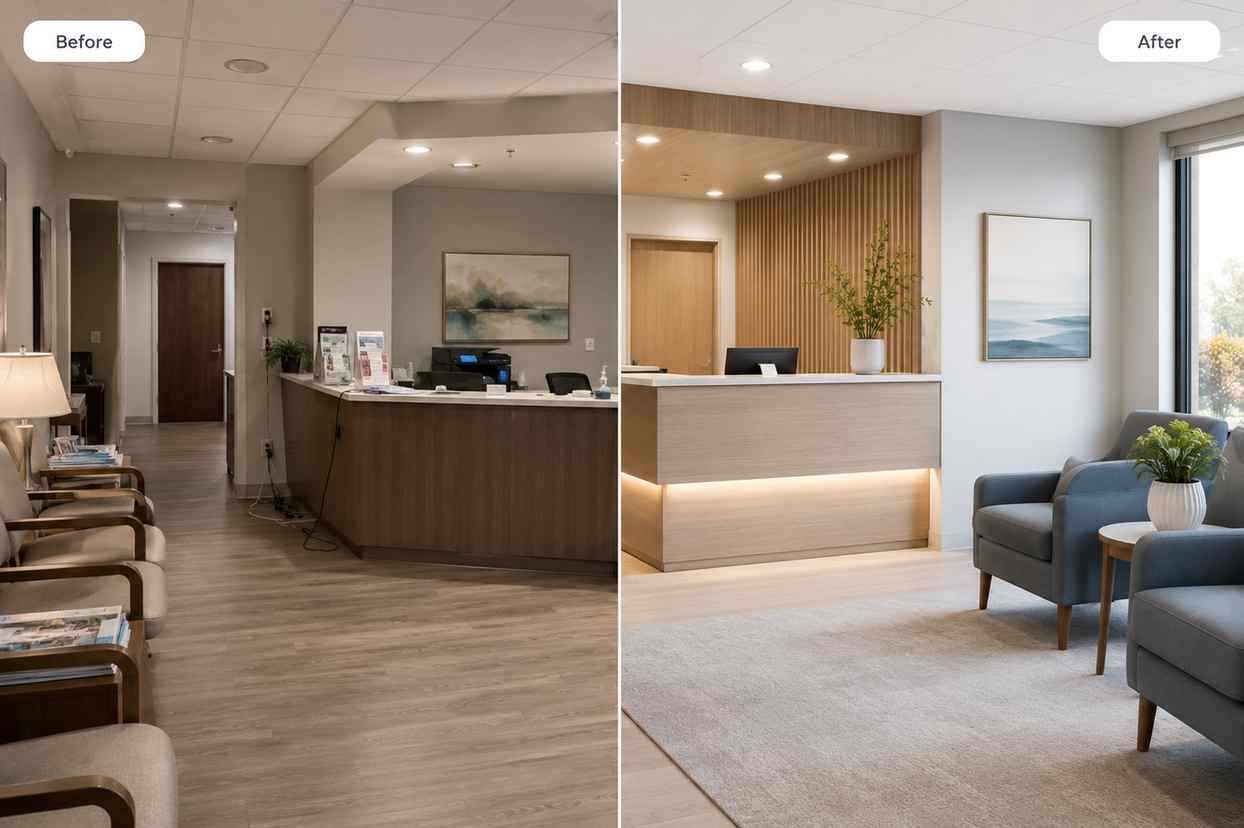
Before and after healthcare image editing showing a cluttered clinic reception photo cleaned and brightened for a professional website

AI tools for clinics and wellness teams

AI healthcare photo editing for professional care visuals

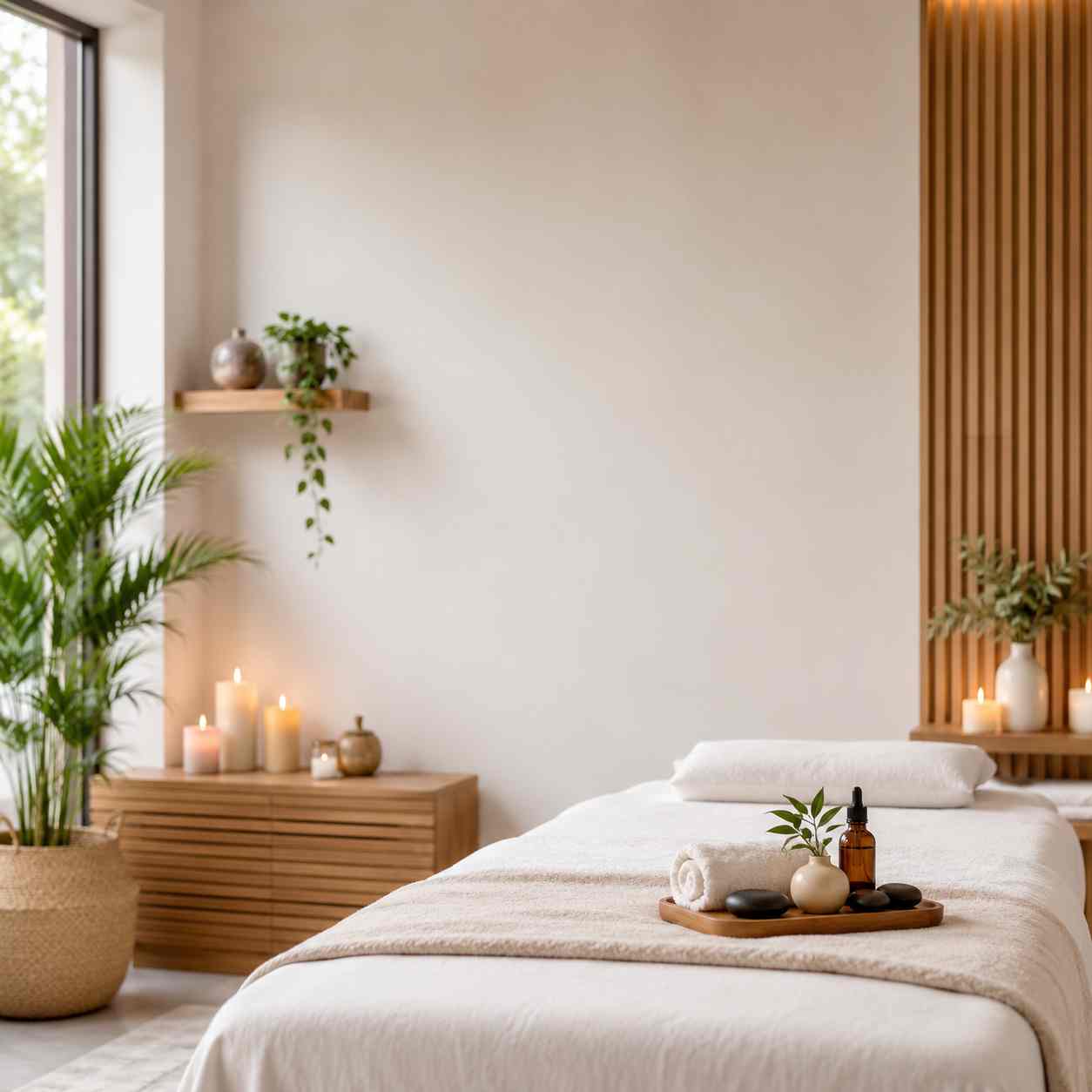
PixEdit helps clinics, wellness studios, dental practices, fitness brands, and care teams clean facility photos, polish practitioner portraits, enhance calm lifestyle images, and prepare consistent visuals for websites, profiles, appointment pages, ads, and social posts.

Facility cleanup

Clean clinic and wellness facility photos

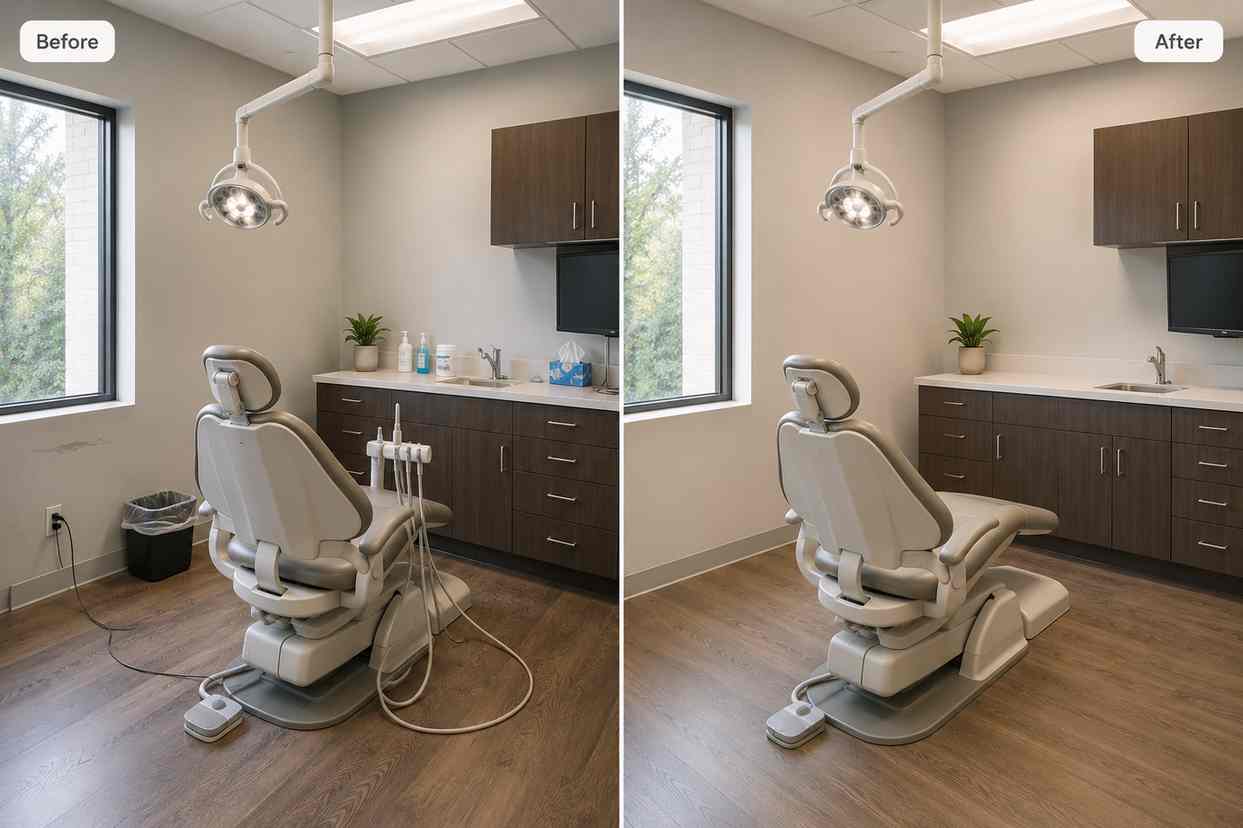
AI healthcare photo editing helps when a good clinic, dental office, spa, or wellness studio photo has cords, bins, wall marks, reflections, paperwork, or small clutter. PixEdit removes distractions while keeping the space realistic, calm, and professional.

  • Remove cords, bins, wall marks, paperwork, and small background clutter
  • Keep clinic and wellness interiors realistic instead of over-edited
  • Prepare cleaner visuals for service pages, appointment pages, and local listings
Try now
A clinic treatment room before and after cords, bins, and wall marks are removed for a cleaner website photo

Practitioner profiles

Create consistent staff and practitioner images

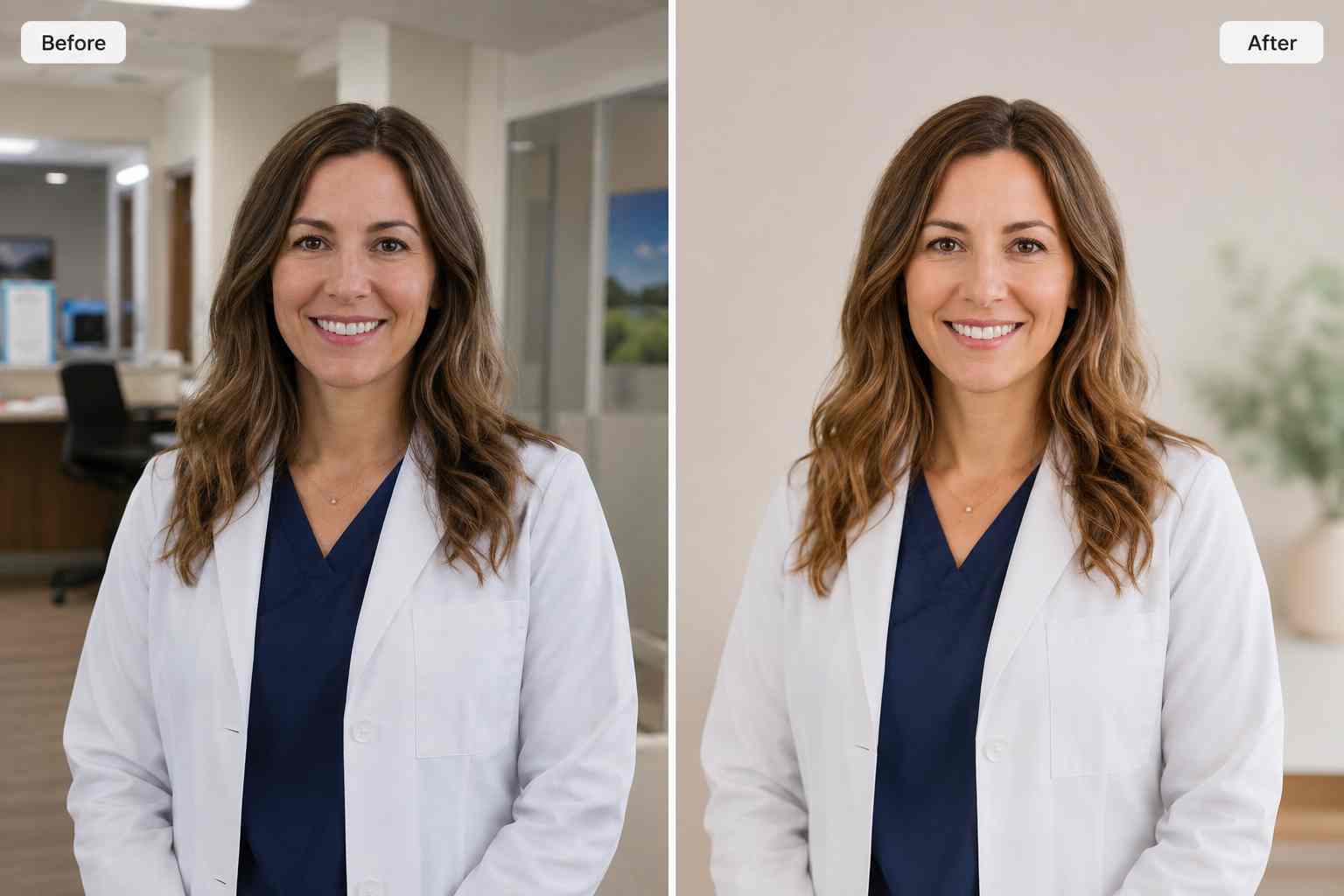
Team pages often mix portraits from different rooms, lighting setups, and backgrounds. PixEdit can remove backgrounds, improve lighting, and prepare cleaner practitioner headshots while keeping faces natural and approachable.

  • Clean busy portrait backgrounds for practitioner profile pages
  • Create more consistent staff photos across clinic and wellness teams
  • Improve portrait lighting while preserving natural skin texture
Try now
A healthcare practitioner portrait before and after the busy office background is replaced with a clean neutral setting

Wellness enhancement

Enhance soft or dim care brand images

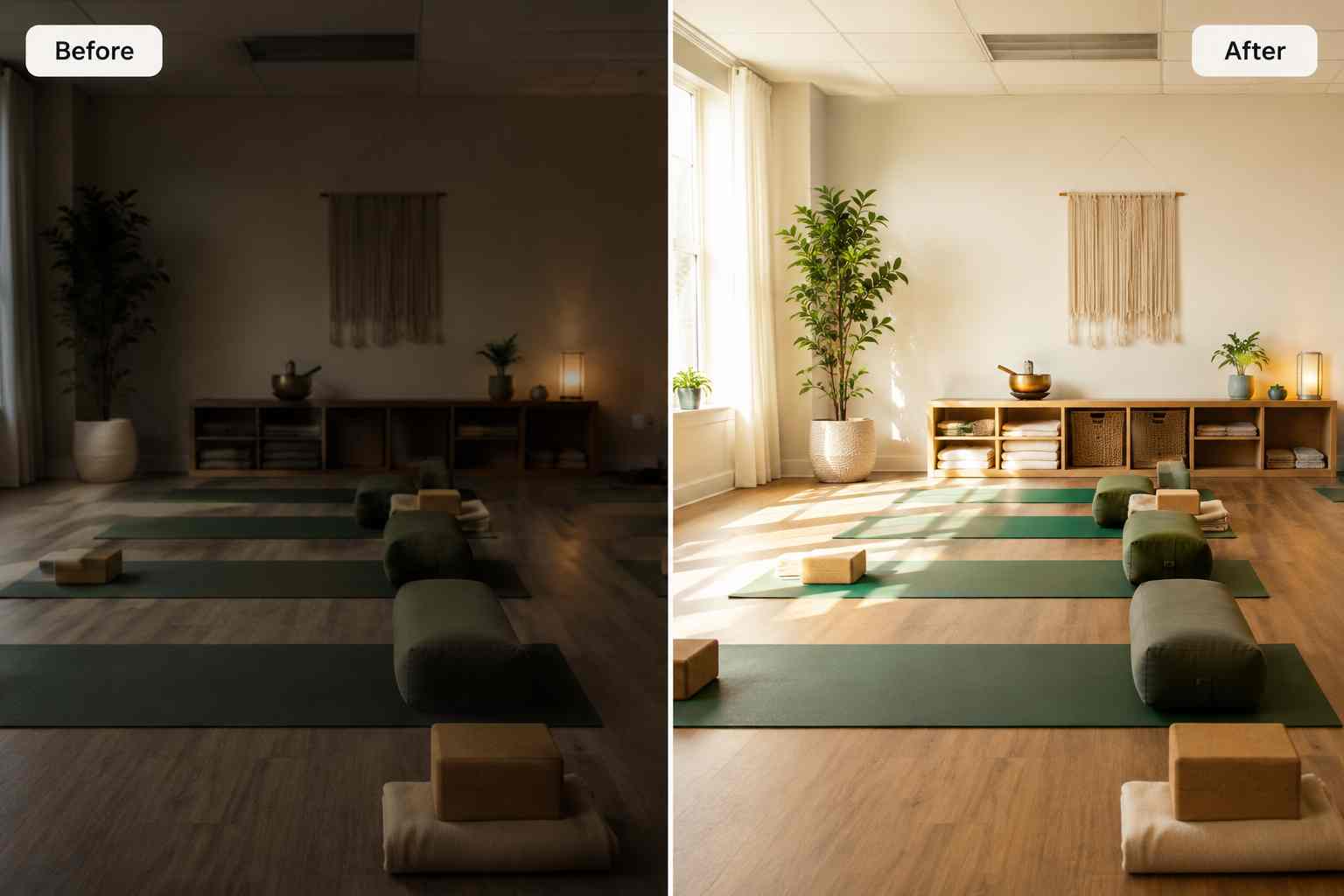
Wellness, fitness, and clinic photos can look dull when captured quickly or compressed for web use. PixEdit improves clarity, brightness, and detail so images feel polished without losing the calm professional tone.

  • Brighten wellness lifestyle photos and clinic interior images
  • Improve clarity for service pages, profile sections, and social posts
  • Keep healthcare marketing visuals calm, natural, and believable
Try now
A dim wellness studio image enhanced with brighter lighting, clearer detail, and a calm professional look

Website layouts

Extend images for service pages and banners

Many clinic and wellness photos are cropped too tightly for website heroes, appointment pages, email banners, or ads. AI Fill creates extra calm background space so one approved image can fit more layouts.

  • Extend clinic and wellness images for website hero sections
  • Create clean layout space around people, rooms, and service scenes
  • Adapt one approved visual for web, email, ads, and social formats
Try now
A wellness service photo extended into a wide website banner with clean calm background space

Scene refresh

Replace distracting props in care brand visuals

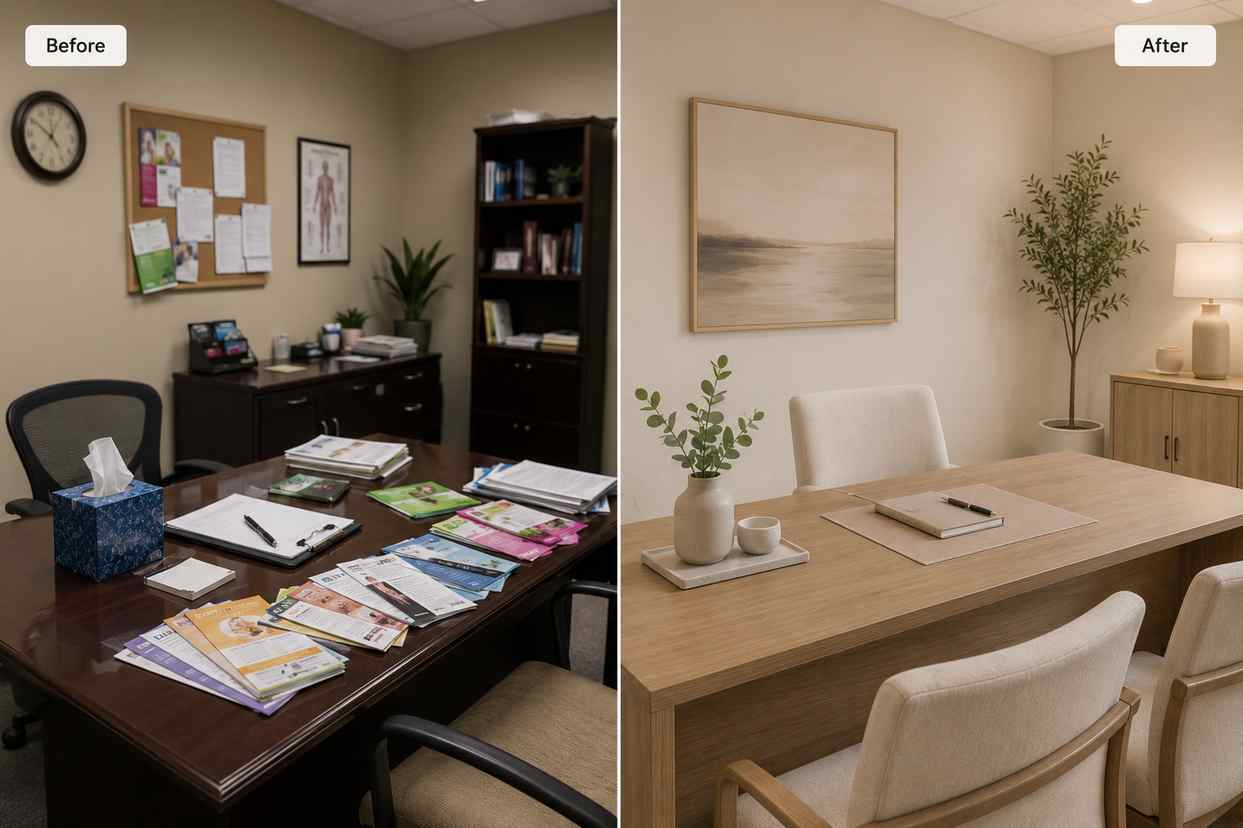
When a facility or lifestyle photo has outdated props, mismatched decor, or distracting objects, PixEdit can help replace the detail with cleaner elements before the image appears in healthcare marketing materials.

  • Replace distracting decor or props in clinic and wellness images
  • Refresh older care brand visuals for new service pages or campaigns
  • Create cleaner marketing assets without scheduling another shoot
Try now
A wellness studio scene where distracting props are replaced with cleaner decor for a professional service page image

Care brand workflow

From everyday care photos to professional website assets

Use PixEdit as a practical AI healthcare photo editing workflow when clinic, wellness, and team visuals need cleanup before publishing.

1

Upload the care brand image

Start with a clinic interior, wellness studio photo, staff portrait, fitness image, service visual, or lifestyle marketing asset.

2

Clean visible distractions

Remove small clutter, background objects, wall marks, cords, bins, or distracting details that make the image feel less professional.

3

Enhance or adapt the visual

Improve lighting and clarity, remove a busy background, upscale the asset, or extend the image for layout use.

4

Review and publish consistently

Use the final image on service pages, practitioner bios, appointment flows, local listings, social posts, emails, and ads after your team review.

Healthcare outcome

Cleaner care visuals with a consistent professional feel

PixEdit helps healthcare and wellness teams turn existing photos into calmer, cleaner, more reusable assets while keeping final visuals realistic and suitable for brand review.

PixEdit helps healthcare and wellness teams turn existing photos into calmer, cleaner, more reusable assets while keeping final visuals realistic and suitable for brand review.

Web

Service and appointment page images

Team

Practitioner profile consistency

Calm

Professional care brand polish

Outputs created with PixEdit

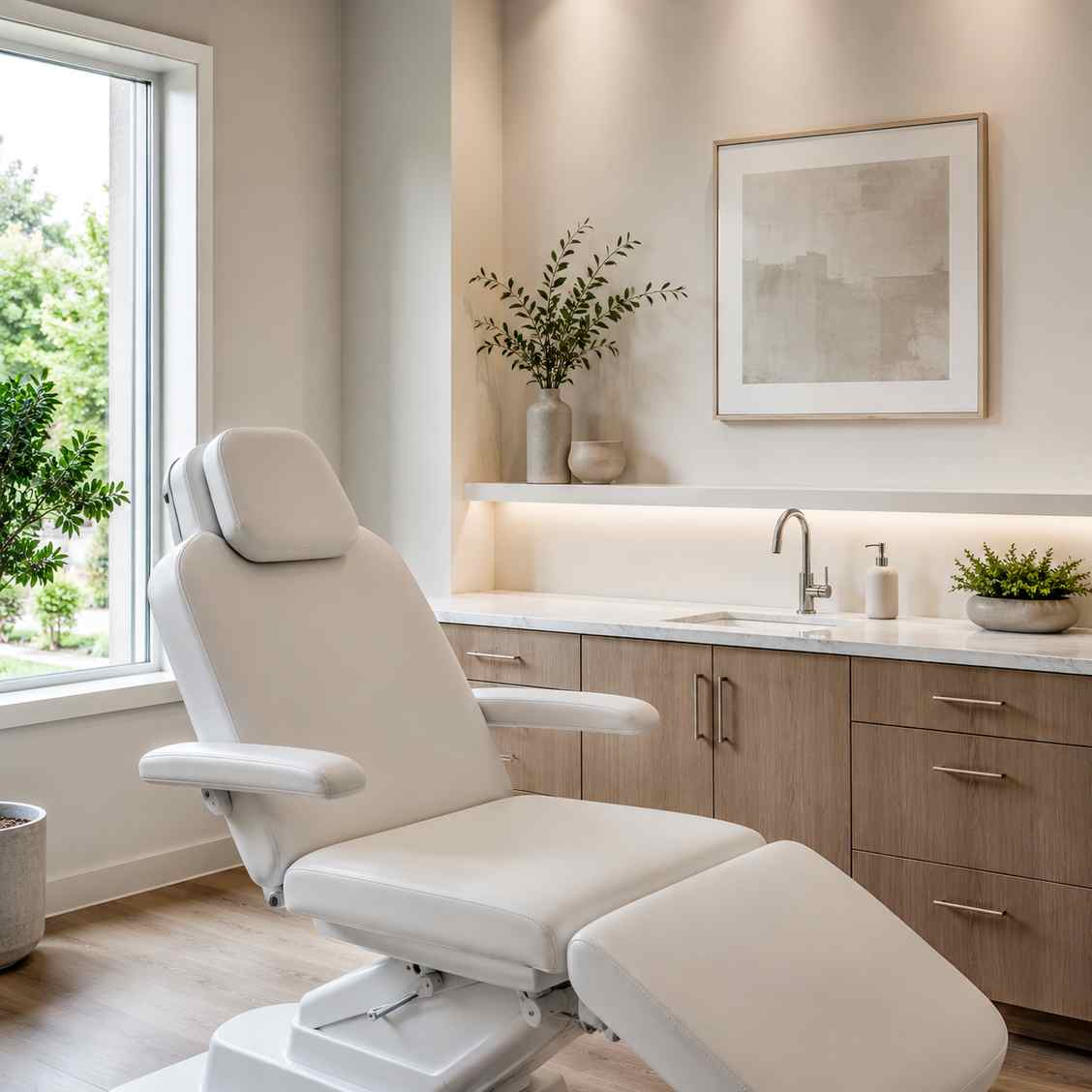
A clean clinic interior image with small distractions removed and calm lighting preserved for a healthcare website

Clinic interior cleanup

Tools used

Object RemoverAI Enhance
A healthcare practitioner profile image with a clean neutral background and natural professional lighting

Practitioner profile

Tools used

Background RemoverAI Enhance
A wellness service image adapted into a wide website banner with soft background space

Service page banner

Tools used

AI FillImage Upscaler
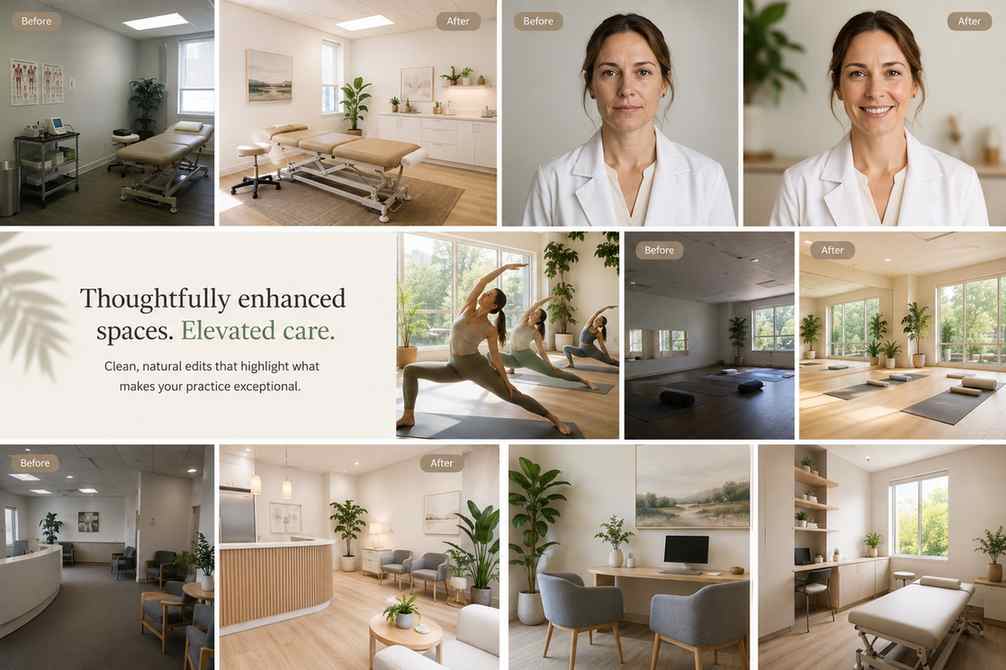
A healthcare and wellness editing workflow preview showing clinic cleanup, practitioner profiles, image enhancement, and website banner layouts

Next step

Prepare healthcare visuals with a cleaner finish

Clean facility photos, polish practitioner portraits, enhance wellness images, and adapt assets for professional care websites, profiles, ads, emails, and social posts.

FAQ

Common questions

Quick answers for sellers preparing product images, marketplace assets, and repeatable editing workflows.

1

How does AI healthcare photo editing help clinics?

AI healthcare photo editing helps clinics and wellness teams clean facility photos, improve practitioner portraits, enhance dim images, extend visuals for layouts, and prepare consistent assets for websites, profiles, ads, and social posts. PixEdit is useful before publishing patient-facing marketing visuals.

2

Can PixEdit remove clutter from clinic photos?

Yes. PixEdit can remove small distractions such as cords, bins, wall marks, paperwork, reflections, and background clutter from clinic or wellness facility photos. The goal is to keep the space realistic while making the image cleaner and more professional.

3

Can PixEdit help with staff profile images?

Yes. PixEdit can remove busy backgrounds, enhance lighting, and create cleaner practitioner or staff profile images. This helps clinics, dental practices, wellness studios, and fitness teams keep team pages more consistent without rebuilding every portrait from scratch.

4

Should healthcare teams review edited images before publishing?

Yes. PixEdit helps prepare image assets, but healthcare teams should still review final visuals for privacy, brand accuracy, consent, and any regulatory requirements before publishing them on websites, ads, local listings, or social media channels.