PixEdit LogoPixEdit

Fashion Image Editing

AI Fashion Photo Editing

AI fashion photo editing for apparel brands to clean product images, enhance fabric detail, create cutouts, and adapt visuals for campaigns.

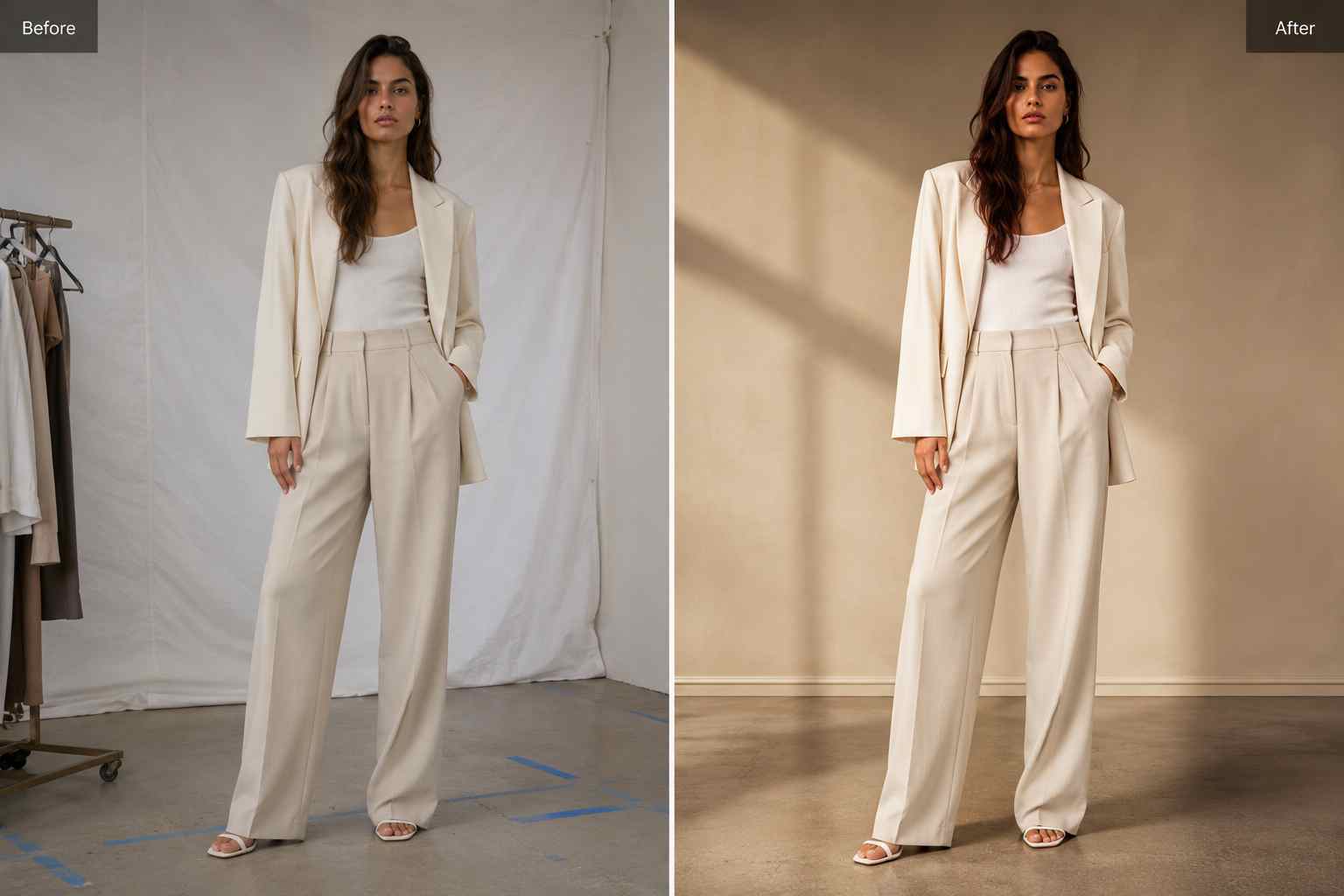
Before and after fashion image editing showing a raw apparel shoot cleaned and enhanced for a campaign layout

AI tools for apparel brands

AI fashion photo editing for launch-ready visuals

PixEdit helps apparel brands, boutiques, stylists, marketplace sellers, and fashion marketers clean shoot distractions, enhance fabric detail, remove backgrounds, and adapt fashion images for catalogs, lookbooks, ads, emails, and social campaigns.

Shoot cleanup

Remove distractions from fashion photos

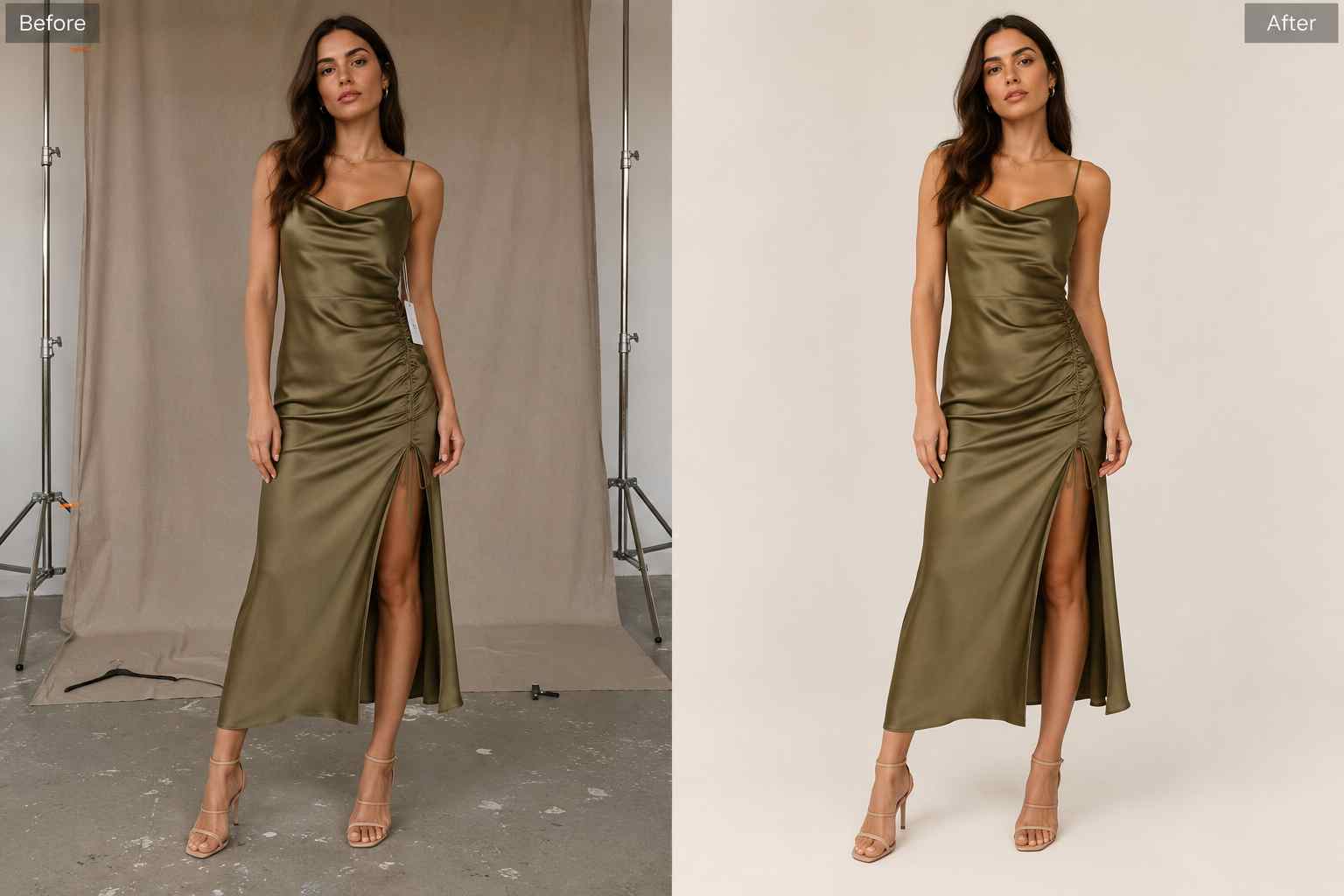
AI fashion photo editing helps when a strong product or model photo has floor marks, hangers, tags, dust, wrinkled backdrops, or stray props. PixEdit removes distractions while keeping the garment, silhouette, and styling intent believable.

  • Remove tags, hangers, dust, props, and background clutter from apparel photos
  • Keep garments realistic while cleaning catalog and lookbook images
  • Prepare stronger product visuals for launches, marketplaces, and campaigns
Try now
A fashion shoot photo before and after tags, floor marks, and background clutter are removed from an apparel image

Fabric enhancement

Enhance fabric texture, color, and clarity

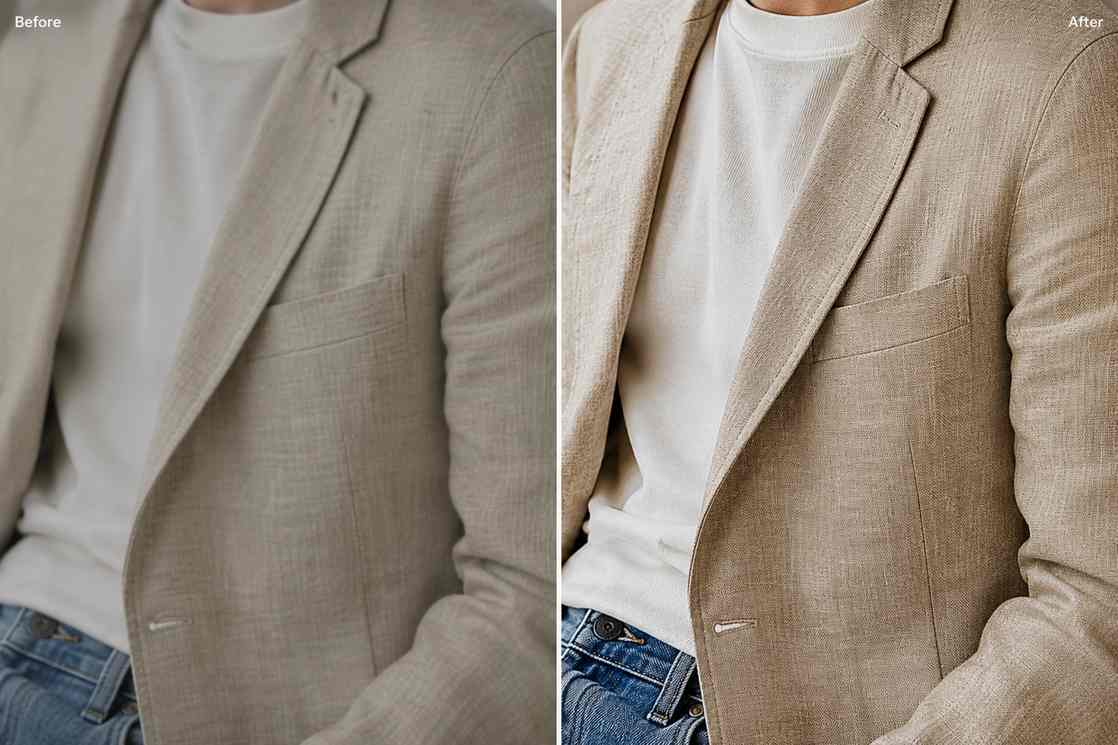
Soft or compressed fashion photos can hide stitching, weave, silhouette, and accessory details. PixEdit uses AI fashion photo editing tools to improve clarity, lighting, and color while keeping fabric texture natural for shoppers and campaign viewers.

  • Sharpen fabric texture, stitching, and garment edges
  • Improve lighting and color for clothing, shoes, bags, and jewelry
  • Prepare clearer apparel images for product pages and lookbooks
Try now
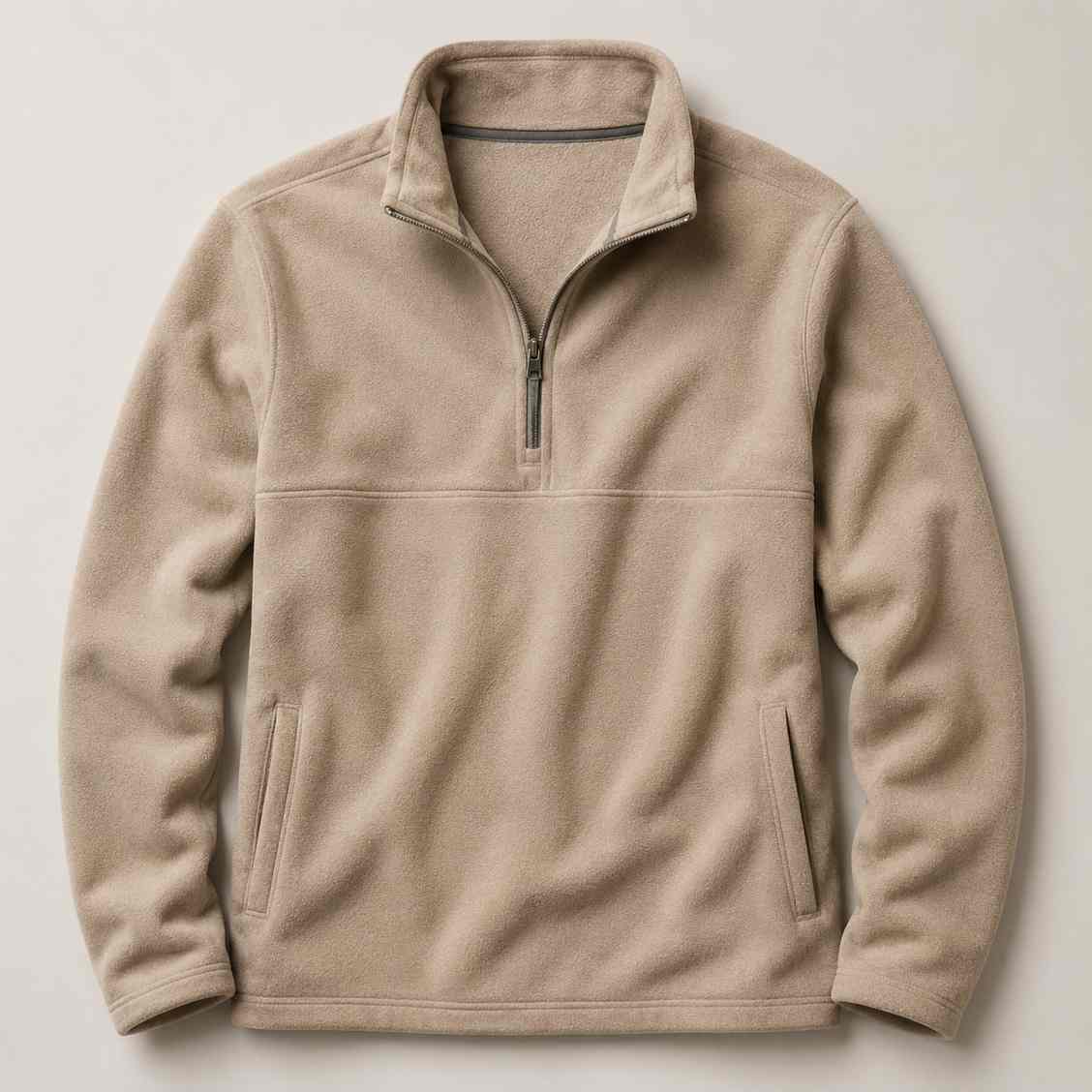
A soft clothing image enhanced with sharper fabric texture, cleaner lighting, and more accurate color

Product cutouts

Create reusable clothing and accessory cutouts

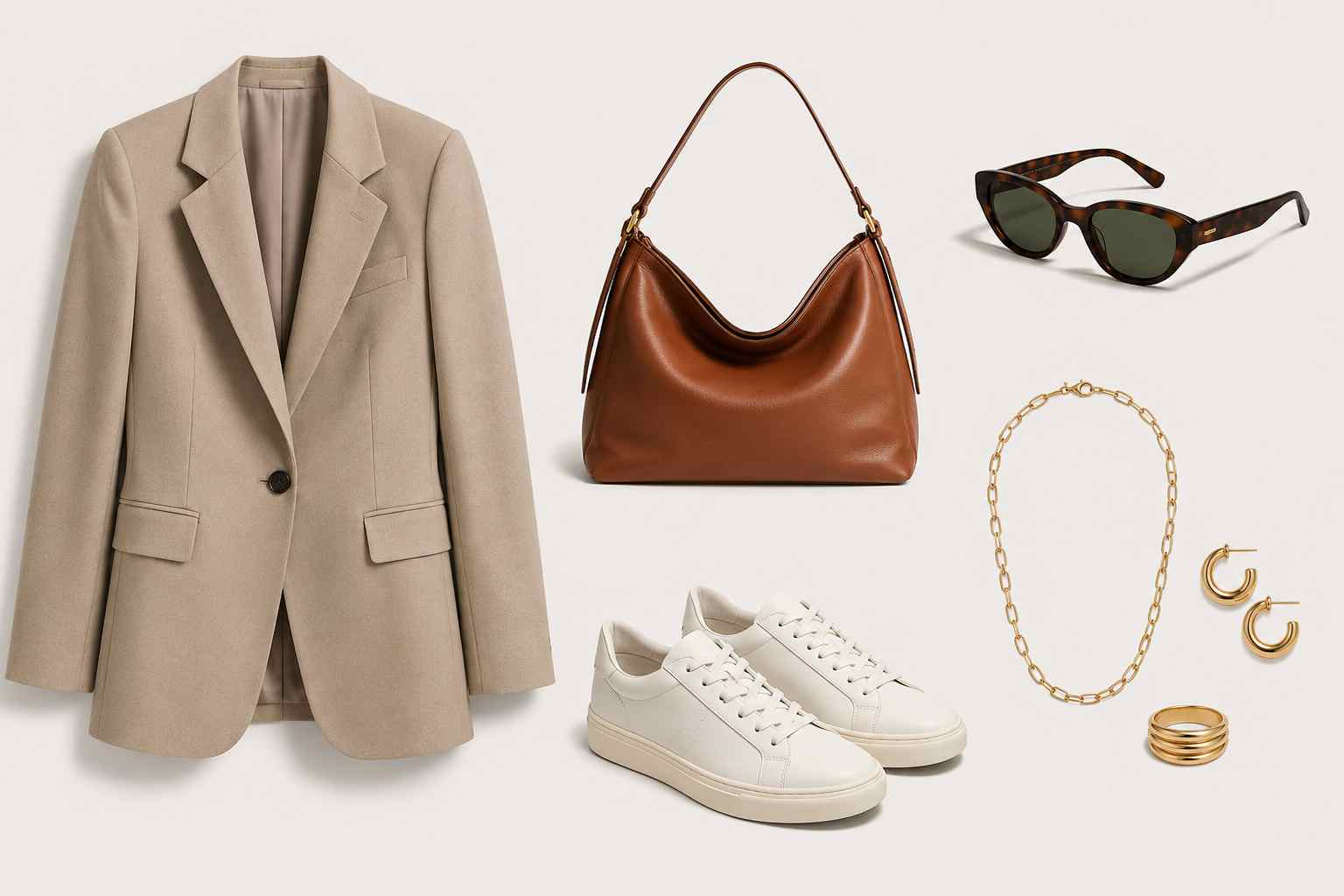
Remove backgrounds from garments, shoes, bags, jewelry, and accessories so each product can become a flexible asset for collection pages, sale graphics, paid ads, email banners, and social content.

  • Create clean apparel cutouts for catalogs and campaigns
  • Reuse product images across ads, emails, lookbooks, and social posts
  • Keep collection visuals consistent across product categories
Try now
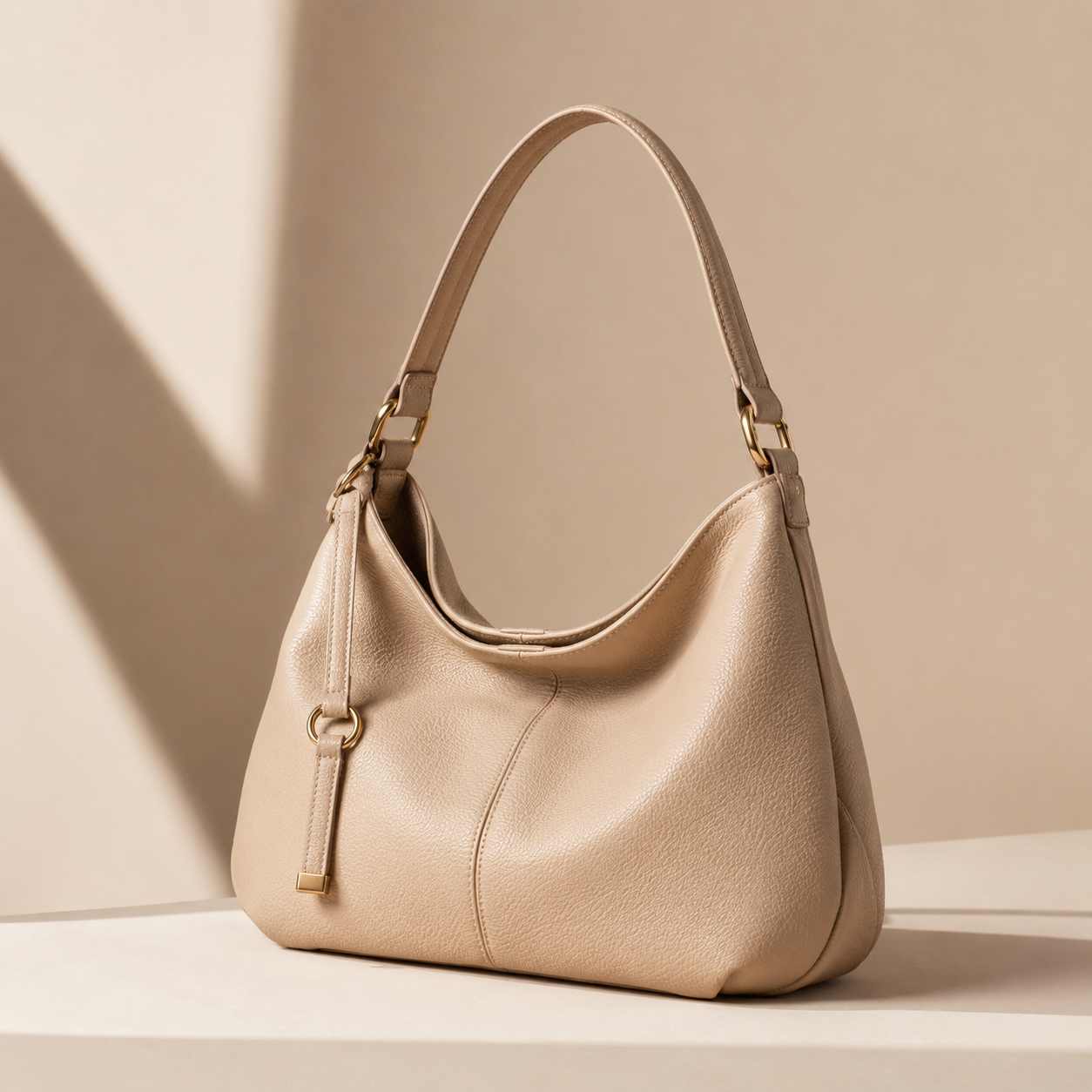
Clothing, handbag, shoes, and jewelry cutouts arranged as clean reusable assets for fashion campaigns

Campaign adaptation

Extend lookbook photos for ads and banners

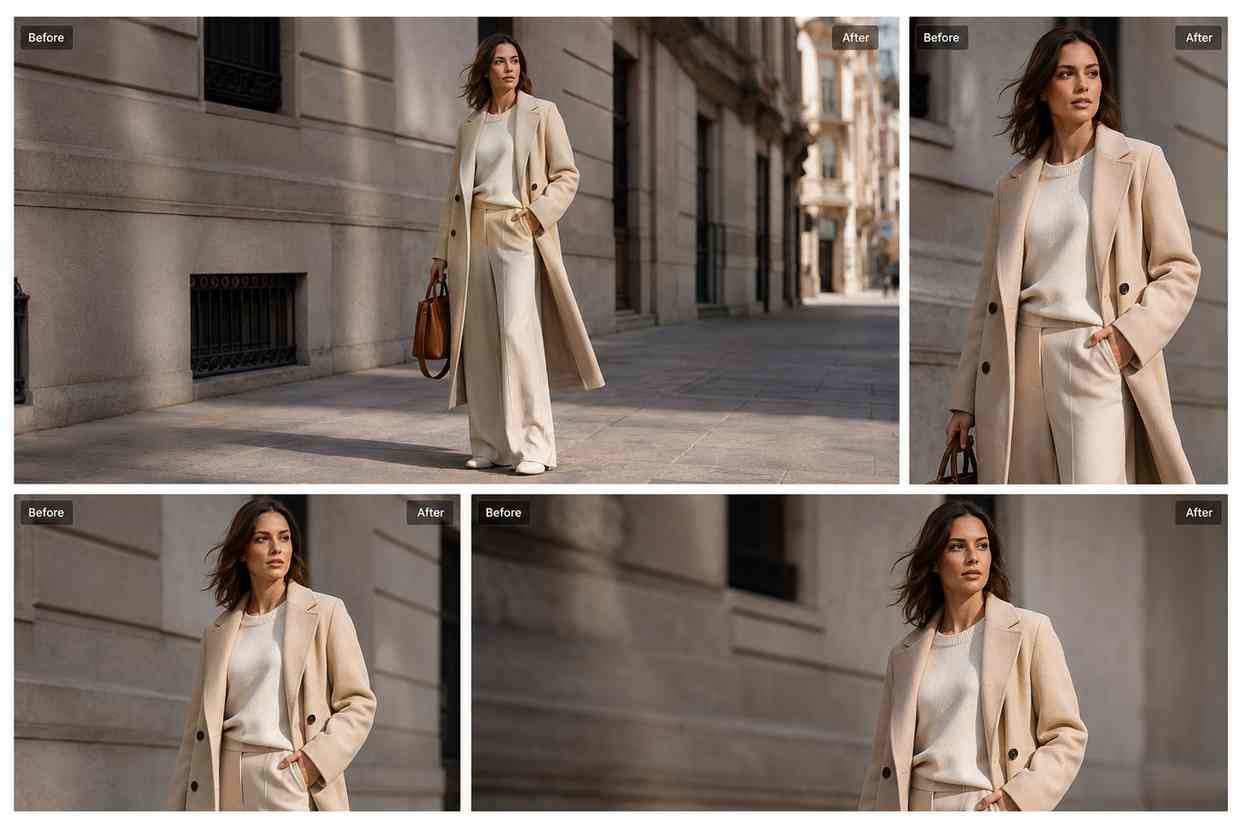
Lookbook images are often cropped too tightly for banners, collection covers, vertical posts, or paid ads. AI Fill creates extra background space so one approved fashion image can work across more launch formats.

  • Extend editorial and lookbook images for campaign layouts
  • Create clean negative space around models and garments
  • Adapt one shoot image into web, email, ad, and social formats
Try now
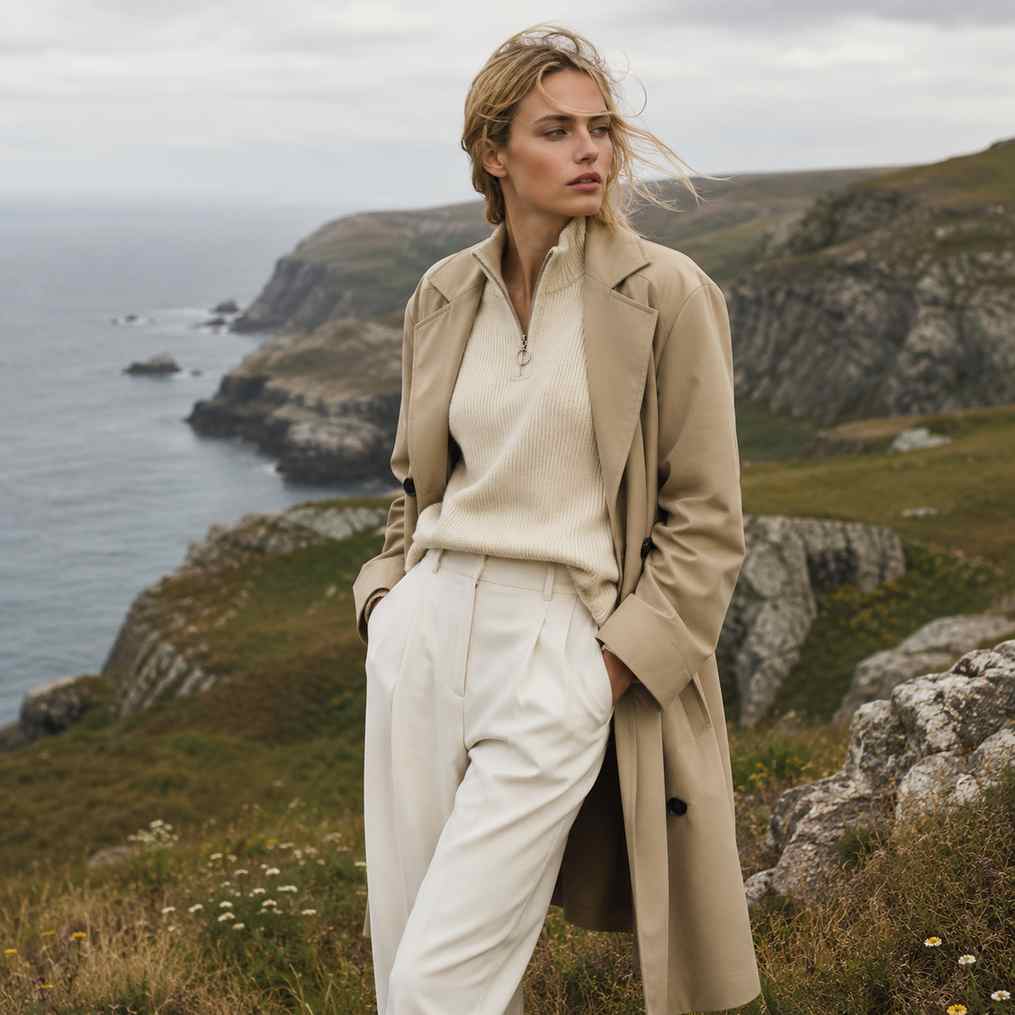
A fashion lookbook image expanded into a wide campaign banner with natural background space

Style refresh

Replace props for new fashion campaigns

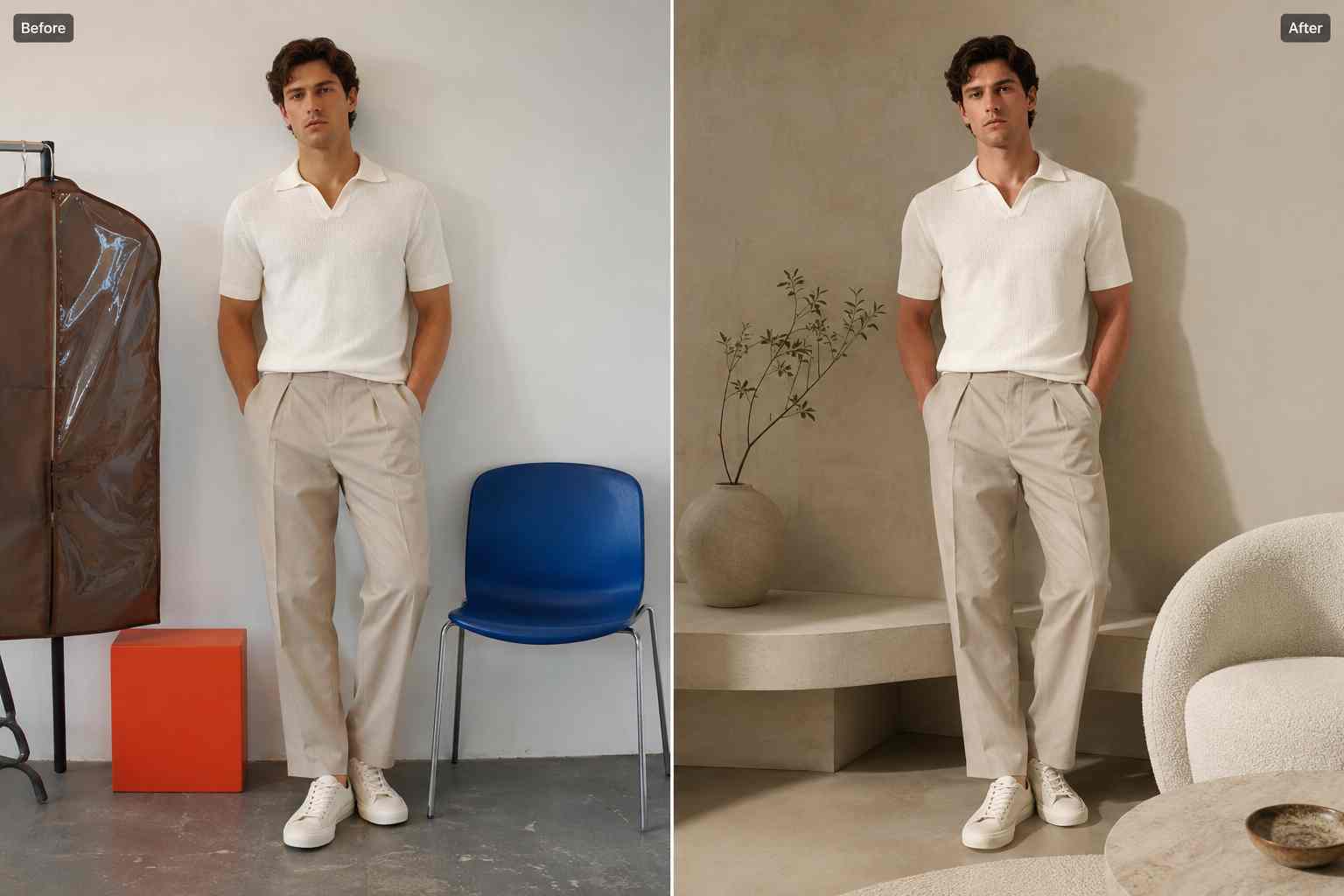
When a campaign direction changes, PixEdit can help replace outdated props, simplify styling details, or refresh a scene while preserving the clothing and model. This helps teams reuse approved images for new drops and seasonal edits.

  • Replace distracting props in apparel and lookbook photos
  • Refresh older campaign visuals for new collections or sale events
  • Reuse approved fashion photography without scheduling another shoot
Try now
A fashion campaign scene where outdated props are replaced with cleaner modern styling around the same outfit

Fashion workflow

From shoot selects to collection-ready assets

Use PixEdit as a practical AI fashion photo editing workflow after a product shoot, model session, or lookbook capture when visuals need cleanup before launch.

1

Upload the fashion image

Start with a clothing product photo, model shot, accessory image, lookbook select, flat lay, or campaign visual.

2

Clean unwanted details

Remove tags, hangers, dust, props, floor marks, background clutter, or distractions that pull focus from the garment.

3

Enhance or isolate the asset

Improve fabric detail, sharpen the image, remove the background, upscale older assets, or create a reusable product cutout.

4

Export for launch channels

Prepare finished images for product pages, collection banners, ads, emails, lookbooks, marketplaces, and social posts.

Fashion outcome

Cleaner apparel assets from every shoot

PixEdit helps fashion teams turn raw selects into polished, reusable visuals for catalogs, campaigns, and launches while keeping garment detail realistic.

PixEdit helps fashion teams turn raw selects into polished, reusable visuals for catalogs, campaigns, and launches while keeping garment detail realistic.

Launch

Collection asset prep

Clean

Catalog-ready visuals

Multi

Ads, email, and social crops

Outputs created with PixEdit

A clean apparel catalog product image with distractions removed and fabric detail enhanced

Catalog product cleanup

Tools used

Object RemoverAI Enhance
A fashion accessory isolated on a clean editorial background for a campaign layout

Accessory campaign cutout

Tools used

Background RemoverAI Fill
A lookbook image expanded and sharpened into a polished collection cover visual

Lookbook cover crop

Tools used

AI FillImage Upscaler
A fashion editing workflow preview showing apparel cleanup, fabric enhancement, product cutouts, and editorial campaign layouts

Next step

Prepare fashion visuals for your next launch

Clean shoot distractions, enhance fabric detail, create reusable cutouts, and adapt apparel photos for catalogs, campaigns, ads, emails, and social channels.

FAQ

Common questions

Quick answers for sellers preparing product images, marketplace assets, and repeatable editing workflows.

1

How does AI fashion photo editing help apparel brands?

AI fashion photo editing helps apparel brands clean shoot distractions, enhance fabric texture, remove backgrounds, upscale images, and adapt lookbook photos for campaigns. PixEdit is useful for product pages, collection launches, ads, emails, marketplaces, and social visuals.

2

Can PixEdit remove distractions from fashion photos?

Yes. PixEdit can remove tags, hangers, dust, floor marks, background clutter, stray props, and other small distractions from clothing and model photos. The goal is to keep the garment realistic while making the image cleaner for launch channels.

3

Can I remove backgrounds from clothing and accessories?

Yes. PixEdit can remove backgrounds from garments, shoes, handbags, jewelry, and other accessories. This helps create reusable cutouts for product grids, campaign layouts, sale graphics, email banners, lookbooks, and social media content.

4

Can one lookbook photo become multiple campaign assets?

Yes. PixEdit can extend backgrounds with AI Fill, upscale the image, and prepare different crops for banners, vertical posts, collection covers, ads, and email visuals. This helps teams reuse approved shoot selects across more launch formats.