PixEdit LogoPixEdit

PixEdit Learning Center

AI Photo Editing Learning Center by PixEdit

Learn AI photo editing with PixEdit tutorials, guides, workflows, and best practices for cleanup, enhancement, upscaling, and product images.

Laptop workspace used for learning photo editing workflows

Learning topics

Learn the AI photo editing workflows people use every day

The PixEdit learning center teaches practical editing skills through tutorials, guides, and repeatable workflows for background removal, object cleanup, enhancement, upscaling, and AI fill.

Background remover tutorials

Learn how to create clean cutouts and product images

Follow beginner-friendly guides for removing backgrounds, preparing transparent exports, cleaning edges, and making product photos ready for ecommerce, ads, and social media.

  • Background remover basics for product photos
  • Transparent and clean-background export tips
  • Edge, shadow, and lighting best practices

Try now
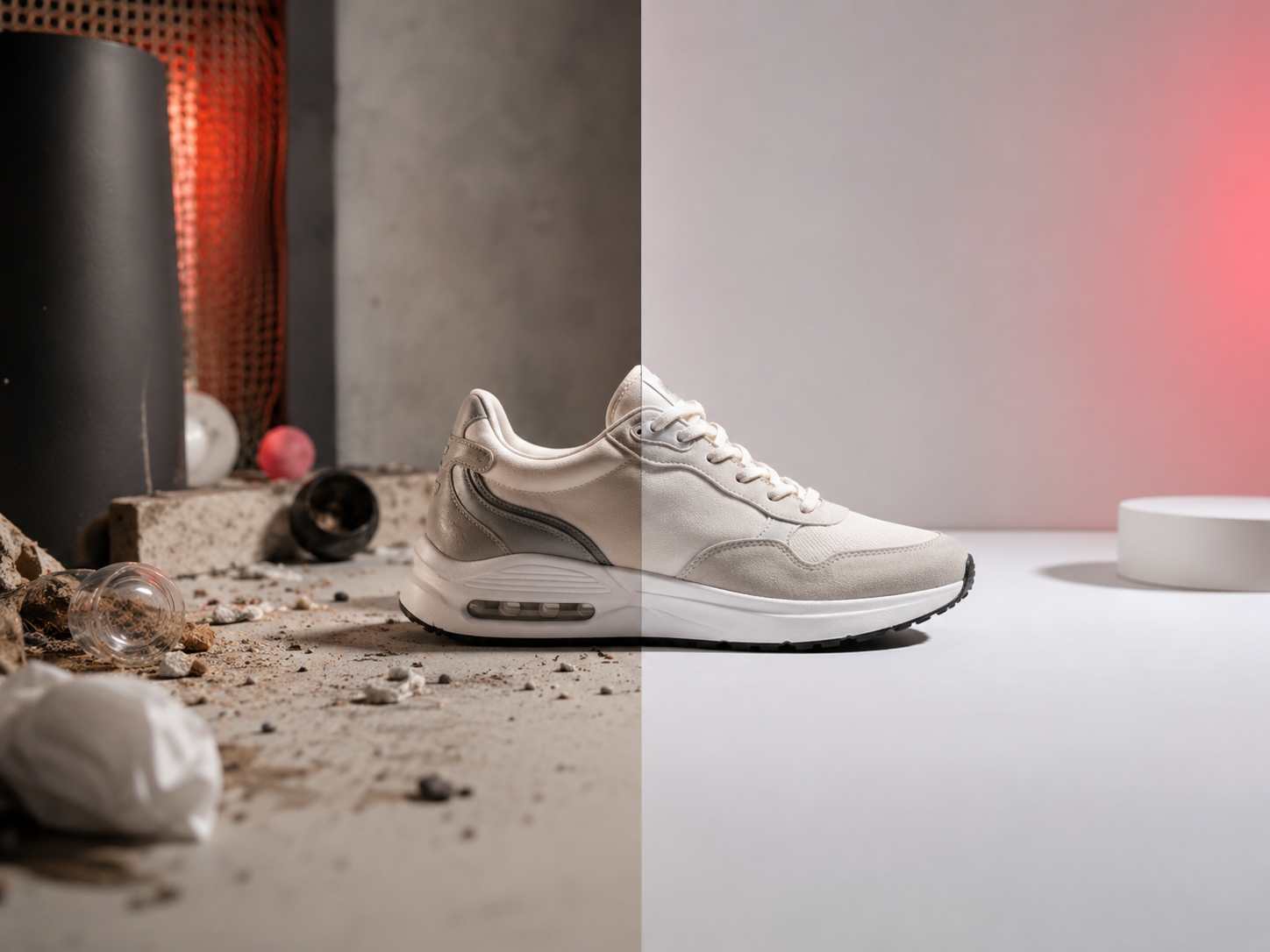
Create clean subject and product cutouts visual

Object remover guides

Learn photo cleanup without complex retouching

Understand how to remove distractions, clutter, marks, and unwanted objects while keeping photos natural for listings, campaigns, travel images, and everyday content.

  • When to use object remover for photo cleanup
  • How to keep AI edits realistic
  • Cleanup workflows for product, travel, and campaign photos
Try now
Remove distractions without rebuilding the image visual

Enhance and upscale

Learn how to improve image quality for publishing

Use PixEdit tutorials to improve clarity, recover detail, reduce soft-looking results, and upscale images for websites, marketplaces, social posts, and larger layouts.

  • AI image enhancer tips for soft or dull photos
  • Image upscaler workflows for larger placements
  • Export choices for web, ecommerce, and social media
Try now
Enhance and upscale for better publishing visual

Workflow guides

Apply PixEdit to real AI photo editing workflows

Learn how creators, sellers, photographers, and marketers combine PixEdit tools to prepare product images, social content, campaign assets, and client-ready visuals.

  • Ecommerce photo editing workflows
  • Social media image editing tutorials
  • Photo cleanup and campaign production guides
Apply PixEdit to real production work visual

Learning path

From first edit to a repeatable AI photo editing workflow

Start with a simple goal, choose the right PixEdit tool, follow a short guide, and repeat the workflow across product photos, social assets, and marketing visuals.

1

Choose the editing goal

Decide whether the image needs a cleaner background, object removal, AI fill, better quality, upscaling, or a publishing-ready layout.

2

Pick the PixEdit tool

Match the goal to background remover, object remover, AI image enhancer, image upscaler, or AI fill before starting the edit.

3

Follow a practical tutorial

Use clear steps that explain what to check before editing, how to review the result, and when to make another pass.

4

Build a repeatable workflow

Apply the same process to ecommerce photos, social media images, client assets, blog visuals, and campaign creatives.

Learning outcome

A PixEdit resource hub for better AI photo editing

The learning center connects PixEdit tools to real tasks so beginners and teams can learn faster, avoid common mistakes, and create cleaner publish-ready images.

The learning center connects PixEdit tools to real tasks so beginners and teams can learn faster, avoid common mistakes, and create cleaner publish-ready images.

4

Core editing workflow groups

Many

Real production use cases

Guides

Expandable tutorial hub

Outputs created with PixEdit

Product image guide example

Product photo editing guide

Tools used

Background RemoverAI Image Enhancer
Cleanup guide example

Photo cleanup workflow

Tools used

Object RemoverAI Fill
Publishing quality guide example

Image quality workflow

Tools used

Image UpscalerAI Image Enhancer
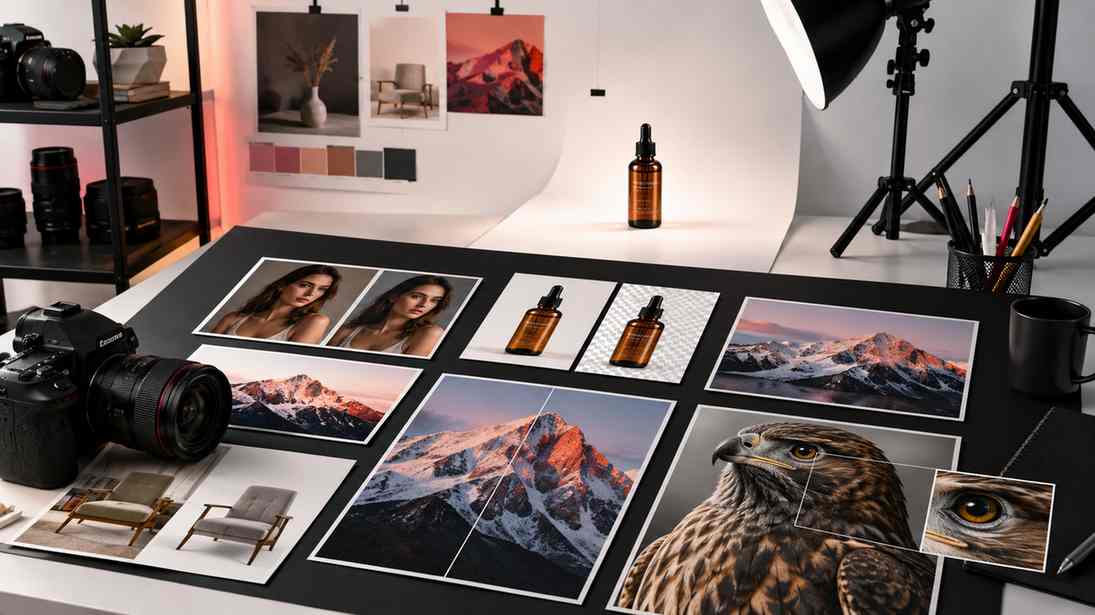
Start with one editing workflow visual

Next step

Start learning with one PixEdit workflow

Pick a photo editing goal, follow the matching guide, and turn a rough image into a clean asset ready for ecommerce, social media, websites, or campaigns.

FAQ

Common questions

Quick answers for sellers preparing product images, marketplace assets, and repeatable editing workflows.

1

What can I learn in the PixEdit learning center?

You can learn AI photo editing workflows for background removal, object removal, AI fill, image enhancement, upscaling, ecommerce images, social visuals, and photo cleanup.

2

Is the PixEdit learning center beginner-friendly?

Yes. The guides focus on clear editing goals, simple steps, and practical examples, so users can improve images without advanced design or retouching experience.

3

Does the learning center cover PixEdit tools and use cases?

Yes. It explains PixEdit tools and shows how to apply them to real work like product photo editing, social media content, marketing assets, and publishing workflows.

4

Can I use these tutorials for ecommerce photo editing?

Yes. The learning center includes workflows for product cutouts, cleaner listing images, enhanced product detail, background cleanup, and exports for online stores.