

Replace Objects With A Prompt
Brush over an object, describe the replacement, and let AI remove the old subject before generating a new one that fits the scene.
 Original
 Replaced
Drop your image here
or click to browse • Ctrl + V to paste
Or try with sample:
Describe the new object
Paint only the area to change
Try fresh variants quickly
Download polished results
How Object Replacement Works
Replace a selected object in four focused steps, directly inside the PixEdit editor.
Upload your image
Start with a product, lifestyle, room, portrait, or social photo.
Mask the object
Brush over the item you want to remove and replace.
Write the replacement prompt
Describe the object, material, lighting, and style you want.
Export the result
Download the edited image or keep refining with another prompt.
Object swaps for practical creative work
Use prompt-based replacement for product variants, room styling, props, wardrobe, and campaign concepts.
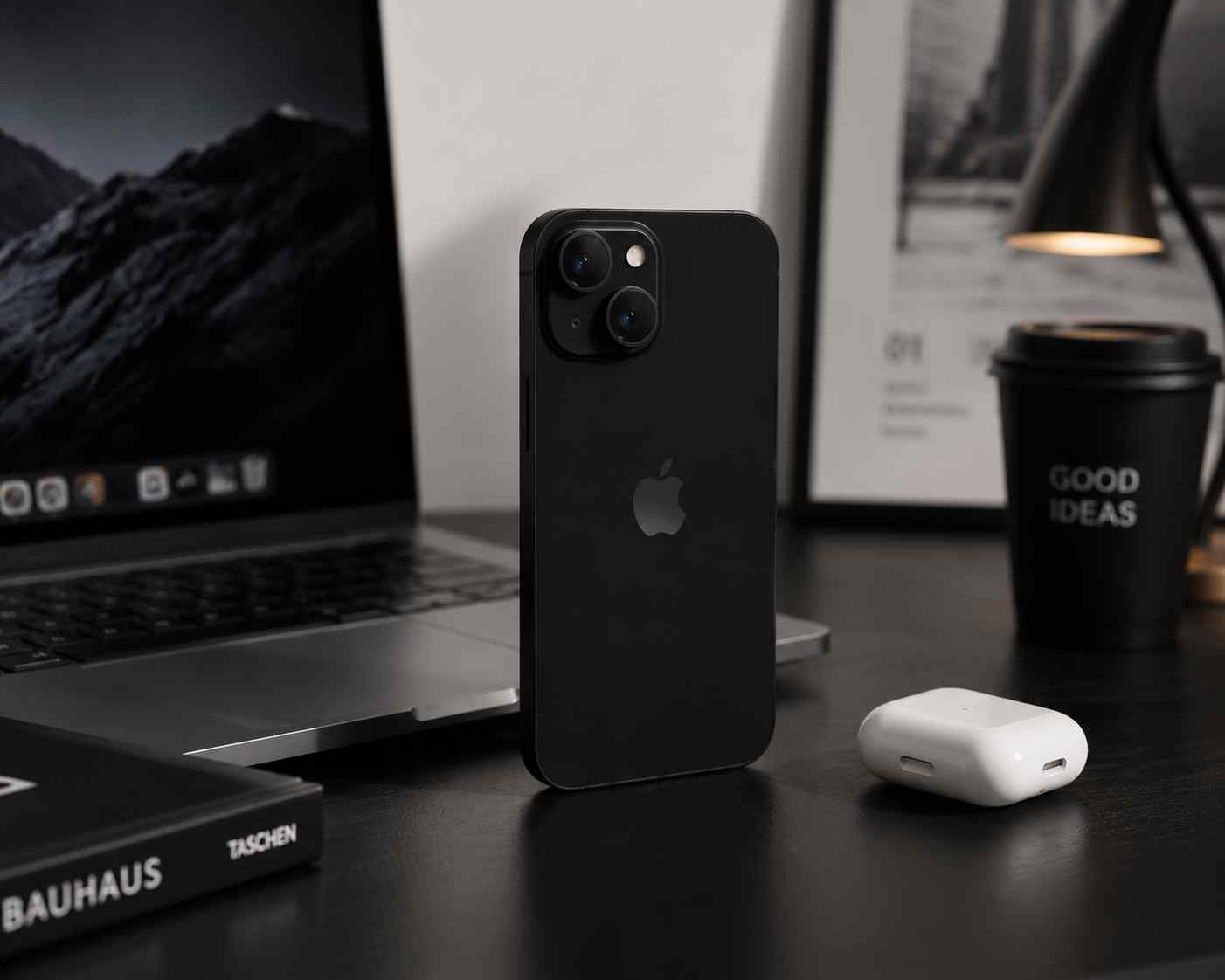
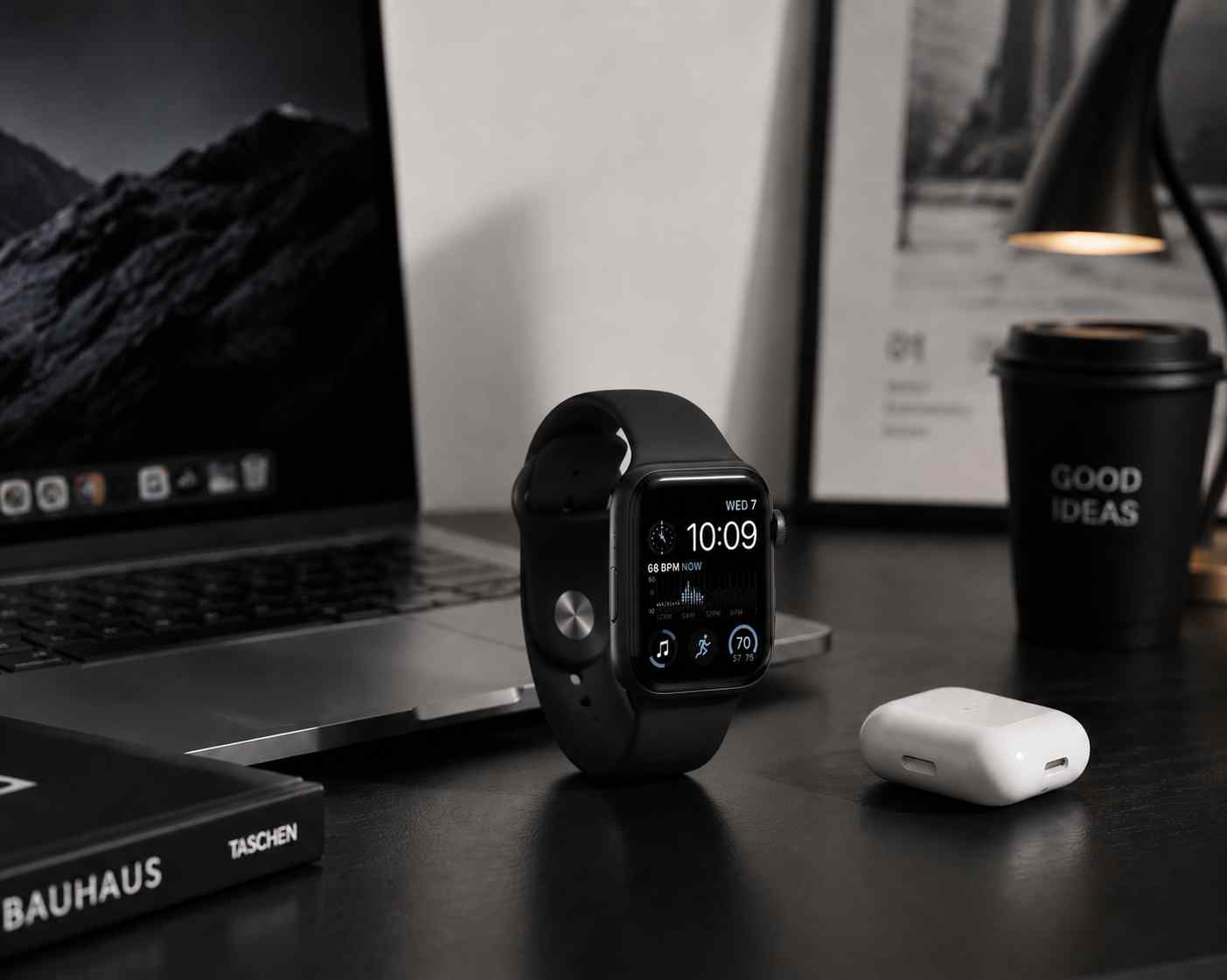
Swap product props
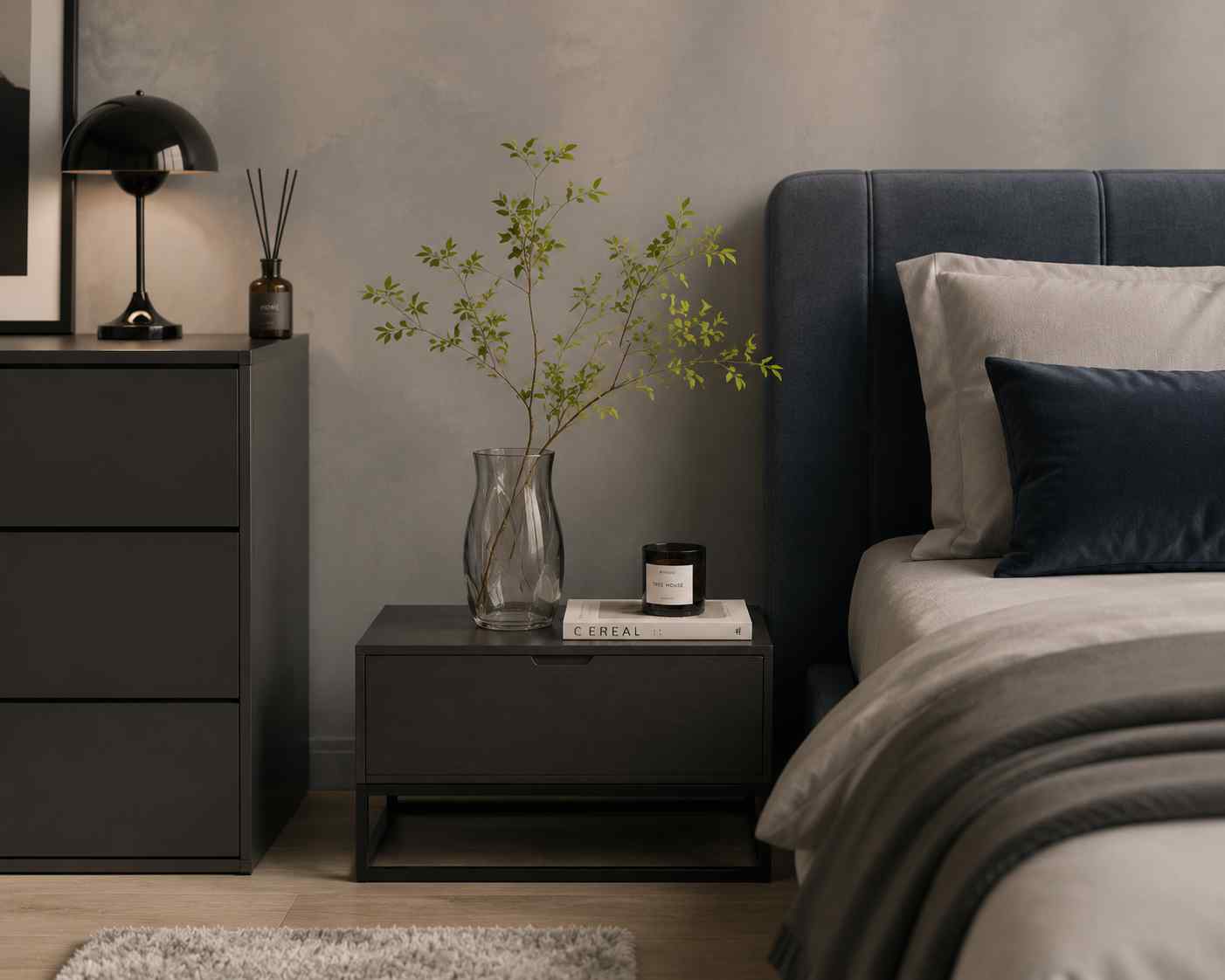
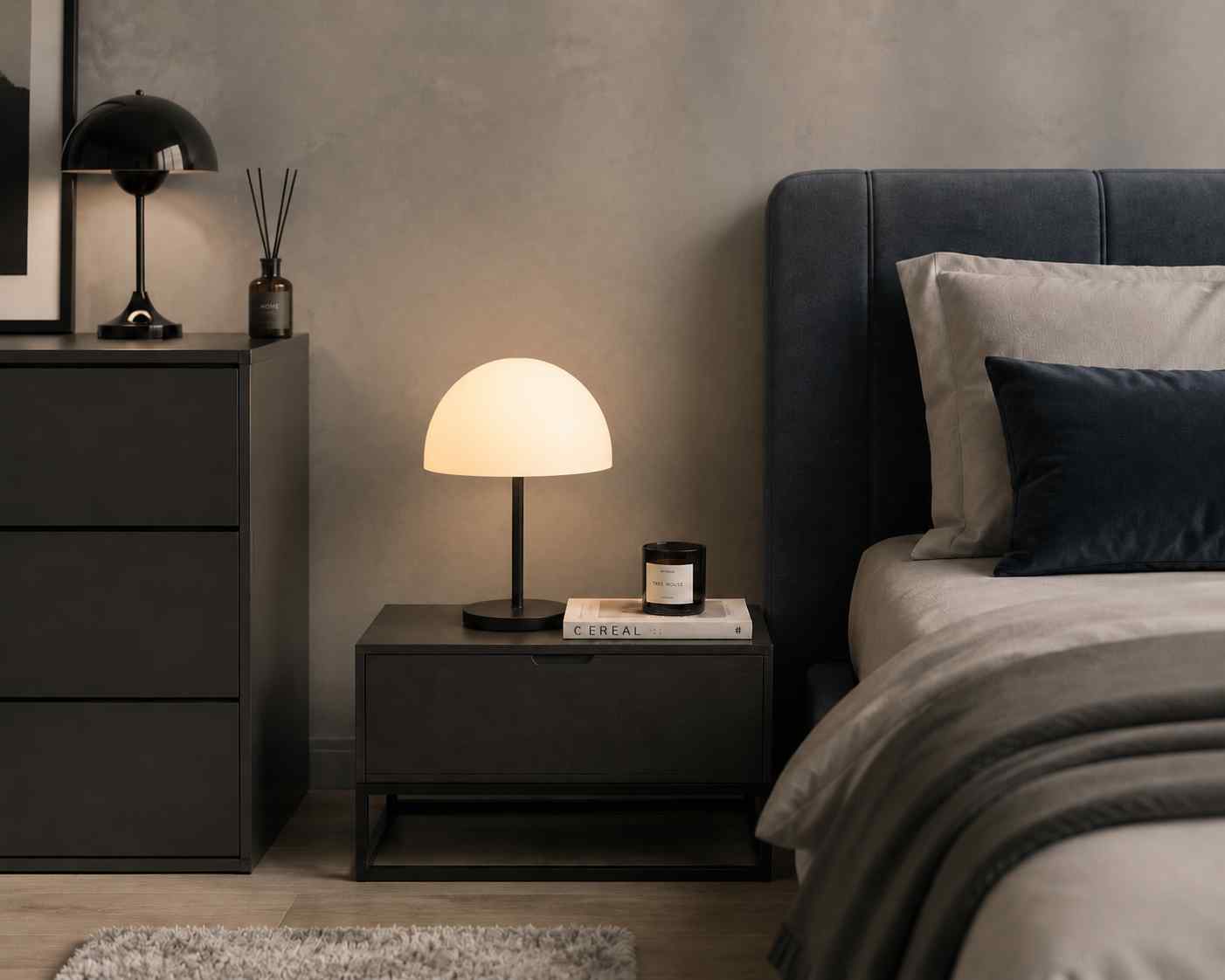
Change decor items

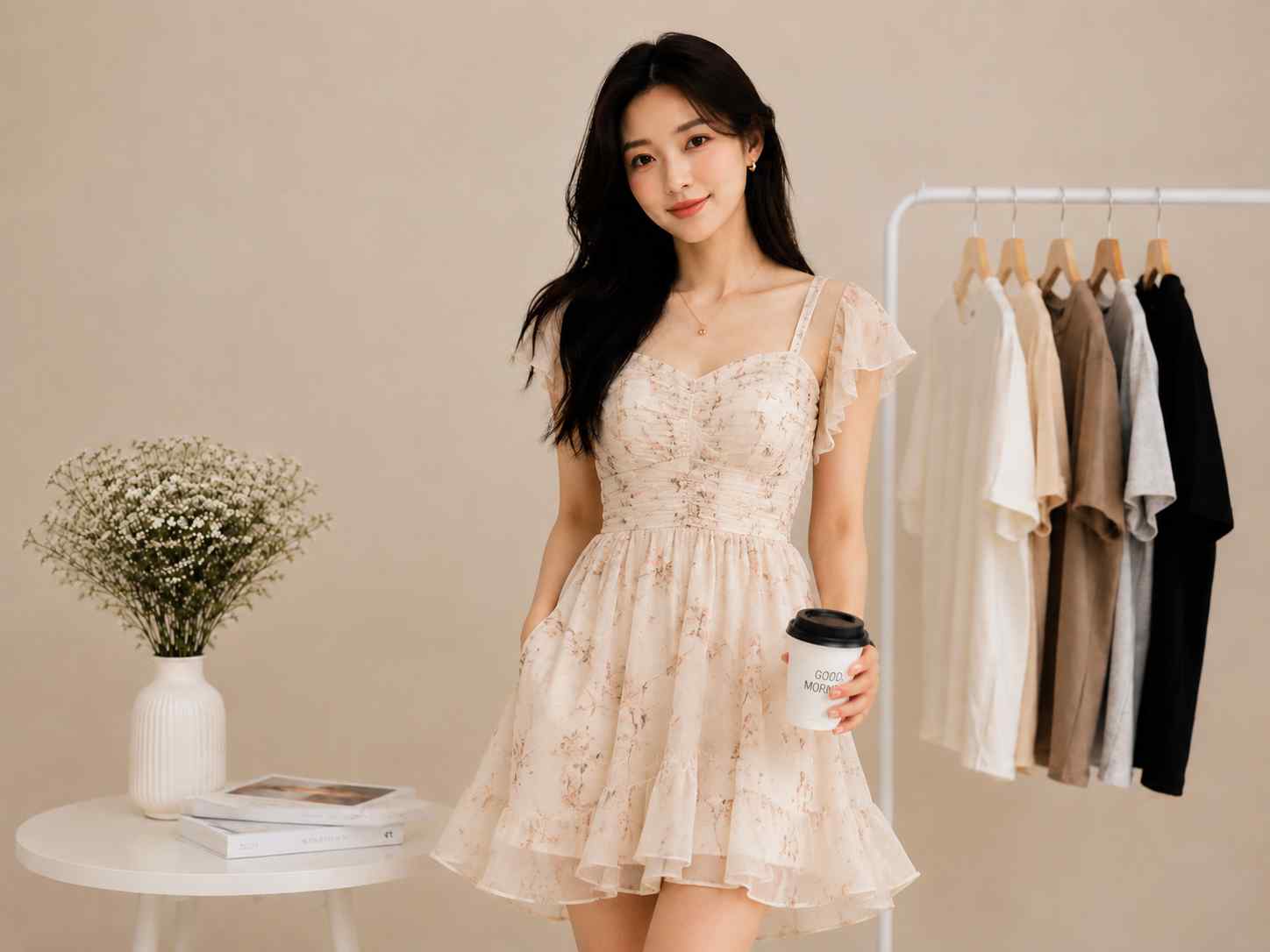
Try accessories
Where Replace Object Helps
Brush over an object, describe the replacement, and let AI remove the old subject before generating a new one that fits the scene.
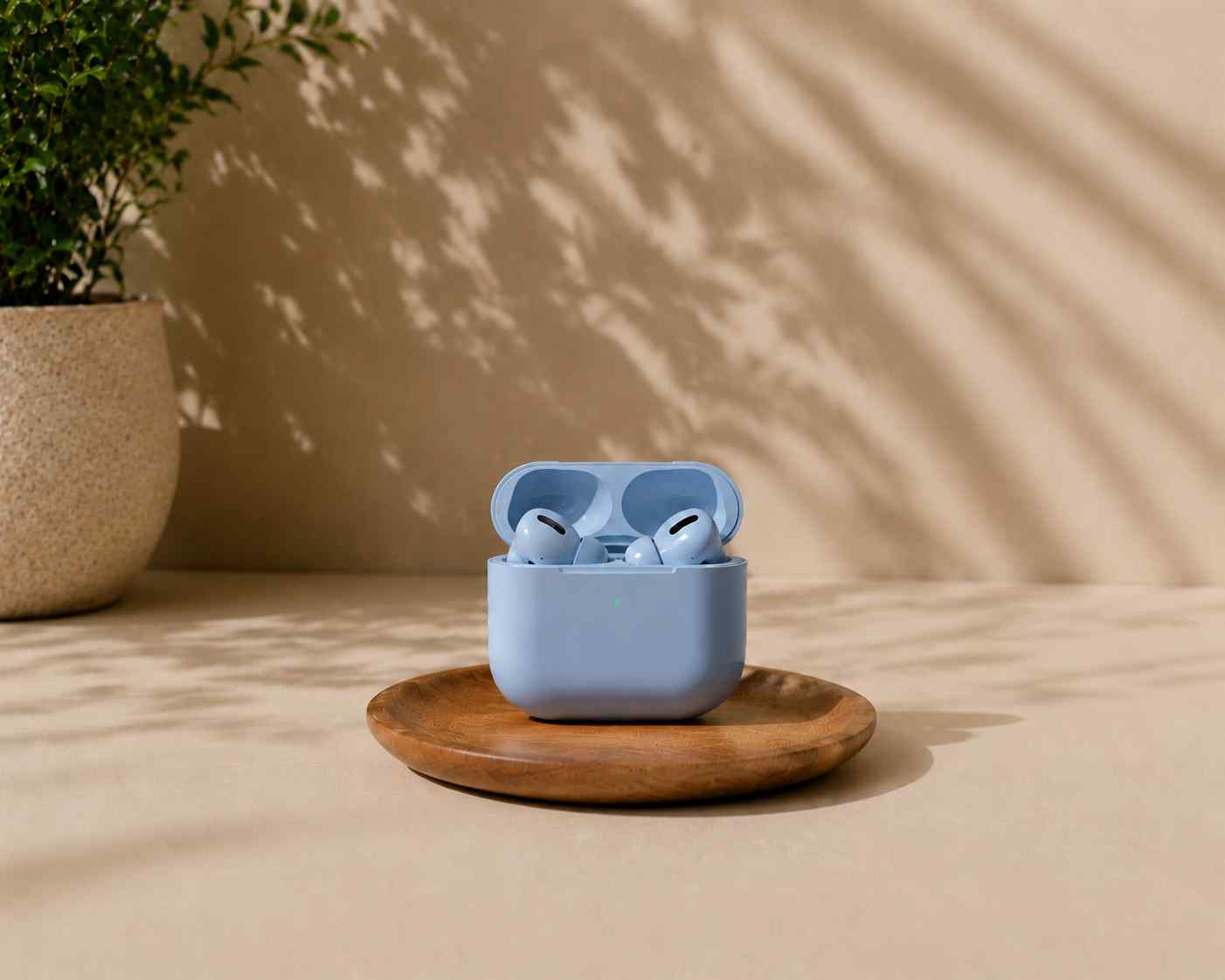
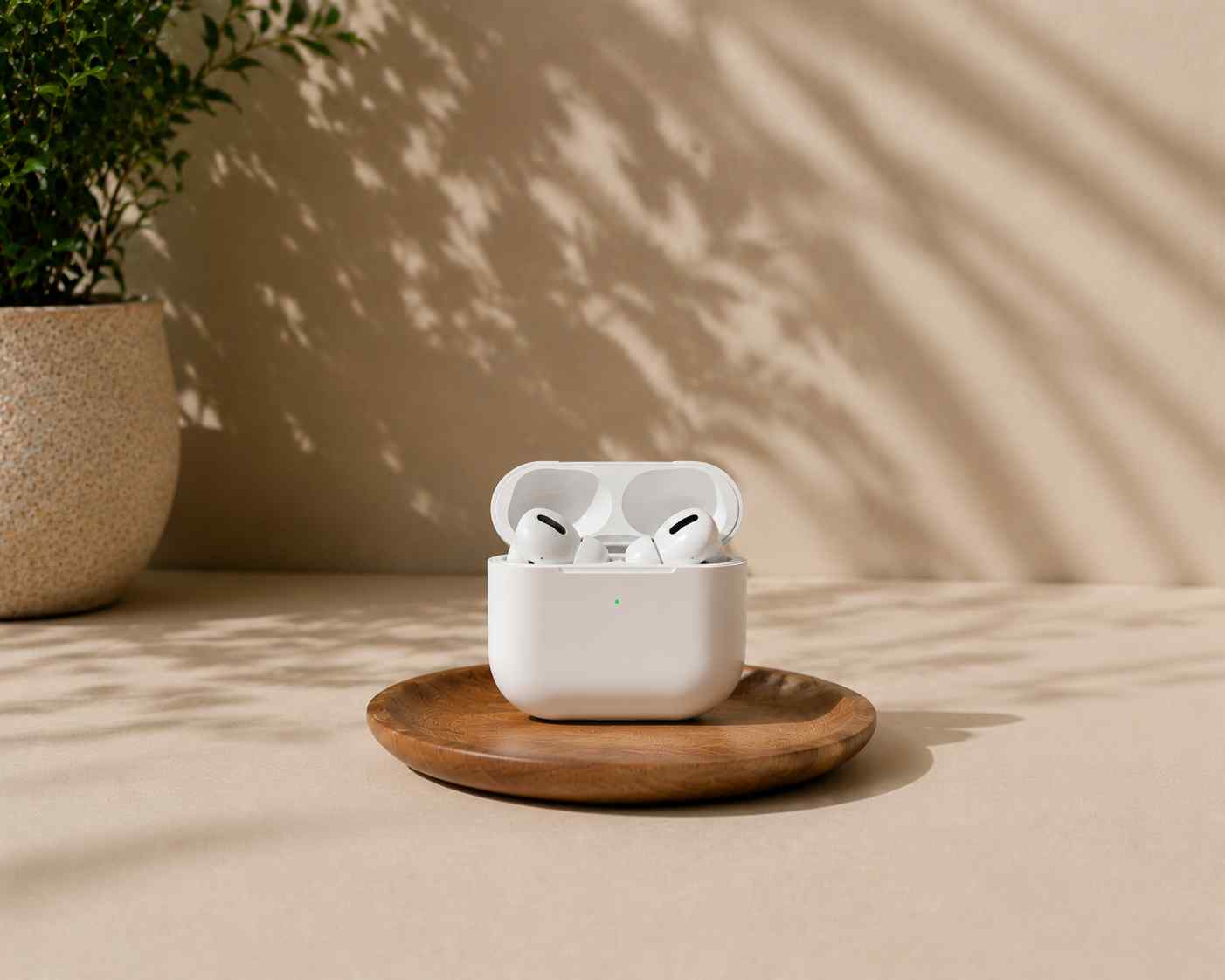
Product Variants
Preview alternate props, packaging, colors, or nearby objects without scheduling a new shoot.
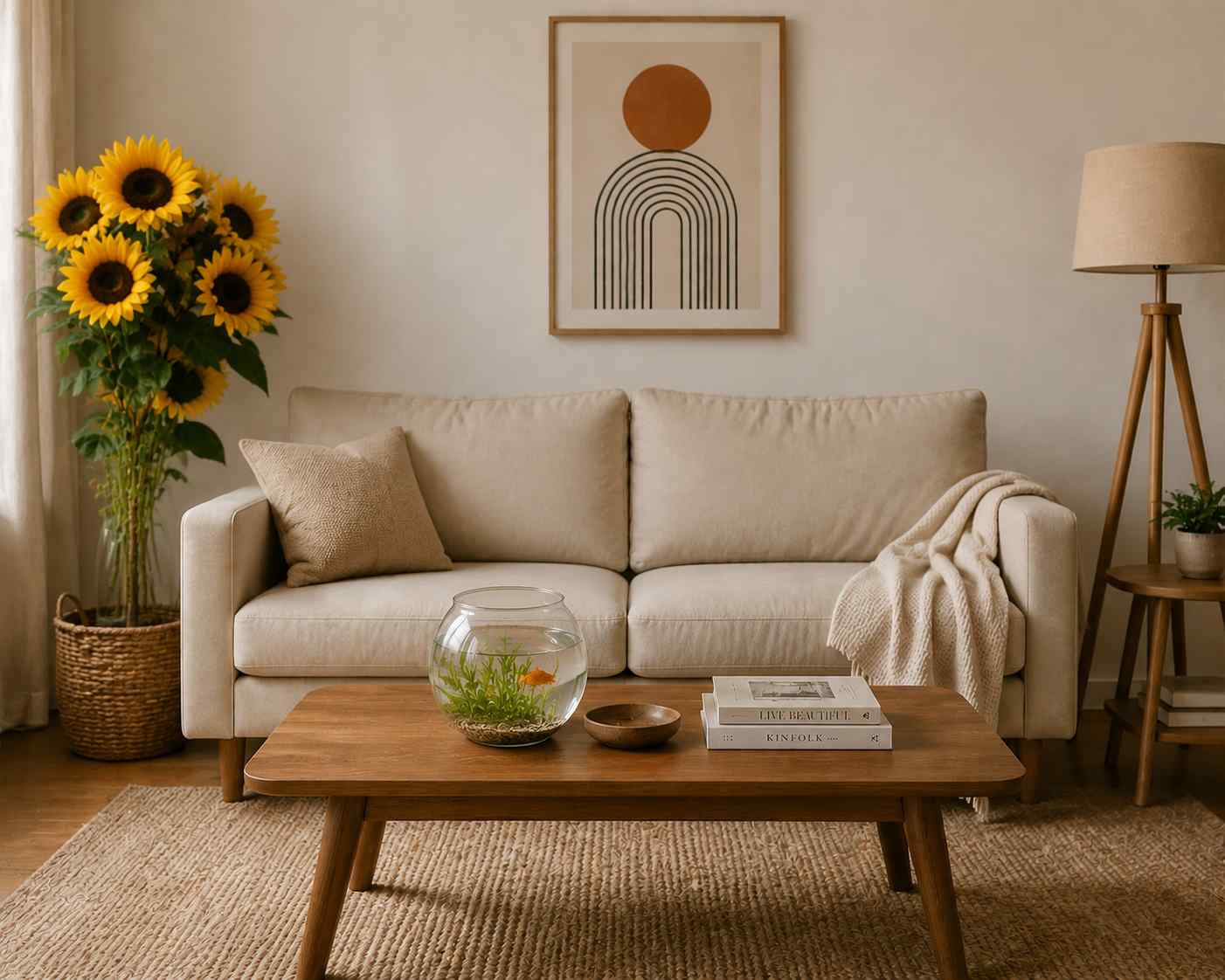

Interior Styling
Replace decor, furniture accents, plants, and objects to test a new room direction.
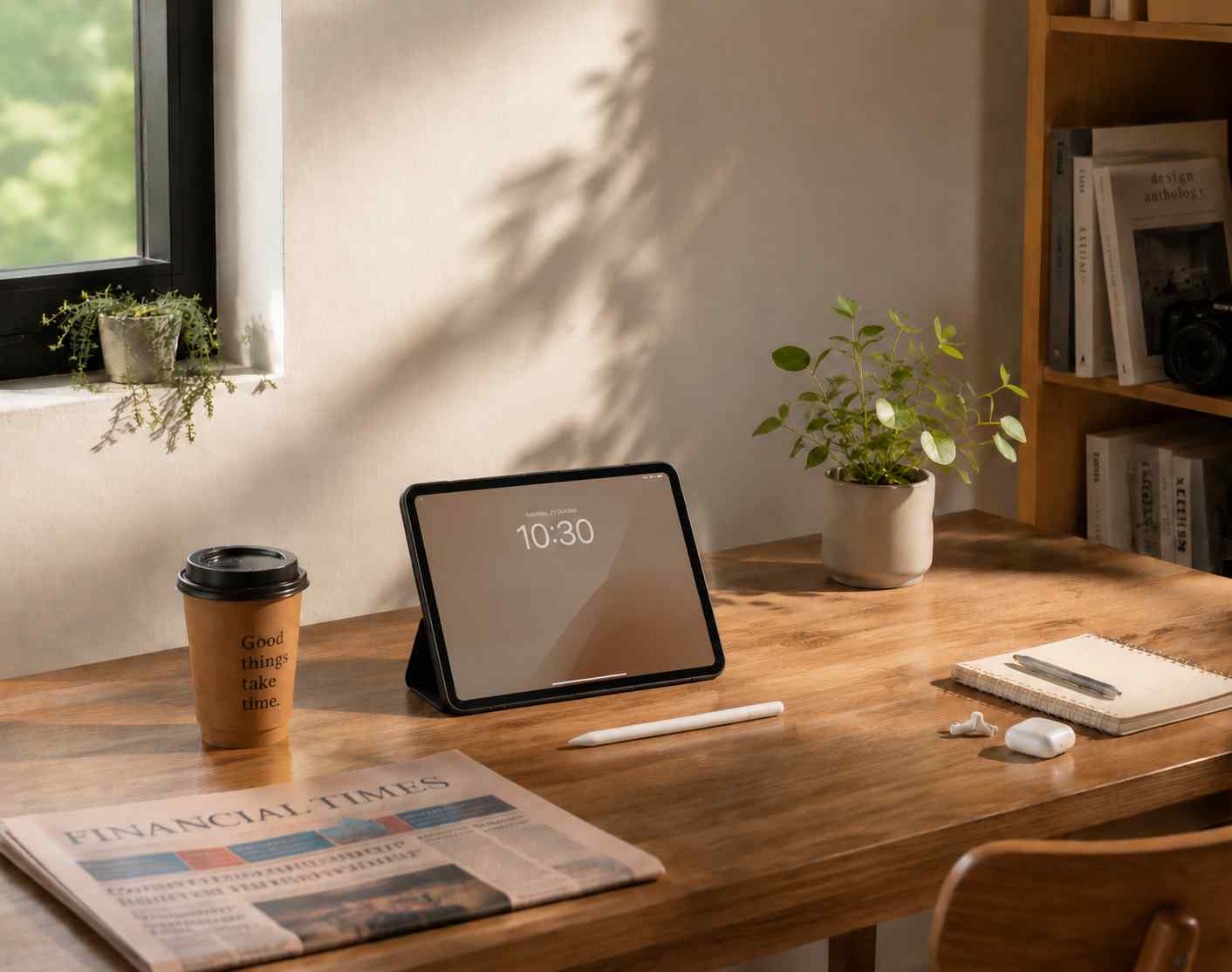

Creative Retouching
Turn distracting objects into intentional scene details for campaigns and social content.
Why Use AI Replace Object
Move faster from cleanup to concepting by combining object removal and generative fill in one flow.
Prompt Control
Describe exactly what should replace the masked object.
Single Workflow
Remove and fill in one API-backed edit instead of running separate tools.
Natural Context
Keep surrounding lighting, perspective, and composition intact.
Replace Object Vs. Manual Compositing
Skip searching for cutouts and hand-blending layers when you only need a fast visual replacement.
Built For Object Swaps
Mask, prompt, tune generation settings, compare, and export from one editor.
Built For Object Swaps
Mask, prompt, tune generation settings, compare, and export from one editor.
Mask-Based Control
Only the brushed object area is targeted for replacement.
Prompted Generation
Use text to specify object type, material, lighting, and style.
Generation Settings
Adjust seed, fill mode, ObjectClear steps, and guidance strength.
Editor Export
Apply tone adjustments and download PNG or JPG output.
Replace Object FAQ
Everything you need to know about AI object replacement.
Still have questions?
Contact our support teamReady To Replace An Object?
Upload a photo, brush the object, and describe what should appear instead.