

Amazon Image Optimization: The Ultimate Guide For Sellers
Amazon product images need clarity first: the buyer should understand the item, scale, material, and value within seconds.
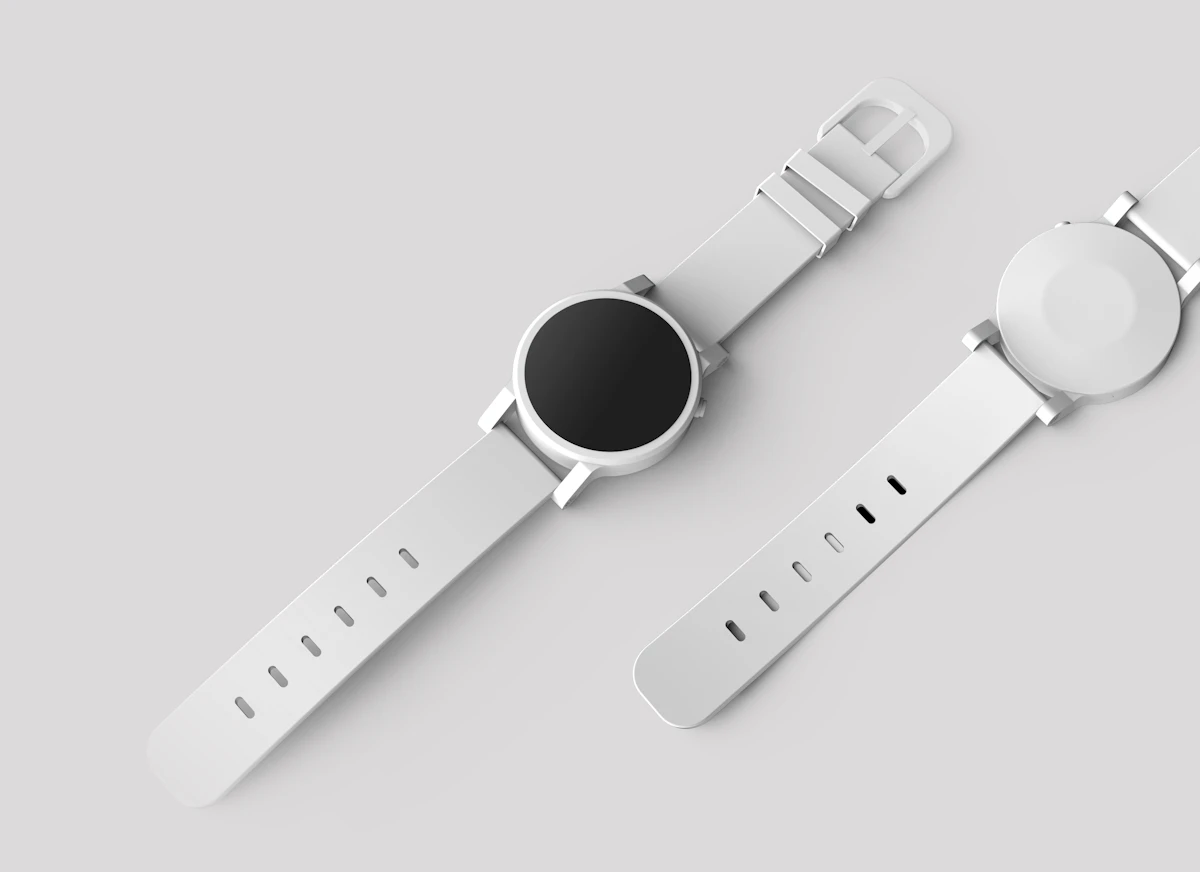
In this article
Quick checklist
Amazon image optimization is about reducing buyer hesitation. The gallery should show what the product is, how large it is, what it is made of, and why it is trustworthy.
Lead With A Clean Main Image
The main image should make the product unmistakable. Remove distractions, center the item, keep edges crisp, and avoid edits that change what the buyer receives.

- Product fills the frame without touching edges.
- Background stays clean and neutral.
- Color remains accurate to the real item.
Use Supporting Images To Answer Questions
Think of each gallery frame as a job. One proves scale, one shows texture, one explains use, and one handles packaging or compatibility.
Trust starts when the image answers the buyer's first question before they read the title.
Keep Your Catalog Consistent
Consistency is a trust signal. When every SKU uses the same crop ratio, background logic, and lighting baseline, the storefront feels easier to compare.
| Gallery role | Image job | Editing focus |
|---|---|---|
| Main image | Instant recognition | Clean product view |
| Scale image | Size confidence | Real context without clutter |
| Detail image | Material proof | Sharp texture and accurate color |
Final takeaway: Amazon images should reduce hesitation. Lead with a clear product view, then use the gallery to prove scale, texture, use case, and trust.
PixEdit workflow